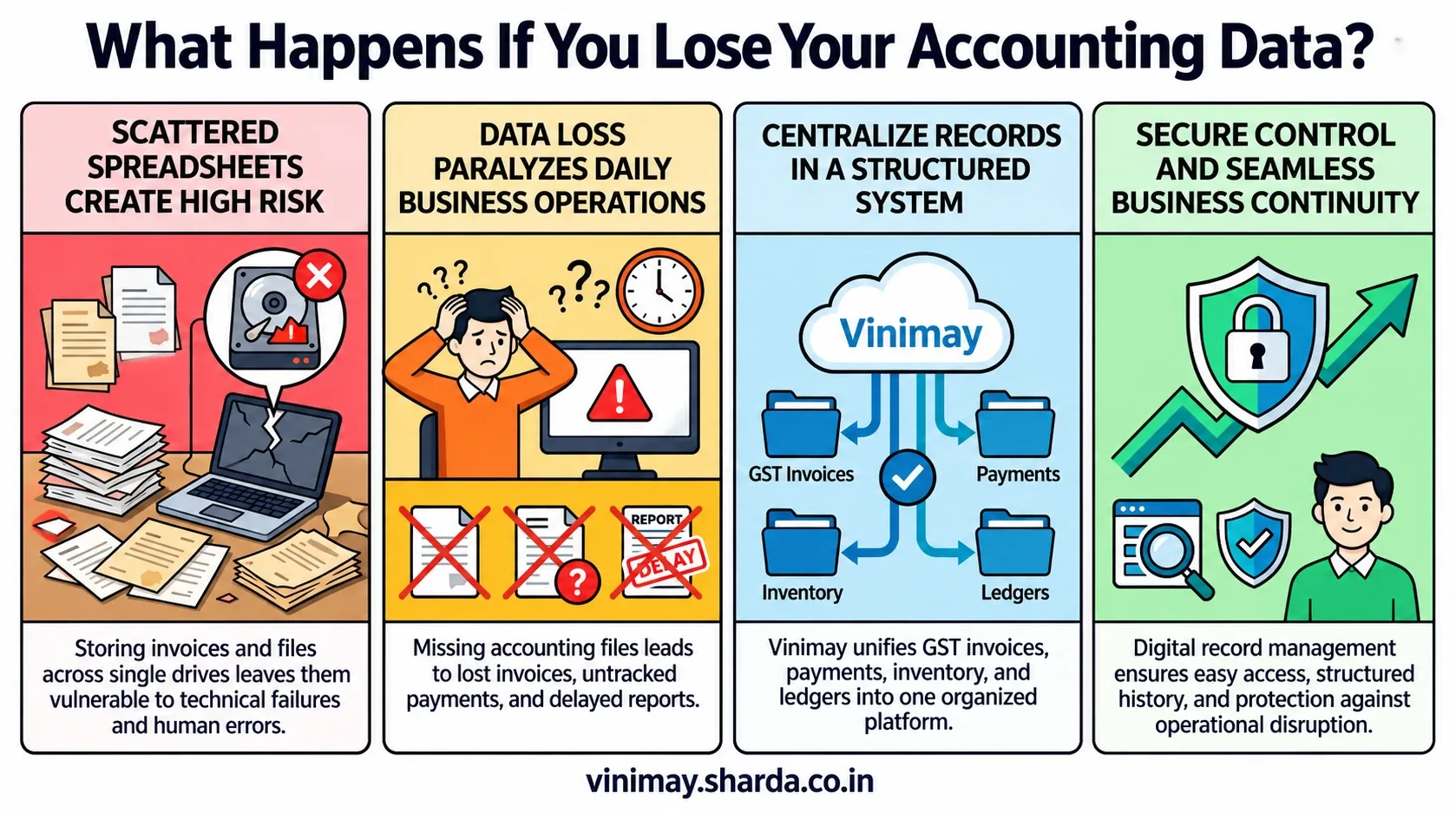
Accidentally deleting an accounting entry can create confusion in daily business operations. A missing sales invoice, deleted purchase record, or removed payment transaction can affect account balances and make it difficult to match financial information. Whether a deleted entry can be recovered depends on how the accounting software manages deleted records, transaction history, and restoration options. Vinimay helps businesses maintain GST invoices, sales records, purchase records, payment details, inventory information, ledgers, and reports in an organised system, helping businesses keep financial information structured and easier to manage. This guide explains what happens after deleting accounting entries, what recovery options businesses can consider, and how proper record management can help avoid such problems.
What Happens When an Accounting Entry Is Deleted?
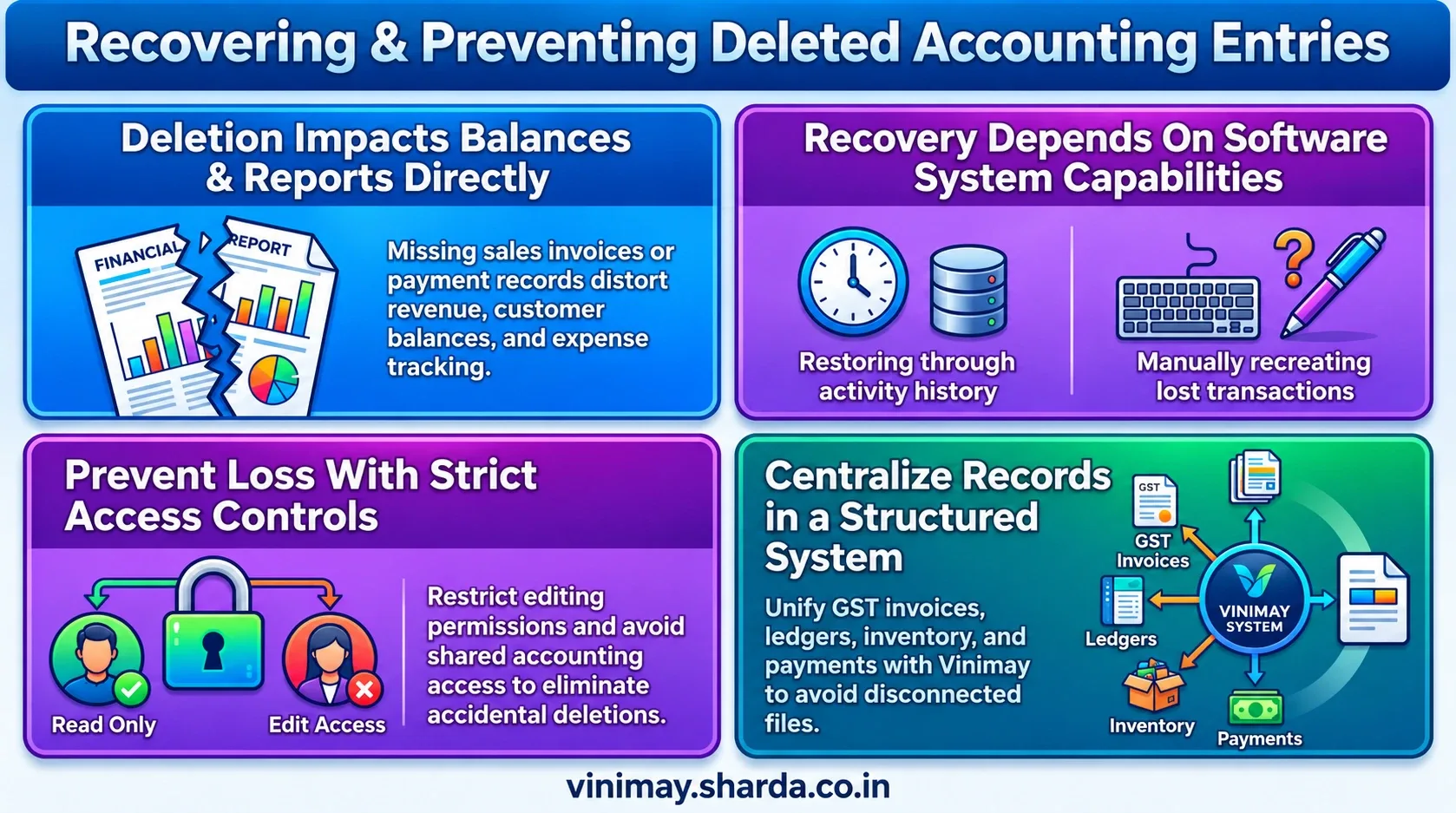
When an accounting entry is deleted, the impact depends on the software system and how it handles removed records. In some systems, deleted information may be moved to a recoverable area or remain available through activity history, while in others, deletion may permanently remove the record.
A deleted entry can affect different parts of business records. For example, removing a sales invoice may impact revenue records, customer balances, and reports. Similarly, deleting a purchase entry can affect supplier records and expense tracking.
This is why businesses should understand how their accounting system manages deleted transactions before relying on it for daily operations.
Can Deleted Accounting Entries Be Recovered?
The possibility of recovery depends on the software, available records, and the way the deletion happened.
Some common recovery possibilities include:
The exact recovery process varies between accounting systems, so businesses should understand the data management features available in their software.
Why Do Businesses Lose Important Accounting Entries?
Accounting entries can disappear due to different reasons. Sometimes it happens accidentally, while in other cases it can happen because of technical or process-related issues.
Common reasons include:
Accidental deletion by users
Incorrect changes during data entry
Software or system issues
Poor record management practices
For example, an employee may remove an invoice while trying to correct an error, without realising that the original transaction information was still required.
Why Is Transaction History Important?
Transaction history helps businesses understand how records were created and modified over time. When a business maintains proper history, it becomes easier to identify missing information and review previous activities.
For example, if a payment record appears incorrect, checking previous transaction details can help understand what happened instead of recreating information from memory. Maintaining organised accounting records improves transparency and reduces confusion during financial reviews.
How Can Businesses Prevent Losing Accounting Entries?
The best way to handle deleted accounting entries is to reduce the chances of losing important information in the first place. Businesses should focus on maintaining organised records, controlling user access, and following proper accounting processes.
A structured accounting system helps businesses keep sales, purchases, expenses, inventory, and payment information connected instead of depending on separate files. Regular review of records also helps identify mistakes before they create bigger problems.
What Should Businesses Check in Accounting Software?
Before selecting accounting software, businesses should understand how it handles important records and transaction management.
The right software should help businesses maintain organised financial information and reduce unnecessary data management issues.
Managing Accounting Records Better With Vinimay
When businesses manage invoices, payments, purchases, inventory, and customer records separately, finding missing information becomes difficult. Vinimay helps businesses manage GST invoices, billing records, sales records, purchase records, customer management, vendor management, inventory, stock tracking, payment tracking, receipt tracking, ledger management, and business reports.
For example, instead of searching through multiple files to verify a transaction, businesses can maintain their accounting activities in a structured system.
The practical benefit is better organisation of financial records and easier management of daily business transactions.
Common Mistakes Businesses Make With Accounting Entries
Many accounting problems arise when businesses do not follow consistent record-management practices. Common issues include sharing accounting access without proper controls, editing records without maintaining supporting documentation, failing to review transaction details regularly, and relying entirely on manual records. Maintaining structured accounting processes, controlled access, proper documentation, and regular reviews helps businesses keep their financial information accurate, organised, and reliable.
Conclusion
Deleted accounting entries can create unnecessary difficulties, especially when businesses depend on accurate transaction records for daily operations and financial decisions. While recovery options depend on the accounting system and available records, maintaining organised data practices can help reduce the impact of accidental deletion. A reliable accounting process is not only about recording transactions but also about managing financial information carefully so businesses can access and review important records when needed.
Frequently Asked Questions
1. Can deleted accounting entries be recovered?
Recovery depends on the accounting software, available transaction history, and whether the deleted information is still accessible.
2. What happens if I delete an invoice by mistake?
A deleted invoice may affect sales records, customer balances, and reports. Businesses should check available recovery options or recreate the entry if required.
3. Does accounting software save deleted transactions?
This depends on the software system and its record management features.
4. How can businesses avoid losing accounting data?
Businesses can reduce risks by maintaining organised records, managing user access, and following proper accounting processes.
5. Can I recover deleted purchase entries?
Recovery depends on how the accounting software handles deleted transactions and whether previous records are available.
6. Why are accounting records important?
Accounting records help businesses track sales, purchases, expenses, payments, and overall financial activity.
7. Can employees accidentally delete accounting entries?
Yes, accidental deletion can happen if users do not have proper guidance or access controls.
8. What should I check before choosing accounting software?
Businesses should check transaction management, record organisation, user access, and reporting capabilities.
Related Topics
Published by Team Vinimay
Our editorial and compliance specialists create practical guides, tax calculation rules, and operational strategies to empower Indian small business owners and accountants.