A customer calls asking about an invoice from four months ago. In Excel, this usually means opening the right file — if you remember which one — then scrolling, filtering, or using Find to search across rows that may or may not be labelled consistently.
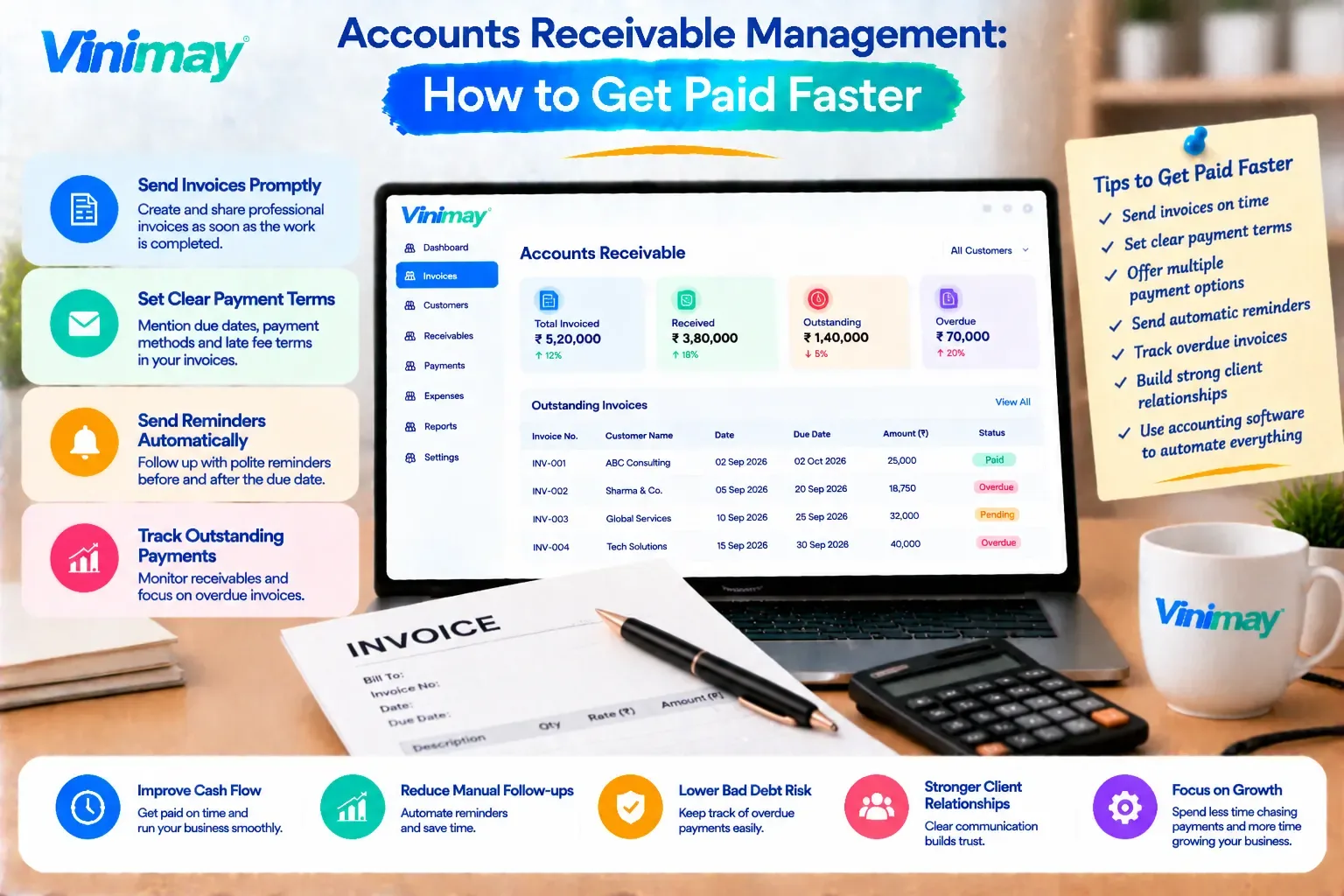
In dedicated accounting software, the same request usually means typing the customer's name or invoice number into a search bar and getting a direct result. That gap, small as it sounds on paper, adds up quickly for a business that fields these requests regularly. Billing and accounting software helps organise invoices, payments, stock and customer records in one system, and search speed is one of the more underrated, practical differences it makes. Vinimay keeps sales records, purchase records, and customer and vendor details connected, which is directly relevant to how quickly a specific transaction can actually be found. This guide compares what finding a transaction really involves in each method.
What Finding a Transaction in Excel Actually Involves
In a typical Excel-based system, locating a specific transaction usually requires:
Remembering which file or sheet the transaction might be in
Knowing roughly which month or date range to look in
Using Find or a filter, which only works well if entries are labelled consistently
Manually scrolling if the exact spelling of a name or reference doesn't match what was searched
If the same customer's name was ever typed differently across entries, a simple search can miss the transaction entirely.
Why Finding a Past Transaction Matters More Than It Sounds
Locating an old invoice or payment isn't a rare task — it happens whenever a customer disputes a charge, an accountant asks for a specific record, or a business owner wants to confirm whether a payment was received. How quickly and reliably this can be done affects both customer experience and internal efficiency.
What Finding a Transaction in Accounting Software Looks Like
In dedicated billing software, finding a transaction typically involves:
Searching directly by customer name, invoice number, or date
Getting matched results even with partial information, since customer records are stored once and reused
Viewing the transaction alongside related information — like whether it was paid — without switching files
Where the Time Difference Really Shows Up
The gap between the two methods isn't always obvious on a single search — it's obvious when it happens repeatedly. A business handling a handful of customer queries a month might not notice much difference. A business fielding several such requests a week, or trying to compile a customer's full history for a review, feels the difference immediately.
What Makes Search Harder Over Time in Excel Specifically
Excel's search difficulty tends to compound as a business grows:
More sheets are created over time, splitting transaction history across files
Naming inconsistencies accumulate the longer the manual entry continues
Older data sometimes gets archived into separate files, adding another place to check
There's no single, unified place to search for everything at once
A Practical Comparison
How Vinimay Makes Transactions Easier to Locate
Because Vinimay keeps records connected rather than split across files, finding a specific transaction is generally more direct:
Customer and vendor management stores each contact once, so searching by name pulls up their full transaction history rather than requiring a separate lookup
Sales records and purchase records are maintained together, so a transaction doesn't need to be searched for across multiple disconnected sheets
Ledger management shows each customer's or vendor's running history in one place, making it easier to locate a specific past entry
Billing and payment tracking being linked means confirming whether an invoice was paid doesn't require checking a separate file
The practical effect is that a task which might take several minutes of scrolling and cross-checking in Excel becomes a quick, direct lookup instead.
Frequently Asked Questions
1. Is it faster to find a transaction in accounting software than in Excel? Generally yes, since software allows direct search by customer, invoice number, or date, rather than manual scrolling or filtering.
2. Why does Excel become harder to search over time? Because more sheets, files, and naming inconsistencies accumulate as a business adds more transactions.
3. Can Excel's Find or Filter function work well for this? It can work for small, consistently labelled datasets, but becomes unreliable as inconsistencies and data volume grow.
4. What's the most common reason a search fails in Excel? Inconsistent naming — the same customer or product entered differently across rows — is a common cause of missed search results.
5. Does accounting software show related information alongside a transaction? Typically yes — for example, whether an invoice has been paid is often visible alongside the invoice itself.
6. Is search speed really a significant factor for a small business? For businesses handling regular customer queries or reviews, yes — the time saved adds up noticeably over weeks and months.
7. Can I search across multiple years of data easily in Excel? This depends on how many separate files were created over time; older data is often harder to search if it's been archived separately.
8. Does keeping records in one system improve searchability? Yes — having sales, purchases, and payments connected in one place avoids the need to search multiple disconnected files.
9. How does customer history search work in accounting software? Searching a customer's name typically pulls up their full transaction history, since their details and records are stored together.
10. Is switching to software worth it just for easier searching? For businesses that regularly need to look up past transactions, easier searching alone can meaningfully save time.
Related Topics
Published by Team Vinimay
Our editorial and compliance specialists create practical guides, tax calculation rules, and operational strategies to empower Indian small business owners and accountants.