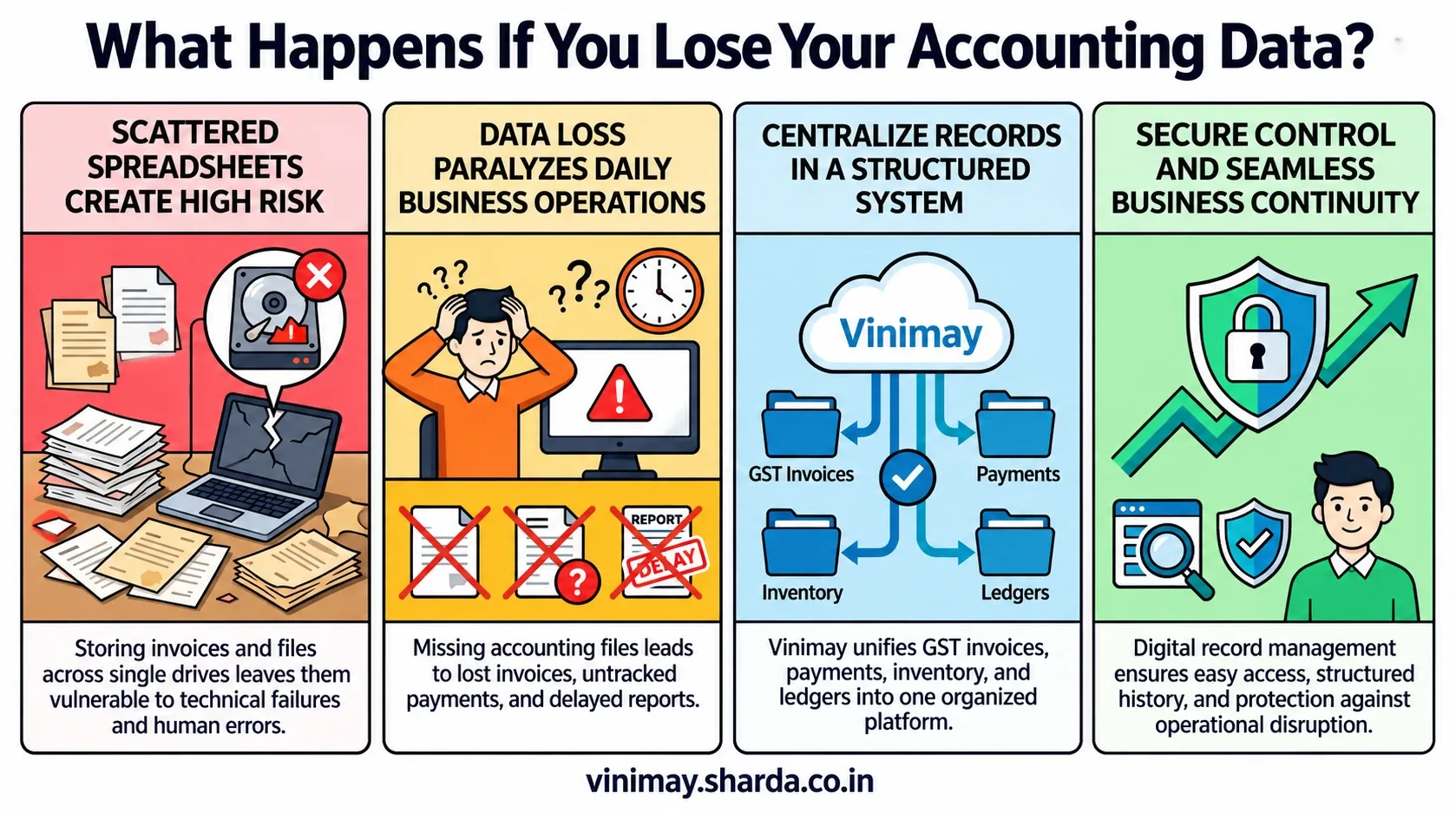
Businesses today manage large amounts of financial information, including invoices, customer details, purchase records, payments, expenses, and transaction history. As businesses move away from notebooks and local files, many are adopting cloud accounting solutions to manage their records online. Cloud accounting can provide better accessibility and organised business data management, but security depends on multiple factors such as software design, access controls, user practices, and the security measures implemented by the service provider. Cloud security generally follows a shared responsibility approach, where both the service provider and the business have roles in protecting data.
Vinimay helps manage business data, GST invoices, billing records, sales, purchases, inventory, customer and vendor information, payments, ledgers, and reports in a structured system. By maintaining business information in an organised way, businesses can reduce dependence on scattered files and improve control over their daily records.
What Is Cloud Accounting?
Cloud accounting means using accounting software that stores and manages business data through online systems instead of keeping all records only on a local computer.
Unlike traditional accounting methods where data may remain on one desktop or a single file, cloud-based systems allow businesses to access their records through authorised access.
For example, a business can maintain:
Sales invoices
Purchase records
Customer details
Vendor information
Expense records
in a structured digital environment.
The main advantage is that businesses can manage their records without depending only on physical files or one computer system.
Why Are Businesses Concerned About Cloud Accounting Security?
Financial business data is one of the most important assets of a business. Accounting systems often contain information about customers, suppliers, sales, payments, and business transactions.
A security issue can create problems such as:
Unauthorised access to business information
Loss of important records
Exposure of confidential transaction details
Because of this, businesses should evaluate security practices before selecting any cloud accounting software.
How Does Cloud Accounting Protect Business Data?
A secure cloud accounting system generally focuses on controlling who can access information and protecting data during storage and usage.
Important security considerations include:
Security practices such as strong authentication, controlled access permissions, and monitoring are commonly recommended approaches for protecting cloud-based business systems.
Is Cloud Accounting More Secure Than Local Files?
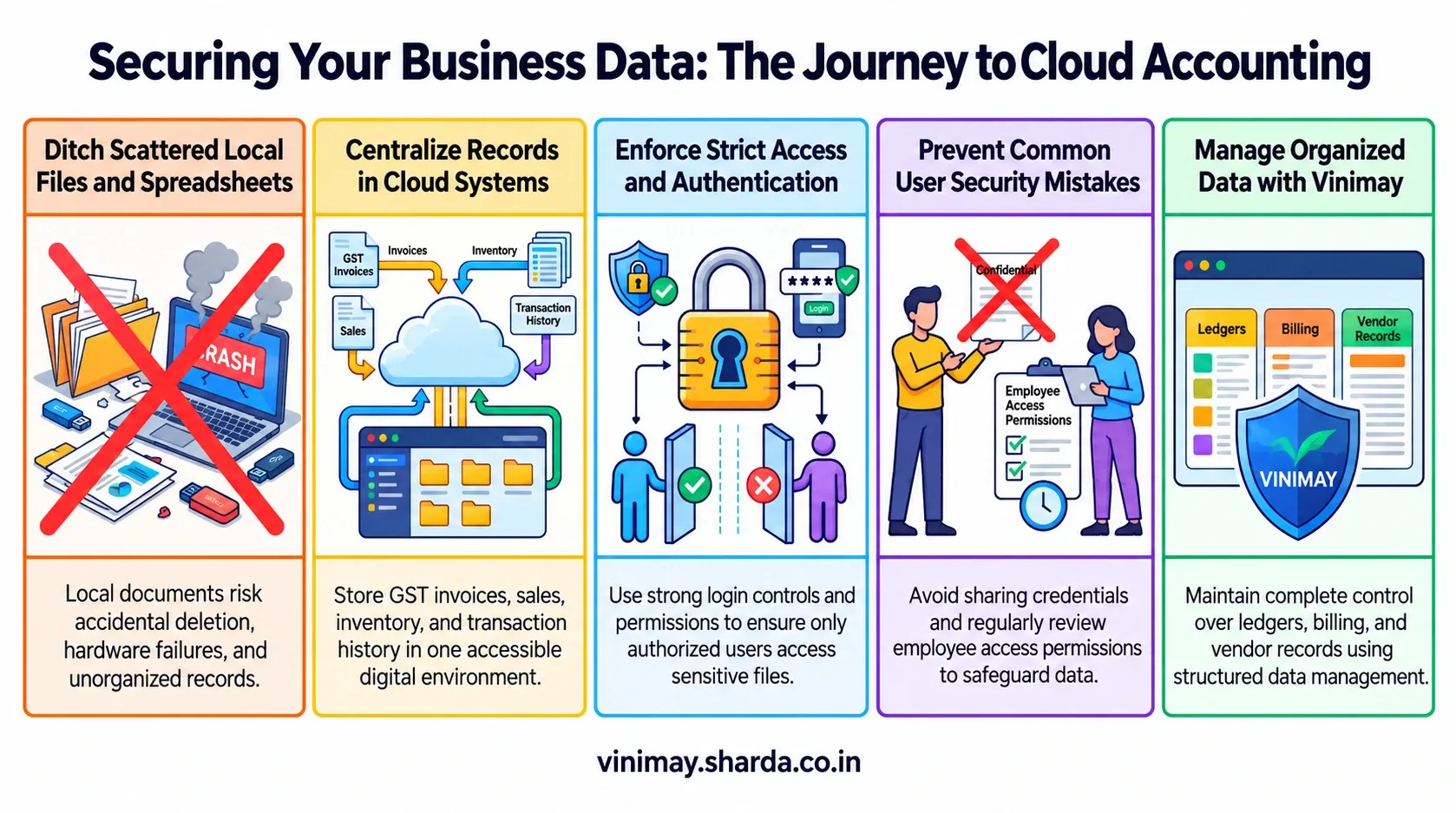
Many small businesses store accounting data in spreadsheets, desktop files, or physical documents. These methods can create risks if files are accidentally deleted, devices fail, or access is not properly controlled.
Cloud accounting does not automatically remove all security risks, but it can provide a more structured approach to managing business information when proper security practices are followed.
For example, instead of having multiple versions of an invoice file saved on different computers, businesses can maintain organised records within a central system.
The level of security depends on the software provider, configuration, and how users manage their accounts. -----
What Should Businesses Check Before Choosing Cloud Accounting Software?
Before selecting cloud accounting software, businesses should look beyond only features and pricing. Security and data management practices are equally important.
Businesses should consider:
A good accounting system should make business data easier to manage while maintaining appropriate security practices.
Human Mistakes Are Also Important in Data Security
Even a secure software system depends on how users handle access.
Many security issues happen because of simple mistakes, such as sharing passwords, using weak login credentials, or allowing unnecessary access to business records.
Businesses should create basic practices around:
Keeping login details private
Giving access only when required
Regularly reviewing users who can access records
Technology and user practices work together to protect business information.
How Does Vinimay Help Businesses Manage Data?
Businesses often struggle when financial information is spread across notebooks, spreadsheets, and separate files. This makes it difficult to maintain complete transaction history and access important records when required. Vinimay helps businesses manage GST invoices, billing records, sales records, purchase records, customer management, vendor management, inventory, stock tracking, payment records, receipt records, ledger management, and reports in a structured system.
For example, instead of maintaining customer details separately from invoice records, businesses can organise their billing and transaction information together. The practical benefit is better record organisation and easier access to business information during daily operations.
Common Mistakes Businesses Make With Accounting Data
Businesses sometimes focus only on selecting software but ignore basic data management practices.
Common mistakes include:
Sharing account credentials with multiple people
Not reviewing user access regularly
Keeping incomplete transaction records
Depending only on manual files
A secure accounting process requires both suitable software and responsible usage.
Frequently Asked Questions
1. Is cloud accounting safe for business data?
Cloud accounting can be safe when the software provider follows proper security practices and businesses manage access responsibly.
2. What makes cloud accounting secure?
Security depends on factors such as access control, authentication, data protection measures, and user practices.
3. Is accounting data safer on the cloud than on a computer?
Cloud accounting can provide organised data management, but security depends on the software provider and how users manage access.
4. Can cloud accounting protect customer and transaction records?
A properly managed cloud accounting system can help businesses organise and protect customer and transaction information.
5. What should I check before choosing cloud accounting software?
Businesses should check security practices, user access controls, data management features, and overall reliability.
6. Can multiple employees access cloud accounting software?
Many cloud systems allow controlled access for multiple users, depending on the software and permissions available.
7. Does cloud accounting remove all data security risks?
No. Cloud accounting reduces some risks, but businesses must still follow good security practices.
8. Why is access control important in accounting software?
Access control helps ensure that only authorised people can view or manage sensitive business information.
Related Topics
Published by Team Vinimay
Our editorial and compliance specialists create practical guides, tax calculation rules, and operational strategies to empower Indian small business owners and accountants.