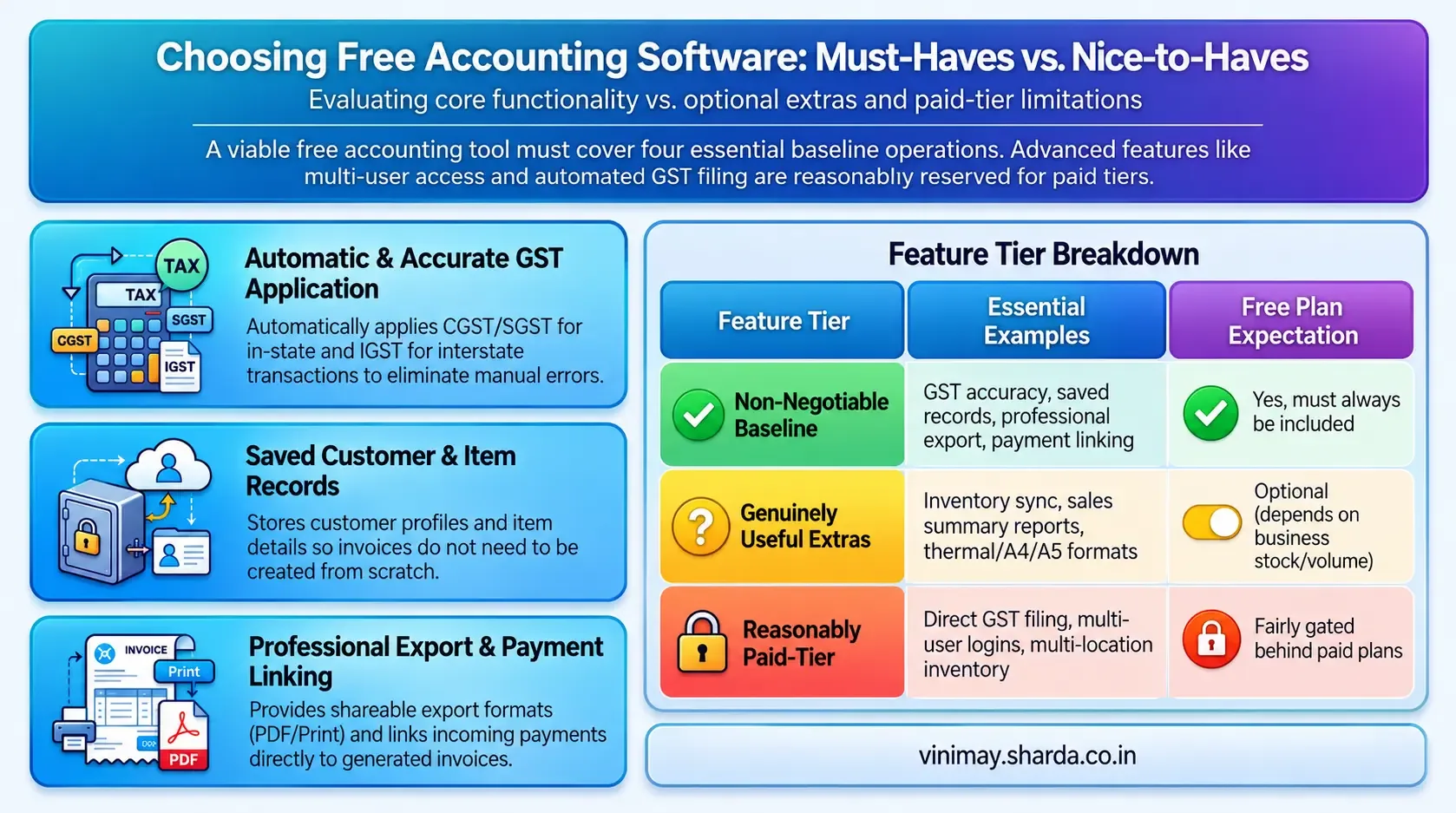
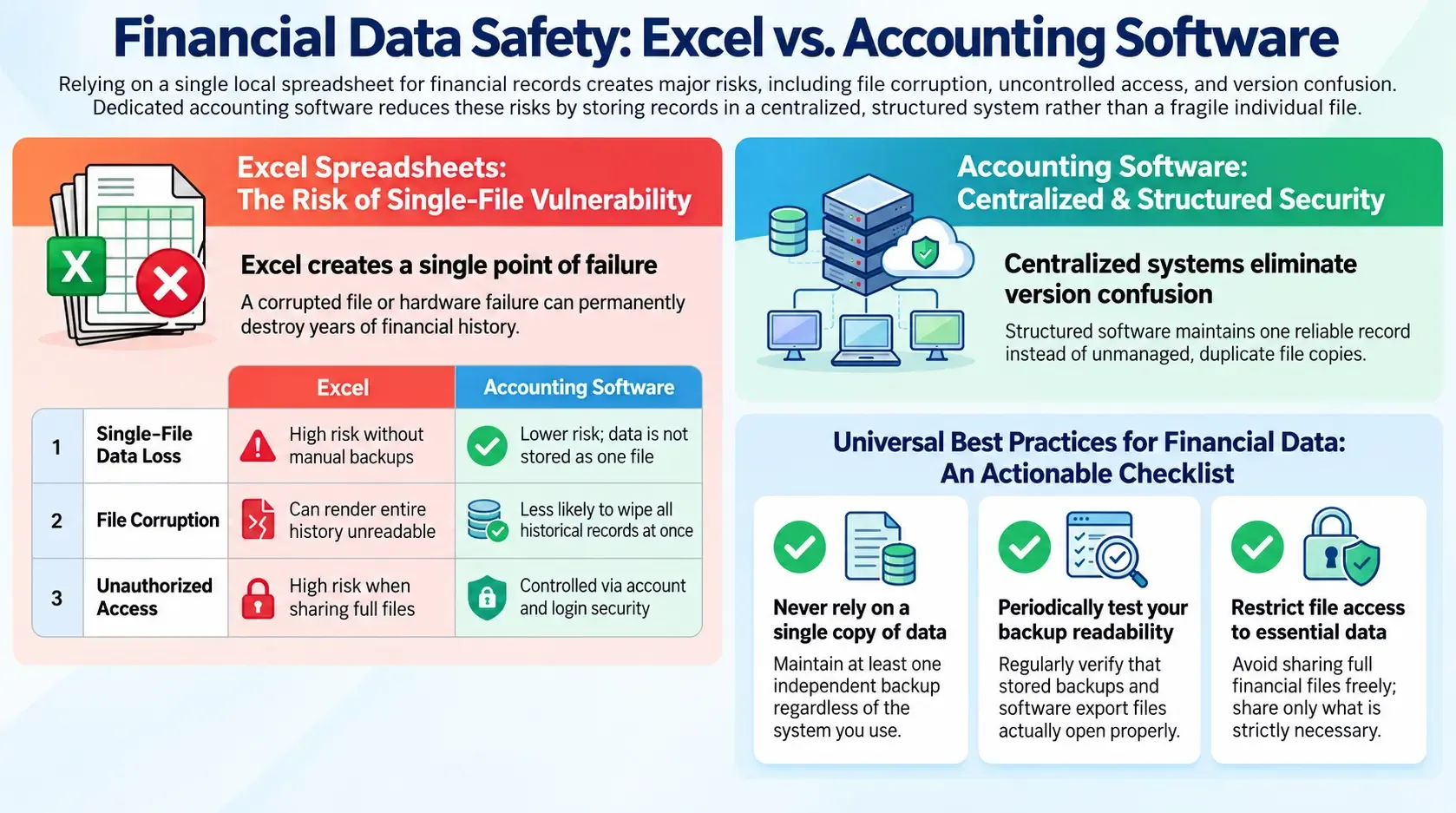
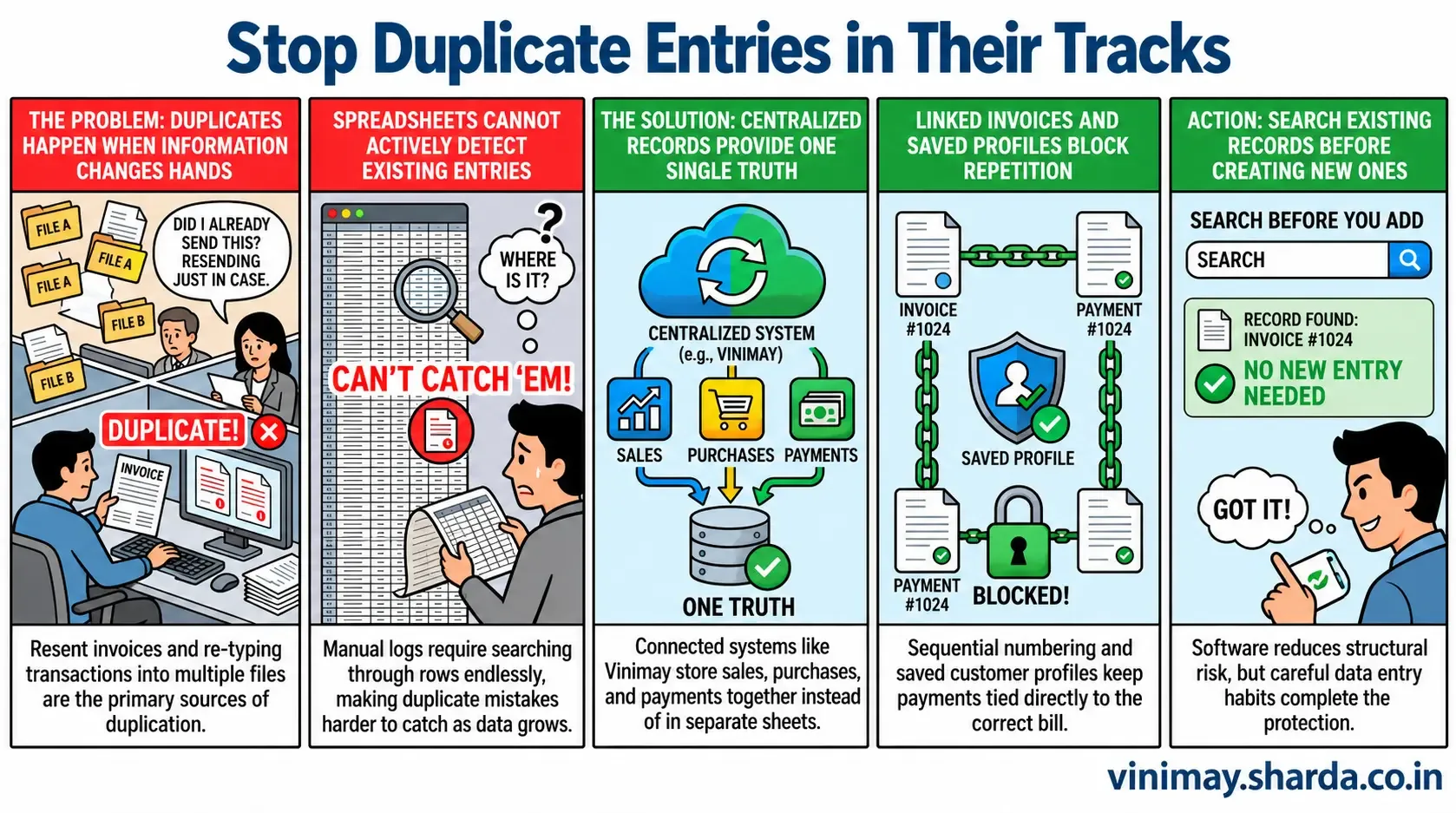
As businesses grow, different employees may need to handle tasks such as creating invoices, updating customer details, managing inventory, and recording transactions. Managing these activities through separate files or a single-user system can slow down operations and make it difficult to maintain updated records. Multi-user billing software allows multiple employees to work on business data simultaneously with proper access controls and user permissions. It helps teams collaborate efficiently while keeping financial information organised and secure. Vinimay enables businesses to manage billing, accounting, and transaction records in one system, allowing smoother coordination between different users based on their roles and requirements.
What "Simultaneously" Actually Requires Technically
For multiple people to genuinely work at the same time without conflict, the software needs to handle concurrent access to shared data — meaning two staff members can each create separate invoices at the same moment without one action blocking or overwriting the other. This is a structural requirement, not just a feature toggle.
Common Simultaneous-Use Scenarios
Two billing counters operating during a busy period
A delivery team logging collections while the main counter continues billing
A staff member updating stock while another processes a sale
Remote access from a second location while the main shop stays operational
What Could Go Wrong Without Proper Support
If software isn't genuinely built for simultaneous use, two common problems surface: one user's changes may overwrite another's, or the system may slow down significantly under concurrent load. Neither is obvious until multiple people actually try it at once — which is why confirming this directly matters more than assuming based on a feature list.

A Simple Way to Test This Yourself
Individual Logins Matter as Much as Simultaneous Access
Beyond the technical capability, whether each staff member has their own login — rather than sharing one password — determines whether simultaneous use also comes with accountability. Two people sharing one login can technically work at the same time, but there's no way to trace which staff member made which entry.
Where Vinimay Fits Into This
Vinimay's structure keeps billing, stock, and payment records connected as one underlying system, supporting multiple people contributing to the same business data. For specific details on staff login limits and simultaneous access on your particular plan, checking directly ensures you know exactly what's supported before relying on it for a growing team.
Frequently Asked Questions
1. Can multiple employees use the same billing software at the same time?
Yes, if the software supports multiple users and simultaneous access. Employees can perform different tasks based on their assigned permissions.
2. Does each employee need a separate login?
Ideally, each employee should have an individual login. This helps control access and makes it easier to identify who performed a particular action.
3. Can I control what each employee can access?
Many billing systems provide user permissions that allow businesses to restrict access to features such as sales, purchases, payments, inventory, or reports.
4. Can two employees create invoices at the same time?
If the software supports simultaneous users, multiple employees can generally create invoices at the same time without maintaining separate systems.
5. Can employees work from different locations?
Cloud-based billing software may allow authorised users to access the system from different locations, provided they have the required login credentials and internet access.
6. Can the owner monitor employee activities?
Some systems provide activity logs or user-wise records that help business owners review transactions and identify which user performed specific actions.
7. Is it safe to share one login with all employees?
Sharing one login is generally less suitable because it reduces accountability and makes it difficult to identify individual activities. Separate user accounts provide better access control
8. Can employees have different levels of access?
Yes, where role-based permissions are available, an owner can give employees access according to their responsibilities.
9. Can multiple employees manage inventory and billing together?
Yes. Where the software supports multiple users and connected inventory, one employee can handle billing while another manages purchases or stock records.
10. What should businesses check before choosing multi-user billing software?
Check the number of supported users, simultaneous access, user permissions, activity tracking, data security, and whether additional users require a higher subscription plan.
Related Topics
Published by Team Vinimay
Our editorial and compliance specialists create practical guides, tax calculation rules, and operational strategies to empower Indian small business owners and accountants.