How Can I Manage Business Data From Different Locations?
A business owner checking sales figures from home in the evening, after spending the day billing customers at the shop, is relying on an assumption that what they see from home genuinely reflects what happened at the shop that day. This is a different situation from running multiple separate companies, it's one business, one set of records, but accessed from more than one physical location, and the risk here isn't about legal separation, it's about whether the data stays consistent no matter where it's viewed or updated from.
This becomes more complicated the moment more than one location can actually make changes, not just view data, a second branch billing its own customers, or a family member updating purchase records from a different location entirely. Without the right setup, this can lead to two people unknowingly working from outdated or conflicting versions of the same information.
This article looks at the core risk in managing data across locations, what genuine consistency should look like, and a practical setup to avoid conflicts.
The Core Risk of Managing Data Across Locations
Outdated views — checking data from a location that hasn't synced recent changes made elsewhere
Conflicting simultaneous edits — two locations updating the same record around the same time, with one update potentially overwriting the other
Inconsistent local habits — one location naming products or categorizing transactions differently than another, even within the same business
What "Consistent Across Locations" Should Actually Mean
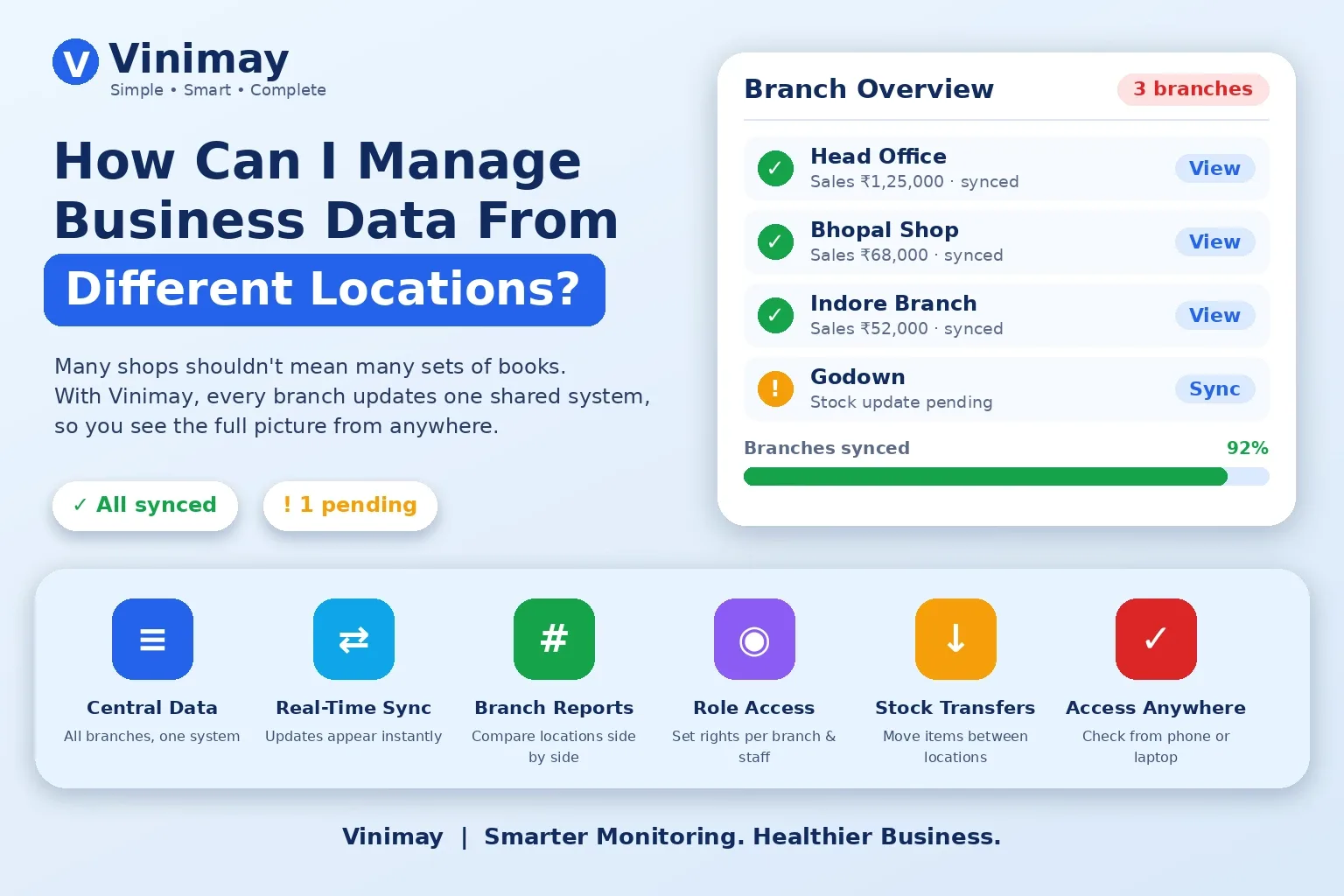
Direct answer: Genuine consistency means any location accessing the business's records sees the same, current data, and any update made from one location is immediately reflected for every other location viewing the same records, rather than each location holding its own separate, occasionally synced copy.
A Practical Setup to Avoid Location-Based Data Conflicts
Use one central, shared system rather than separate local files or spreadsheets per location
Confirm real-time or near-real-time syncing by testing directly, make a change at one location and check immediately from another
Assign clear responsibility for which location handles which type of entry, to reduce the chance of two locations editing the same record simultaneously
Set a routine check, especially early on, comparing what each location sees to confirm they genuinely match
Common Mistakes When Working Across Multiple Locations
Assuming a spreadsheet emailed between locations counts as "shared," when it's really just periodically synced copies that can drift apart
Two locations independently adding a new customer or product with slightly different names, creating duplicate rather than shared records
Not testing the actual sync speed, only discovering a delay when a decision was made based on outdated information
Relying on someone to manually consolidate location-specific notes at the end of each day rather than working from shared, live data throughout
Conclusion
Managing businessdata from different locations is about ensuring one consistent version of the truth, not multiple, separately maintained copies that need manual reconciliation. A genuinely shared, real-time system, combined with clear responsibility for who updates what, prevents the location-based conflicts and duplicate entries that fragmented, location-specific tracking tends to create.
FAQs
1. Is managing data across locations the same as managing multiple companies?
No, managing multiple companies involves legally separate entities with their own GST registrations and books, while managing data across locations involves one single business accessed or updated from more than one physical place.
2. What's the biggest risk when more than one location can update the same records?
The biggest risk is conflicting or outdated updates, where one location makes a change that isn't yet reflected for another location still viewing or acting on older information.
3. Is emailing a spreadsheet between locations a reliable way to keep data consistent?
Not reliably, since this creates periodically synced copies rather than one genuinely shared, live record, and the copies can easily drift out of agreement between updates.
4. How can I test if my system actually keeps data consistent across locations?
Make a specific change, like updating a stock quantity, from one location, then immediately check from another location to confirm the change appears without delay.
5. What causes duplicate customer or product entries when working across locations?
This typically happens when two locations independently add the same customer or product without checking if it already exists, especially likely if each location has been working from separate, unsynced records.
Related Topics
Published by Team Vinimay
Our editorial and compliance specialists create practical guides, tax calculation rules, and operational strategies to empower Indian small business owners and accountants.