How Can I Check Daily Sales and Transactions from One Place?
A business owner trying to understand "how did today go" often ends up checking three or four different things separately—the cash counted at the till, a UPI payment app for digital transactions, a notebook for pending customer payments, and maybe a separate stock register to see what sold. None of these individually is wrong, but piecing together a full picture from four different sources takes time and leaves room for something to be missed. sales
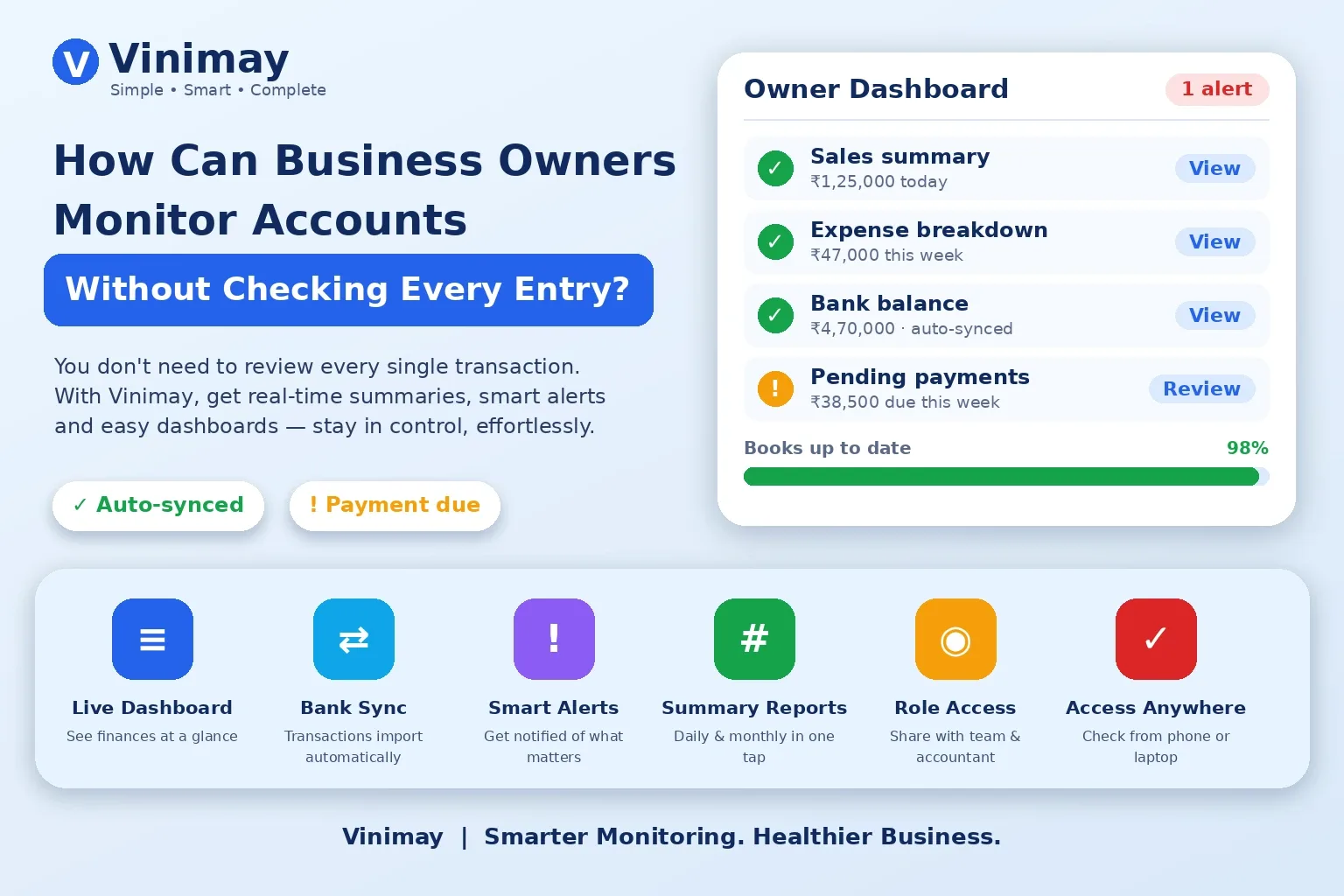
The appeal of checking everything "from one place" isn't just convenience—it's accuracy. When sales, payments, and stock changes are scattered, small inconsistencies between sources go unnoticed, since no one's comparing them side by side in real time. A single consolidated view removes that gap by showing the same day's activity as one connected picture rather than several separate ones.
This article looks at what a genuinely useful single view should include, how it differs from just having several separate reports, and how to build toward this even without specialized software.
Why Business Data Ends Up Scattered in the First Place
This fragmentation usually happens gradually, not by design:
Cash sales get tracked in a physical till or notebook
Digital payments live inside a separate payment app's own history
Stock changes get noted in yet another register or spreadsheet
Pending customer payments are remembered rather than recorded anywhere consistent
Each piece works fine on its own, but none of them talk to each other, so understanding the full day requires manually cross-referencing all of them.

What "One Place" Should Actually Show
A genuinely useful consolidated view for a single day should bring together:
The Difference Between a Dashboard and a Pile of Reports
Having five separate reports open in five tabs isn't the same as having one consolidated view—that's still fragmentation, just digital fragmentation instead of physical. A genuine single view means the numbers are already combined and reconciled against each other, so a sales total and a payment total for the same day should already agree without you manually adding anything up yourself.
What to Check For Before Trusting a Single View
Before relying on any consolidated dashboard or summary screen:
Confirm it reflects cash, digital, and pending payments together, not just one payment mode
Check that stock changes shown actually match what was billed that day
Verify it updates in real time, not on a delayed refresh that shows yesterday's numbers
Make sure it's viewable quickly, without needing to generate a separate report each time
Building a Single View Without Dedicated Software
If a consolidated dashboard isn't available, a simplified version can still be built manually:
At day's end, total up cash sales, digital sales, and any pending amounts separately
Add these three figures together for a true daily sales total
Cross-check this combined total against what stock records show as sold that day
Note any mismatch immediately, rather than letting it carry forward unexplained
This takes a few extra minutes compared to an automatic dashboard but achieves a similar consolidated result.
Where Fragmented Systems Continue to Cause Problems
Even with a disciplined manual routine, scattered systems carry ongoing risk: a payment app's history isn't automatically linked to a specific invoice, a stock register doesn't automatically reflect a sale made through a different payment mode, and reconciling all of it depends entirely on someone doing it correctly, consistently, every single day. A connected system removes this dependency by keeping sales, payments, and stock tied together from the moment a transaction happens.
Conclusion
Checking daily sales and transactions from one place isn't just a convenience; it's what allows small inconsistencies between payments, sales, and stock to be caught immediately rather than discovered much later during a larger reconciliation. Whether achieved through a connected system or a disciplined manual routine, the goal is the same: one combined, reliable picture of the day, rather than several separate ones that need to be pieced together after the fact.
FAQs
1. Why does checking sales across multiple apps and registers cause errors?
Because each source is updated independently, small mismatches, like a payment recorded in an app but not reflected against the right invoice, go unnoticed unless someone manually cross-checks every source against every other one.
2. What's the minimum information a useful daily summary should include?
At minimum, total sales across all payment modes, payments received matched to specific invoices, and any resulting stock changes for the day, so the figures can be compared consistently against each other.
3. Is having several separate reports the same as having one consolidated view?
Not really — several separate reports still require manual cross-referencing to build a full picture, while a genuine consolidated view combines and reconciles the numbers automatically in one place.
4. Can a manual routine achieve something close to an automatic dashboard?
Yes, to a reasonable extent, by totaling cash, digital, and pending sales separately each day and adding them together, though this takes more time and relies on consistent daily effort.
5. What's the risk of continuing to track sales and stock in separate, unconnected systems?
The risk is that inconsistencies between systems, like a sale recorded in one place but not reflected in stock elsewhere, go unnoticed until a larger discrepancy forces a manual investigation.
Related Topics
Published by Team Vinimay
Our editorial and compliance specialists create practical guides, tax calculation rules, and operational strategies to empower Indian small business owners and accountants.