Business Growth
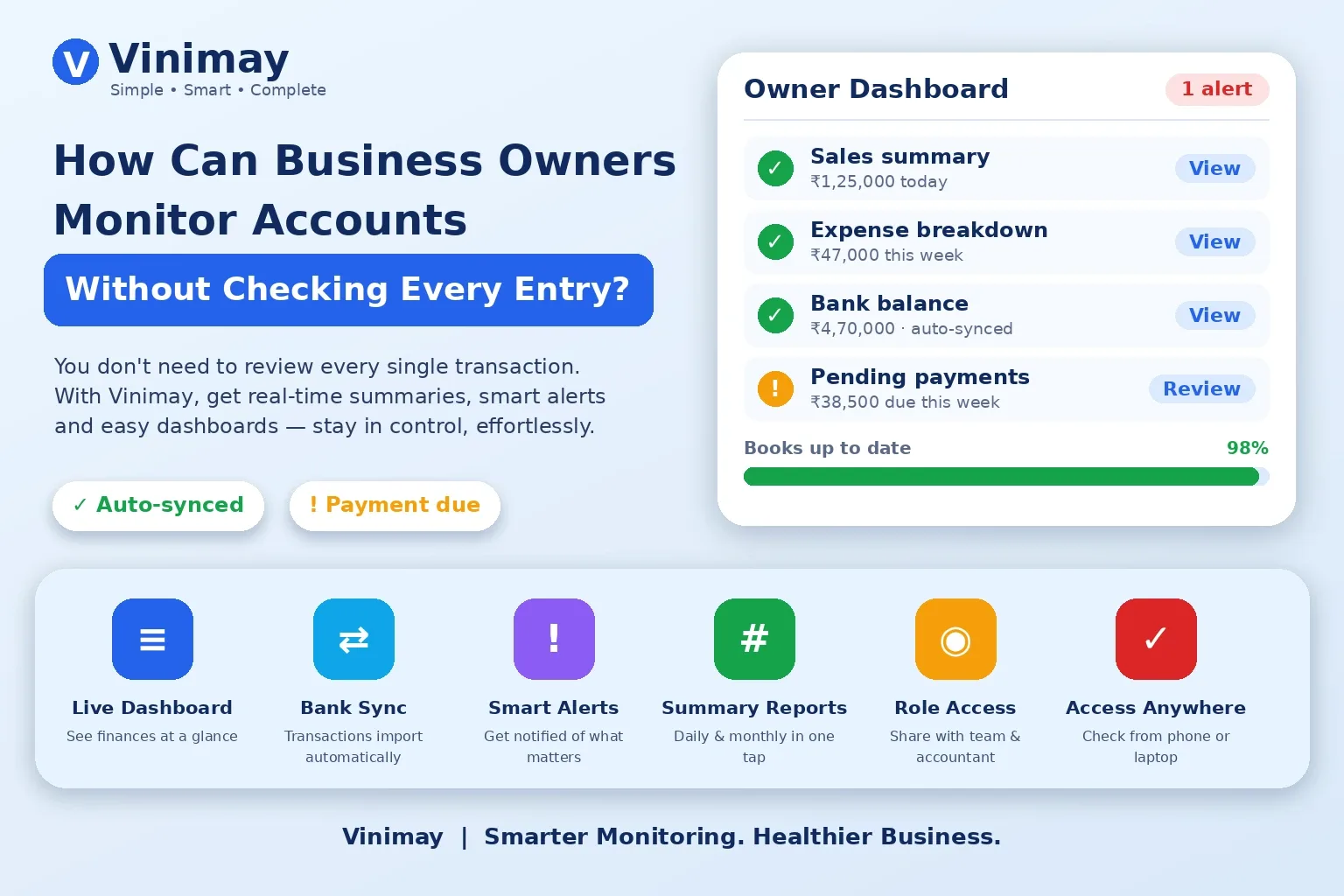
Read post How Business Owners Can Monitor Accounts Hands-Free
Don't have time to review every transaction? Here's how to monitor your business accounts efficiently using exceptions, summaries, and smart checks.
Don't have time to review every transaction? Here's how to monitor your business accounts efficiently using exceptions, summaries, and smart checks.
Create professional GST-compliant invoices in under 30 seconds, send WhatsApp payment links, and track inventory effortlessly.
: Download or create a free Irish VAT invoice using a template or online generator. Learn the invoice details required by Revenue and how to calculate VAT.
Creating an invoice Irish is a routine task for sole traders, freelancers, and small businesses in Ireland. However, a VAT-registered business needs to make sure its invoices contain the correct information and clearly show the VAT charged on each transaction.
Preparing invoices manually can lead to missing details, incorrect calculations, or inconsistent invoice numbering. A ready-made invoice template or online invoice generator can make this process easier.
Businesses can use Excel, Word, or online tools to prepare invoices. The important point is that the final document must contain the information required under Irish VAT rules.
This guide explains what an Irish VAT invoice should include, how to use a free invoice template and what to check before sending an invoice to a customer.
You can create an Irish VAT invoice using an editable Excel or Word template, or an online invoice generator.
A template is useful if you want to prepare invoices manually and customise the layout. An online generator is more convenient when you want to enter customer details, add products or services, calculate VAT and download the completed invoice.
For VAT-registered businesses, the invoice must include the information required by Irish Revenue. A professional design alone does not make an invoice VAT-compliant.
A VAT invoice is a document issued by a VAT-registered business for a taxable supply of goods or services.
It records the transaction details, the amount charged and the VAT applicable to the supply. It also provides information that helps the business and its customer maintain accurate financial records.
For example, a consultant providing professional services may issue an invoice showing the service description, net amount, applicable VAT rate and total amount payable.
Similarly, a retailer selling products to another business may issue an invoice with item quantities, unit prices and the VAT breakdown.
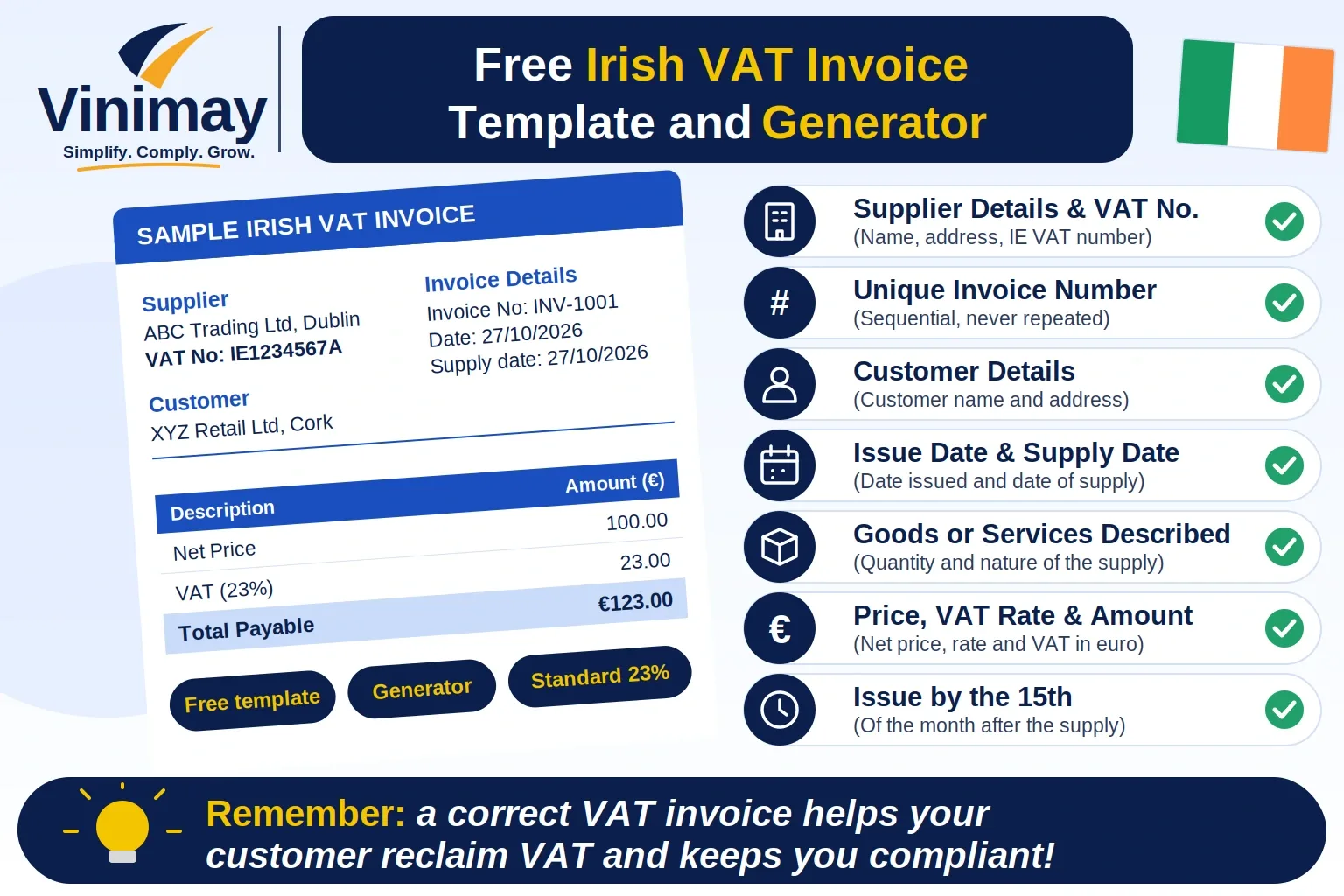
Irish Revenue specifies the information that must appear on a VAT invoice. The details include:
Additional information may be required for specific transactions, including reverse-charge transactions and intra-community supplies.
A useful invoice template should make it easy to enter business information, customer details and transaction amounts.
Include your registered business name, address, contact details and VAT registration number, where applicable.
Add the customer's name and address. Additional VAT information may be required for certain business transactions.
Include a unique sequential invoice number, issue date, payment due date and relevant supply date.
Add a separate line for each product or service. Include its description, quantity, unit price and applicable VAT treatment.
The invoice should clearly show the net amount, VAT amount by rate and final total payable.
Include payment terms and the bank or payment details customers need to settle the invoice.
A well-organised template makes it easier to prepare consistent invoices for different customers.
An online invoice generator can reduce the amount of manual work involved in preparing invoices.
Follow these steps:
Step 1: Enter Your Business Details
Add your business name, address, and VAT registration number, if registered.
Step 2: Add Customer Information
Enter the customer's business name and address. Check that the information is correct before generating the invoice.
Step 3: Add Products or Services
Describe the goods or services supplied, including quantities and unit prices.
Step 4: Select the Applicable VAT Treatment
Choose the correct VAT treatment for the transaction. Do not automatically apply one rate to every product or service, as different supplies can have different VAT treatments.
Step 5: Review the Calculations
Check the net amount, VAT breakdown and total payable. Also check discounts and any special VAT treatment.
Step 6: Download and Send the Invoice
Download the completed invoice as a PDF or another suitable format. Keep a copy with your business records.
A template may be sufficient for a business issuing only a few invoices. An online generator or invoicing platform can be more convenient when invoices are prepared regularly.
Before using an online tool, check the following:
Does it support Irish VAT rather than only another country's tax system?
Can it display the supplier's VAT registration number?
Can it show VAT separately by rate?
Does it provide unique invoice numbering?
Can you download and save invoices?
Does it allow you to maintain customer records?
Does it explain whether invoice information is stored online?
Can you export records for your accountant?
A tool that calculates VAT but omits mandatory invoice details may not be sufficient for your business.
Vinimay is a free invoicing and business management platform that offers invoice creation, customer and vendor management, payment tracking, inventory features and PDF invoice generation.
For businesses that regularly prepare invoices, having customer information and payment records in one platform can help reduce repetitive administration.
Its features may be useful for businesses looking for more than a downloadable invoice template.
Explore: Vinimay—Free Business Invoicing Software
Before issuing invoices in Ireland, select the appropriate Irish VAT configuration and verify the generated invoice against Revenue's requirements.
A free Irish VAT invoice template or online generator can make routine billing easier for sole traders and small businesses. However, the invoice must contain the information required by Revenue, including supplier details, customer details, invoice numbering, transaction descriptions, and the VAT breakdown.
Excel and Word templates can work well for occasional invoicing, while online generators can save time when preparing invoices regularly.
If you need more than a basic invoice document, consider a business platform that also helps manage customer records, payments, and inventory.
Looking for a simple way to manage business invoices and payments? Explore Vinimay and its invoicing features.
Our editorial and compliance specialists create practical guides, tax calculation rules, and operational strategies to empower Indian small business owners and accountants.
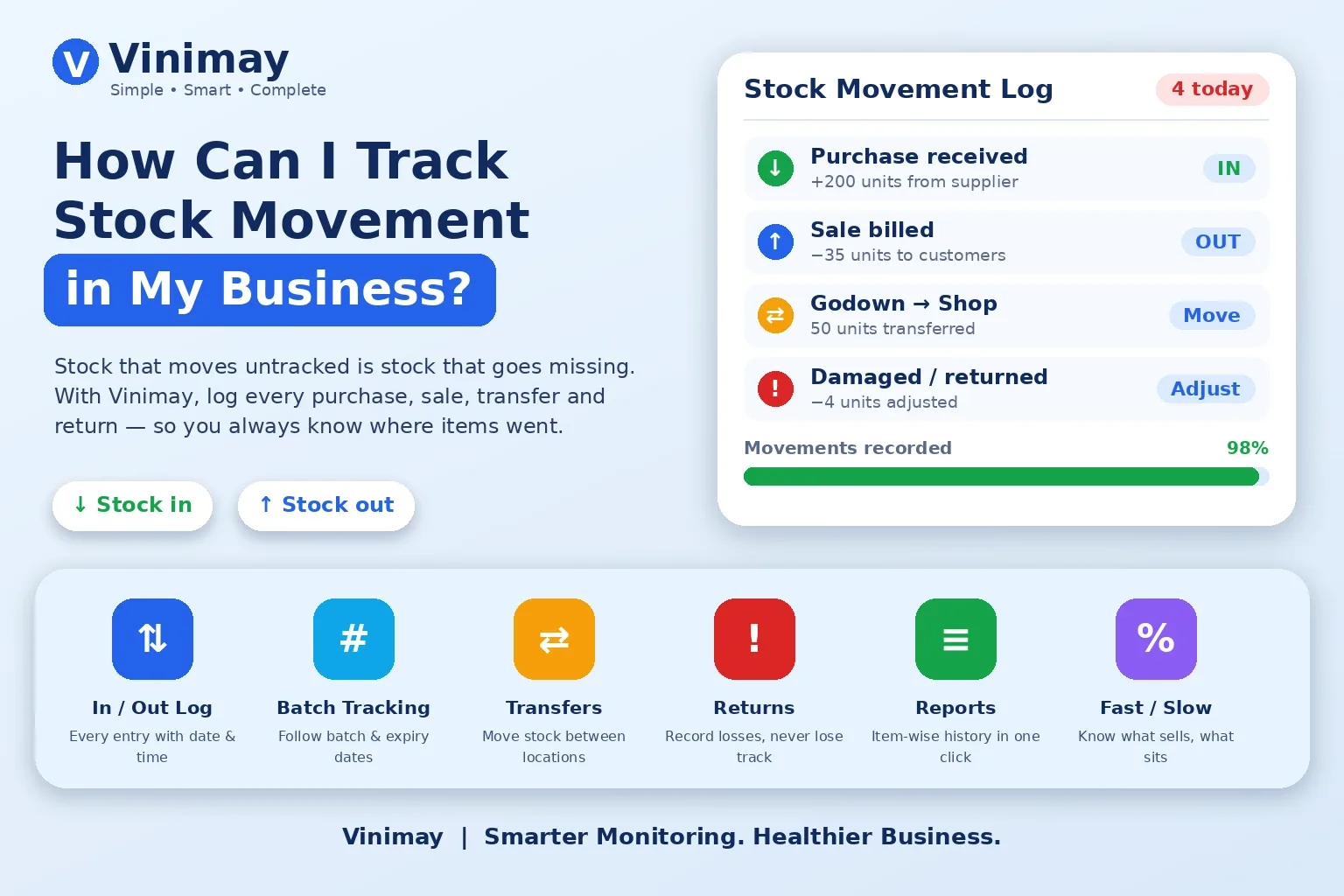
How Can I Track Stock Movement in My Business?
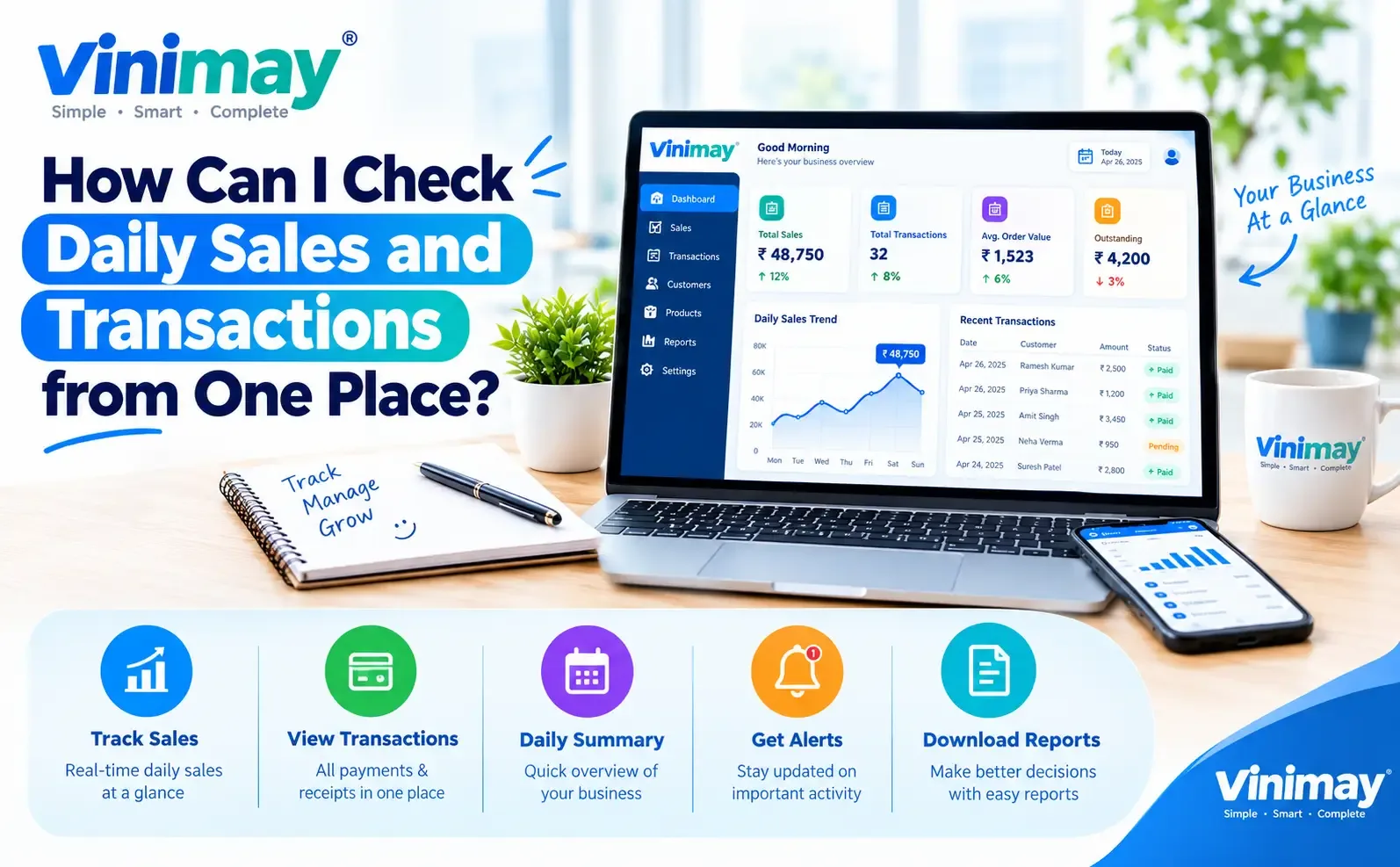
Tired of checking sales, payments, and stock separately? Here's how to get a single, consolidated view of your day's business activity.