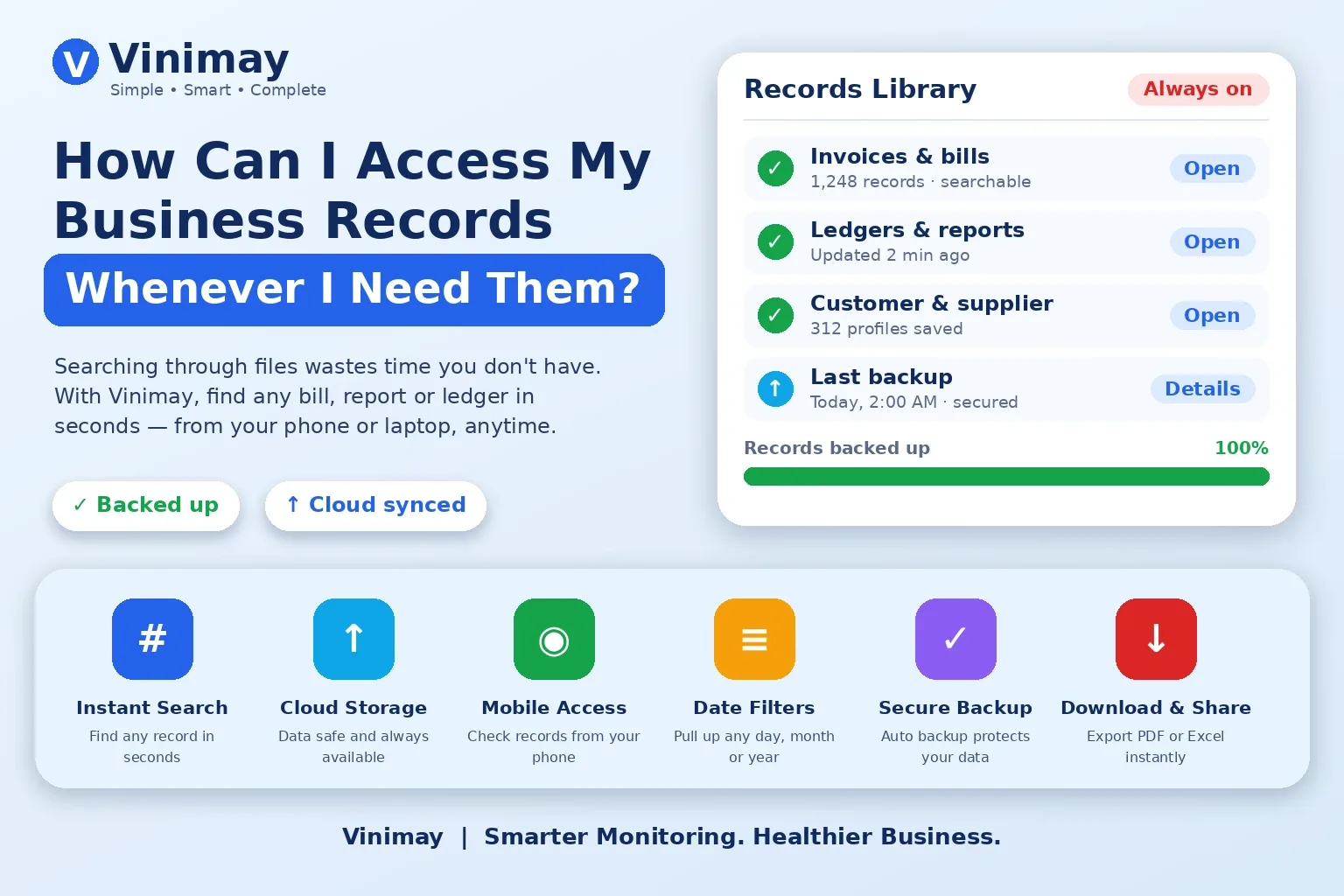
How Can I Access My Business Records Whenever I Need Them
A business owner traveling and needing to confirm a customer's outstanding balance, or checking a past invoice on a Sunday evening because a dispute came up unexpectedly, discovers whether their record-keeping genuinely supports "access anytime" or only supports access under specific, limited conditions, during business hours, from one particular computer, only when someone else who has the file is available.
Having records exist somewhere isn't the same as being able to reach them at the exact moment they're needed. A file saved only on a shop's desktop computer technically contains the information, but it's not accessible at 9 PM from home, which functionally means it wasn't truly available when needed. Genuine anytime access is about removing these situational barriers, not just about digitizing information.
This article looks at what actually limits access even when records technically exist, what true anytime access requires, and how to test whether your current setup actually delivers on this.
What Limits Access Even When Records Technically Exist
Single-device storage — records exist only on one specific computer, inaccessible from anywhere else
Dependency on another person — records exist, but only the person who created them knows where or how to access them
No internet-based access — a file that requires being physically present at a specific location to open
Working-hours-only availability — a system that's only reliably usable when someone specific is present to operate it
What Genuine Anytime Access Requires
Direct answer: Genuine anytime access means records can be reached from any device with an internet connection, by anyone with appropriate permission, at any time, day or night, without depending on a specific physical location or another person's availability.
Testing Whether Your Current Setup Actually Delivers This
Try accessing a specific customer's balance from a device other than your usual one
Try this outside normal business hours, to confirm nothing about the access depends on someone else being present
Check how quickly you can actually retrieve a specific past invoice; if it takes an unreasonable amount of searching or requires contacting someone else, that's a sign access isn't as immediate as it should be
Consider what would happen if your primary device were unavailable, lost, damaged, being repaired, would records still be reachable?
Handling the Situations Where Access Matters Most
A customer dispute outside business hours — being able to immediately pull up the relevant invoice and payment history resolves this faster and more confidently
An urgent decision while traveling — checking stock or an outstanding balance without needing to call someone back at the shop
An unexpected device failure — records surviving and remaining accessible even if the usual device used to access them breaks or is lost
Conclusion
Accessing business recordswhenever needed isn't just about having them saved somewhere, it's about removing the specific barriers, single-device dependency, reliance on another person, working-hours-only availability, that limit when and how they can actually be reached.
Testing this directly, from a different device and outside normal hours, reveals whether your current setup genuinely supports anytime access or only supports it under narrow, convenient conditions.
FAQs
1. If my records are saved on my computer, doesn't that count as accessible?
Only in a limited sense, they're accessible when you're physically at that specific computer, but not genuinely accessible anytime if you need to check something while away from it or outside working hours.
2. What's the simplest way to test if my current setup supports true anytime access?
Try to access a specific record, like a customer's balance, from a different device and outside normal working hours, if this isn't possible or is significantly delayed, your current access isn't truly anytime.
3. Does anytime access mean anyone can see my business records?
No, genuine anytime access should still be limited to people with appropriate permission; the point is removing location and time barriers for authorized access, not removing access controls altogether.
4. What happens to record access if my usual computer breaks or is lost?
This depends entirely on where records are actually stored, if they exist only on that one device, losing it means losing access entirely, which is a strong argument for records existing somewhere reachable independent of any single device.
5. Why does anytime access matter for something like a customer dispute?
Being able to immediately pull up the relevant invoice and payment history, regardless of when or where the dispute comes up, resolves the situation faster and with more confidence than having to say "I'll check when I'm back at the shop.
Related Topics
Published by admin
Our editorial and compliance specialists create practical guides, tax calculation rules, and operational strategies to empower Indian small business owners and accountants.