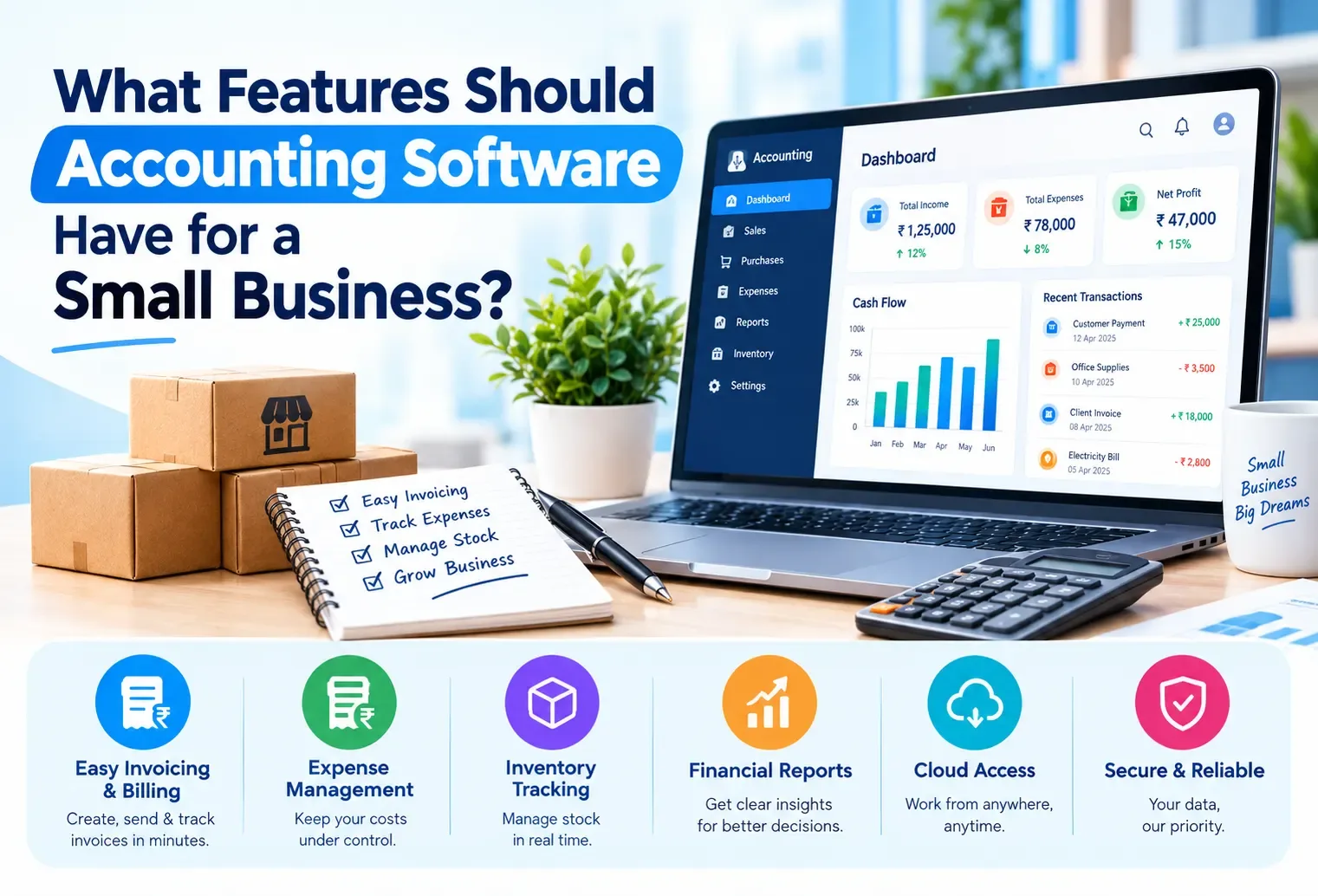
What Features Should Accounting Software Have for a Small Business?
Every accounting software's marketing page lists dozens of features, and almost none of them tell you which ones actually matter for a business your size. Treating every feature as equally important is how businesses end up choosing based on the longest feature list rather than the features they'll genuinely use.
What accounting softwareshould have for a small business isn't a single flat list—it's a set of features at different priority levels, from things you absolutely cannot operate without to things that are genuinely useful, to things most small businesses can safely ignore for years. Sorting features this way makes evaluating any specific tool far more practical than comparing checkbox counts.
This guide breaks features into four priority tiers, gives a stage-based checklist, and explains how to test the most important ones before committing to any tool.
Why a Feature List Alone Doesn't Help You Decide
A tool with fifty features and a tool with fifteen can both fail a small business—the fifty-feature tool if none of the extras are ones you'll use, and the fifteen-feature tool if it's missing something genuinely essential. What matters is whether the specific features you need daily are covered well, not how long the overall list is.
Must-Have: The Non-Negotiable Basics
These are the features a small business genuinely cannot operate without:
GST-compliant invoicing — correct tax fields, applied consistently
Sequential invoice numbering — no gaps, no duplicates
Customer and vendor detail storage — so information isn't retyped every time
PDF export or printing — so a bill can actually reach the customer
If any of these is missing or unreliable, the tool isn't functioning as billing software, regardless of what else it offers.
Important: Features That Save Real Time
These aren't strictly essential on day one, but they save meaningful time as billing volume grows:
Automatic tax calculation based on customer location
Payment tracking linked to specific invoices, not just a general note
Basic sales and purchase reports for a chosen period
Reusable product entries for businesses selling the same items repeatedly
Skipping these isn't fatal, but their absence shows up as accumulating manual work within a few months of regular use.
Useful: Features That Help as You Grow
These become relevant specifically as the business scales past its earliest stage:
Inventory tracking linked to sales, so stock updates automatically
Multiple user access, once more than one person needs to bill
Multiple company management, for businesses running more than one entity
Historical record retention, for month-on-month or year-on-year comparison
Optional: Features Most Small Businesses Can Skip Early On
Advanced financial statements (profit and loss, balance sheets) — often more relevant once a CA is formally involved
Payroll processing — only relevant with a growing staff count
Multi-currency support — rarely needed unless dealing with international transactions
Deep customisation of invoice templates — nice, but rarely business-critical
A Priority Checklist by Business Stage
How to Test These Before Committing
Rather than trusting a feature list, create one real invoice, one payment against it, and check the resulting outstanding balance. If the must-have and important features from above all function smoothly in this one test, the tool is likely solid for daily use — the remaining tiers matter progressively less depending on your current stage.
Where Vinimay Covers This Checklist
Vinimay covers the must-have and important tiers directly — GST invoicing with automatic tax calculation, sequential numbering, saved customer and vendor details, payment tracking linked to specific invoices, and sales and purchase reports. It also extends into the useful tier with inventory tracking connected to sales and multiple company management for businesses running more than one entity.
For the optional tier — advanced financial statements, payroll, multi-currency support — these sit outside Vinimay's current confirmed feature set, and are typically better handled by a CA or a dedicated accounting system once a business genuinely needs them.
To test the must-have basics directly, Vinimay's free tool lets you generate up to 5 GST invoices free, with customer details saved and tax applied automatically.
Conclusion
The right featuresfor a small business aren't a single universal list—they're a set of priorities that shift depending on your stage, from non-negotiable basics like GST-compliant invoicing to genuinely optional extras like payroll or multi-currency support. Testing the must-have and important tiers directly, with one real invoice and payment, tells you more than comparing feature counts across tools. Vinimay covers the must-have and important tiers directly, extending into inventory and multi-company support as a business grows, while staying honest that deeper financial statement and payroll needs typically call for additional, dedicated
Frequently Asked Questions
1. What's the single most important feature for a small business?
GST-compliant invoicing with correct, consistent tax fields—everything else builds on this being reliable.
2. Do I need inventory tracking from day one?
Only if you sell physical products; service businesses can usually prioritise billing and payment tracking instead.
3. Is multi-user access necessary for a solo business owner?
No, it becomes relevant once a second person needs to bill or a second counter opens.
4. Should I choose software based on its total number of features?
No, prioritize whether the must-have and important features work reliably over how many extra features are listed.
5. Does Vinimay cover the must-have and important feature tiers?
Yes, including GST invoicing, automatic tax calculation, payment tracking and reports.
6. Are financial statements like profit and loss essential for a small business?
Not immediately for most small businesses—they become more relevant with a CA's involvement or as complexity grows.
7. How can I test if a tool covers the essentials before committing?
Create one real invoice and one payment against it, and confirm the outstanding balance updates correctly.
8. What features can most small businesses safely skip early on?
Multi-currency support, payroll, and advanced financial statements, unless your specific business already needs them.
9. Does feature priority change as a business grows?
Yes, features in the "useful" tier become progressively more important as staff count, volume or complexity increases.
10. How many free invoices can I test on Vinimay?
Vinimay's free invoice tool allows up to 5 GST invoices free, covering the core must-have features.
Related Topics
Published by admin
Our editorial and compliance specialists create practical guides, tax calculation rules, and operational strategies to empower Indian small business owners and accountants.