Can Free Accounting Software Manage Your Entire Business Workflow?
Direct answer: no single free accounting software manages your entire business workflow—and it's worth being clear about that upfront, because the phrase "entire workflow" usually includes things accounting software was never built for, like hiring, payroll, sales follow-ups, or team task management. What free accounting software genuinely can do is manage the financial slice of your workflow well—billing, transactions, customer and vendor records, and stock—which for most small businesses is actually the part causing the most day-to-day friction.
The confusion is understandable. "Workflow" gets used loosely to mean everything a business does, when in practice a business runs on several distinct workflows running in parallel: the financial one (billing, payments, stock), the people one (hiring, staff scheduling), the sales one (leads, follow-ups, closing), and the operational one (fulfillment, delivery, service). No free tool — and honestly, few paid ones — genuinely covers all four well.
This article breaks down exactly which part of your business a free accounting tool can realistically manage, why expecting more usually leads to disappointment, and how Vinimay fits specifically into the financial slice of that picture.
What "Workflow" Actually Splits Into
Seeing it laid out this way makes it clear why expecting one free accounting tool to run "everything" sets you up to be disappointed — it was never designed to touch three of these four areas.
Why the Financial Slice Still Matters Most
Even though accounting software only covers one of these four workflows, it's often the one causing the most actual pain for a small business. Sales follow-ups being disorganized is frustrating, but a customer outstanding balance that's wrong, or a GST rate applied incorrectly,has direct financial consequences—lost revenue, filing errors, strained cash flow. Getting the financial workflow right first is usually the highest-leverage fix, even if it's not "everything."
What a Good Free Tool Should Cover Within That Slice
Invoicing — correct GST calculation, consistent numbering, professional formatting.
Transactions — sales, purchases, receipts, and payments recorded as they happen, not reconstructed later.
Customer and vendor records — connected to transactions, so outstanding balances update automatically.
Stock movement — updating alongside sales, if your business involves physical inventory.
If a free tool covers these four well, it's doing its actual job — even without touching HR, sales, or task management, which were never part of what "accounting software" is meant to solve.
Where the Confusion Usually Comes From
Software marketing sometimes blurs this line deliberately, using "workflow" or "run your entire business" language that implies more than what's actually delivered. It's worth reading past that language and checking specifically: does it handle GST correctly? Does it connect payments to invoices automatically? Does it track stock? If yes to those, it's doing exactly what accounting software should — the "entire business" framing is just marketing shorthand that shouldn't be taken literally.
Where Vinimay Fits—and Where It Doesn't
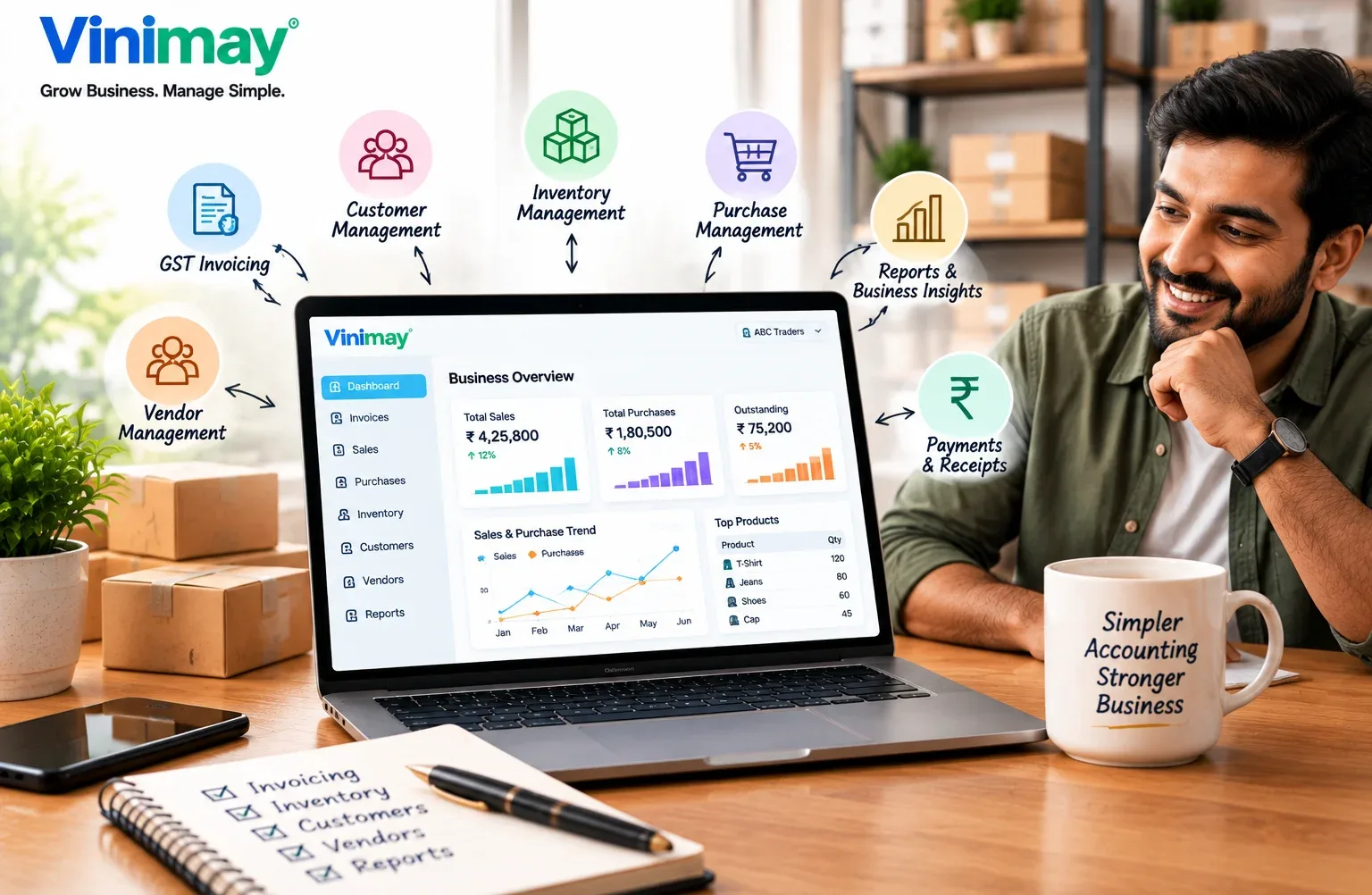
Vinimay covers the financial workflow specifically: GST-compliant invoicing with CGST, SGST, or IGST applied correctly based on the transaction, sales and purchase records tied to customer and vendor accounts, a payment ledger that tracks outstanding balances from that same connected data, and inventory that adjusts as invoices are created. This is the slice of your business that benefits most from being accurate and connected, and it's what Vinimay's free tool lets you test directly — up to 5 GST-compliant invoices, no signup required.
What Vinimay doesn't do, and doesn't claim to do: manage staff schedules, run payroll, track sales leads, or assign tasks to a team. If your business needs those covered too, that means using separate, purpose-built tools alongside your billing software — not expecting one free accounting tool to replace all of them. Being clear about this upfront is more useful than a vague promise that later turns out to only be true for a fraction of what you expected.
[Create Your First Invoice Free with Vinimay]
Conclusion
"Entire business workflow" is a bigger promise than any accounting software — free or paid — genuinely delivers, and it's worth treating that phrase with some skepticism wherever you see it. What actually matters is whether the financial part of your workflow—billing, payments, customer and vendor tracking, stock — is handled accurately and connected in one place. Get that right, and the remaining parts of your business (sales, staffing, operations) are worth solving with tools built specifically for them, rather than hoping one accounting app quietly does it all.
Frequently Asked Questions
Can any free software actually manage a business's entire workflow?
"No—"entire workflow" typically spans financial, sales, HR, and operational processes, and no single free accounting tool covers all four. Free accounting software focuses specifically on the financial side.
What does free accounting software actually manage well?
Invoicing, GST calculation, transaction recording, customer and vendor outstanding tracking, and stock movement — the financial workflow of a business.
Why do some software ads claim to manage your "entire business"?
This is often marketing language rather than a literal claim. It's worth checking the specific features rather than taking the phrase at face value.
Do I need separate software for sales and accounting?
Generally yes — accounting software tracks financial transactions, while sales/CRM tools track leads and follow-ups. They serve different purposes and are usually separate systems.
Does accounting software handle payroll or staff management?
Not typically, unless specifically built to include it. Most billing-focused accounting software, including free tools, doesn't cover payroll or HR functions.
What's the most important part of my business workflow to fix first?
Usually the financial one—billing, payments, and stock—since errors here have direct, measurable costs like lost revenue or GST filing mismatches.
Is it a problem if my accounting software doesn't manage tasks or team collaboration?
Not necessarily—that's a different category of tool (project or task management software), and expecting accounting software to cover it is asking it to do something it wasn't built for.
Does Vinimay manage sales leads or customer follow-ups?
No — Vinimay's customer/vendor records are built around billing and transactions, not sales pipeline tracking. A separate CRM would be needed for that.
Does Vinimay's free tool cover stock and inventory too?
The free invoice tool itself focuses on invoice generation; inventory sync as invoices are created is part of the fuller Vinimay platform.
How do I know if free accounting software is enough, or if I need more tools?
If your main pain points are billing, GST accuracy, and customer/vendor tracking, a good free or paid billing tool covers it. If you also need sales tracking, staff management, or task coordination, those require separate, purpose-built tools alongside it.
Related Topics
Published by Team Vinimay
Our editorial and compliance specialists create practical guides, tax calculation rules, and operational strategies to empower Indian small business owners and accountants.