Free Billing Software: Practical Questions Small Businesses Ask
Once a business decides to move off paper or Excel, the easy part is over — the real questions start showing up one by one. Is this download actually safe? Will billing still work if the internet drops? Why does the stock count never quite match what's been sold? Is it actually time to switch?
This guide works through those questions in order — choosing and downloading software safely, operational friction points like unpaid invoices and mismatched inventory, and the practical mechanics of leaving Excel behind. Each answer leads with a direct, usable takeaway before the reasoning.
Where relevant, this notes where Vinimay fits — not as a blanket recommendation, but as one option worth checking once a business's specific needs, like inventory tracking or managing more than one company, start exceeding what a basic free tool handles. Vinimay's own limits are noted honestly too.
What Is the Difference Between Free Accounting Software and a Free Trial?
Confirm which one a tool actually offers before relying on it long-term.
Where Can You Safely Download Free Billing Software?
Direct answer: Directly from the provider's official website or a verified app store — never third-party sites.
✓ Official source, not a random download-hosting site ✓ Legitimate HTTPS domain before entering business data ✓ Clear invoice/user limits before relying on it for billing
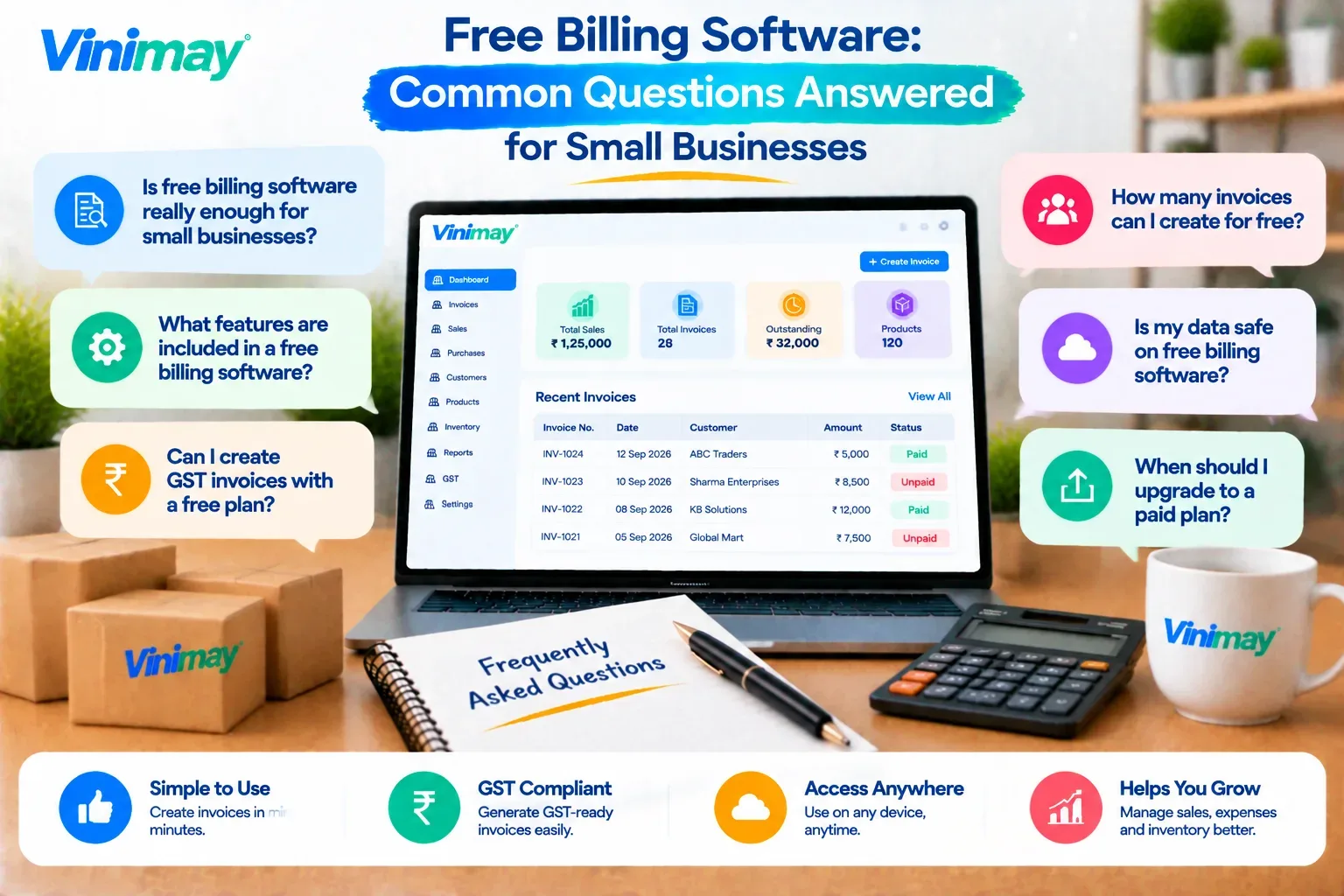
What to Look for in Free Invoicing Software
Does Free Billing Software Work Offline?
Direct answer: Most free billing software needs internet — true offline is rare.
Cloud-based tools pause or queue billing without a connection
Genuine offline tools sync later — confirm this, don't assume it
What to Check in Free Billing Software with Inventory
Direct answer: Check whether stock updates automatically with each sale and purchase — the real test, not just whether "inventory" is listed as a feature.
Many free tools list "inventory"but only track a product count
Low-stock alerts and per-product tracking are often paid-tier only
Is Free Inventory Management Software Standalone, or Part of Billing Software?
Direct answer: Both exist — a standalone tool tracks stock in isolation, while bundled inventory links stock directly to sales and purchases.
Vinimay bundles inventory with billing and expenses in one system
How Can You Manage Unpaid Customer Invoices Easily?
Direct answer: Update status as payments come in, so unpaid invoices can be filtered and followed up as a group instead of scanned manually.
How Can You Track Customer Payments and Outstanding Balances?
Direct answer: Match each payment against the invoice it settles, so the outstanding balance per customer updates automatically instead of being recalculated by hand.
Record payments against the invoice they belong to, not a general lump sum
Partial payments reduce the balance instead of leaving it looking fully unpaid
What Does Managing Billing and Accounting in One Place Look Like?
Direct answer: One entry updates everything connected to it, instead of the same transaction being typed into separate tools.
A sale is invoiced once — updates customer record, ledger, and balance
A purchase/expense logs against inventory and ledger in the same step
What Reduces Accounting Mistakes Beyond the Software Itself?
Direct answer: Yes, but only for calculation-type mistakes — software prevents wrong totals and tax errors; daily habits still matter just as much for the rest.
How Can You Track Business Income and Expenses Easily?
Direct answer: Record income and expenses as they happen, in one system, so the cash position stays visible instead of being reconstructed at month-end.
A simple daily routine covers most of this:
Log the day's sales and any expenses before closing up, not in a weekly batch
Check who still owes payment, using the invoice list rather than memory
Glance at the running balance to catch anything unusual early
Vinimay records sales, purchases, and expenses together, so this daily check pulls from one place instead of multiple registers.
Why Doesn't Your Inventory Match Your Sales Records?
Direct answer: This usually happens when stock is updated separately from billing—a sale gets recorded, but the stock count isn't adjusted at the same time.
Manual stock updates lag behind actual sales, especially during busy hours
Returns or damaged stock often go unrecorded
Connecting billing and inventory, as Vinimay does, removes this gap by updating stock in the same step as the sale
How Can You Stop Using Excel for Business Accounting?
Direct answer: Move existing data into a billing system first, then record new transactions there instead of Excel — rather than switching everything overnight.
Export current customer and product lists from Excel as a starting point
Enter new invoices and purchases directly into the new system going forward
When Should a Small Business Start Using Accounting Software?
Direct answer: As soon as tracking sales and stock by hand starts taking real time away from running the business — not only once the businessis "big enough."
Invoices or payments get missed or duplicated more than occasionally
Starting early, even with a free tool, builds better records than switching late once data is already messy
Which Accounting Software Is Right for Your Business? (What to Consider Before Choosing)
Direct answer: It depends on your stage and needs, not a single "right" answer — match the software to what your business actually does, using a few concrete checks rather than guesswork.
Also check: how easy it is to export data if you switch later, and whether pricing is clear upfront.
Vinimay covers the later stages of this list — GST invoicing, inventory, and multi-company management together — which is worth checking against your own situation rather than assuming any one tool fits by default.
What Should a Service Business Look for in Accounting Software?
Direct answer: Service businesses need strong invoicing and payment tracking more than inventory — the priorities are different from a product-selling business.
Invoicing for one-off work, retainers, or recurring billing, not just per-product sales
Expense tracking for costs like travel, subscriptions, or subcontractor payments
Inventory tracking isn't essential here — features around it can be ignored
Vinimay handles invoicing, expenses, and payment tracking together, without requiring inventory features a service business won't use
What Should Startups Prioritize When Choosing Accounting Software?
Direct answer: Low complexity early on, with room to add users and features later, matters more than a fully-loaded tool from day one.
GST-compliant invoicingfrom the start, even at low volume
Enough user access for a growing team, not just the founder
Avoiding a tool that requires a full switch later — starting with something that can scale
Is Your Business Data Safe on Free Billing Software?
Direct answer: It depends entirely on the specific provider's data practices — free doesn't automatically mean less secure, but it also isn't a guarantee, so this needs checking directly rather than assumed either way.
Check if the connection is HTTPS-secured before entering business data
Confirm whether data is backed up on the provider's end, or only locally
Avoid tools that ask for more access than billing actually requires
Confirm this directly with the provider rather than assuming either way
FAQs
1. What's the difference between free software and a trial? Free software stays free within limits; a trial is time-boxed and needs payment after.
2. Where should I download free billing software from? Only the provider's official website or a verified app store.
3. Does free billing software work without internet? Rarely — most free tools are cloud-based and need a connection.
4. Why doesn't my inventory match my sales records? Usually because stock is updated separately from billing, not in the same step as the sale.
5. How do I stop using Excel for accounting? Move existing data into a billing system first, then record new transactions there.
6. What should I consider when selecting accounting software? Invoice volume, inventory needs, number of users, and GST complexity — matched to your stage.
7. What should I check before downloading free billing software? The source is official, the domain is secure, and limits are clear before relying on it.
8. Is free inventory management standalone or bundled with billing? Both exist — standalone tools track stock separately; bundled tools update stock with every sale.
9. How can a business reduce accounting mistakes? Automatic calculations help, but same-day entry and linked inventory records matter just as much.
10. What does managing billing and accounting together look like? One invoice entry updates the customer record, ledger, and balance at the same time.
11. Do I really need accounting software for my business? If manual tracking of sales, payments, or stock is costing real time, yes — regardless of business size.
Related Topics
Published by Team Vinimay
Our editorial and compliance specialists create practical guides, tax calculation rules, and operational strategies to empower Indian small business owners and accountants.