Why Should I Use Billing Software When I Can Make Invoices in Excel for Free?
Billing Software Excel is genuinely capable of producing a legally valid GST invoice — the format itself isn't the problem. The question isn't whether Excel can make an invoice; it's whether it stays accurate and reliable once billing volume grows past a handful of invoices a month.
For a business just starting out, with a handful of monthly invoices and one person managing everything, Excel is often a completely reasonable choice. The real cost isn't in the invoice format — it's in what happens around it: tracking who's paid, keeping stock in sync, avoiding a repeated invoice number, and not spending an hour every week just reconciling a spreadsheet against what actually happened.
Vinimay helps businesses move past this specific friction point — generating accurate GST invoices while keeping payment tracking, stock, and records connected automatically. This guide gives an honest, direct comparison of what Excel handles well, where it breaks down, and when switching to billing software is actually worth it.
Can Excel Handle GST Invoicing Accurately?
Direct answer: Yes, Excel can produce a legally valid, GST-compliant invoice—as long as every mandatory field is filled in correctly and tax is calculated accurately using formulas.
GSTIN, invoice number, HSN/SAC code, and tax breakup can all be built into an Excel template
Formulas can calculate CGST/SGST/IGST automatically, reducing manual math errors
For low invoice volume, this is often accurate enough with no ongoing cost
The format itself isn't the limitation — the limitation shows up in everything that happens after the invoice is created.
Where Excel Invoicing Starts Breaking Down
The cracks in an Excel-based system rarely show up on the first invoice—they build up gradually as billing volume increases. A formula gets accidentally overwritten on a busy day, and a tax calculation goes unnoticed for weeks. An invoice number gets duplicated because two people are editing the same file, or a version gets saved locally on one laptop and never makes it into the "master" sheet everyone assumes is up to date. Payment status has to be tracked in a separate column or, more often, in memory—which works fine until a customer disputes what they've already paid and there's no clear, connected record to check against. None of this is a flaw in Excel itself; it's simply what happens when a spreadsheet is asked to do the job of a connected system as transaction volume grows past what one person can reliably track by hand.
What Billing Software Adds That Excel Can't
When Is Excel Still Fine for Invoicing?
You're issuing only a handful of invoices per month
One person handles all billing, with no risk of version conflicts
You don't need stock or inventory tracked alongside billing
Payment tracking is simple enough to reasonably remember or check manually
You're testing a new business idea before committing to a tool
If most of these apply, switching to billing software right away isn't necessary—it becomes worth it once volume, team size, or stock complexity grows past what one spreadsheet can reliably hold.
Where Vinimay Picks Up From Excel
Generates GST-compliant invoices with tax applied automatically, removing the risk of a broken formula
Keeps a consistent, non-repeating invoice number sequence without manual tracking
Updates payment status automatically through connected payment tracking and receivables/payables
Connects billing to stock through inventory and product management,so sales update inventory without a separate manual count
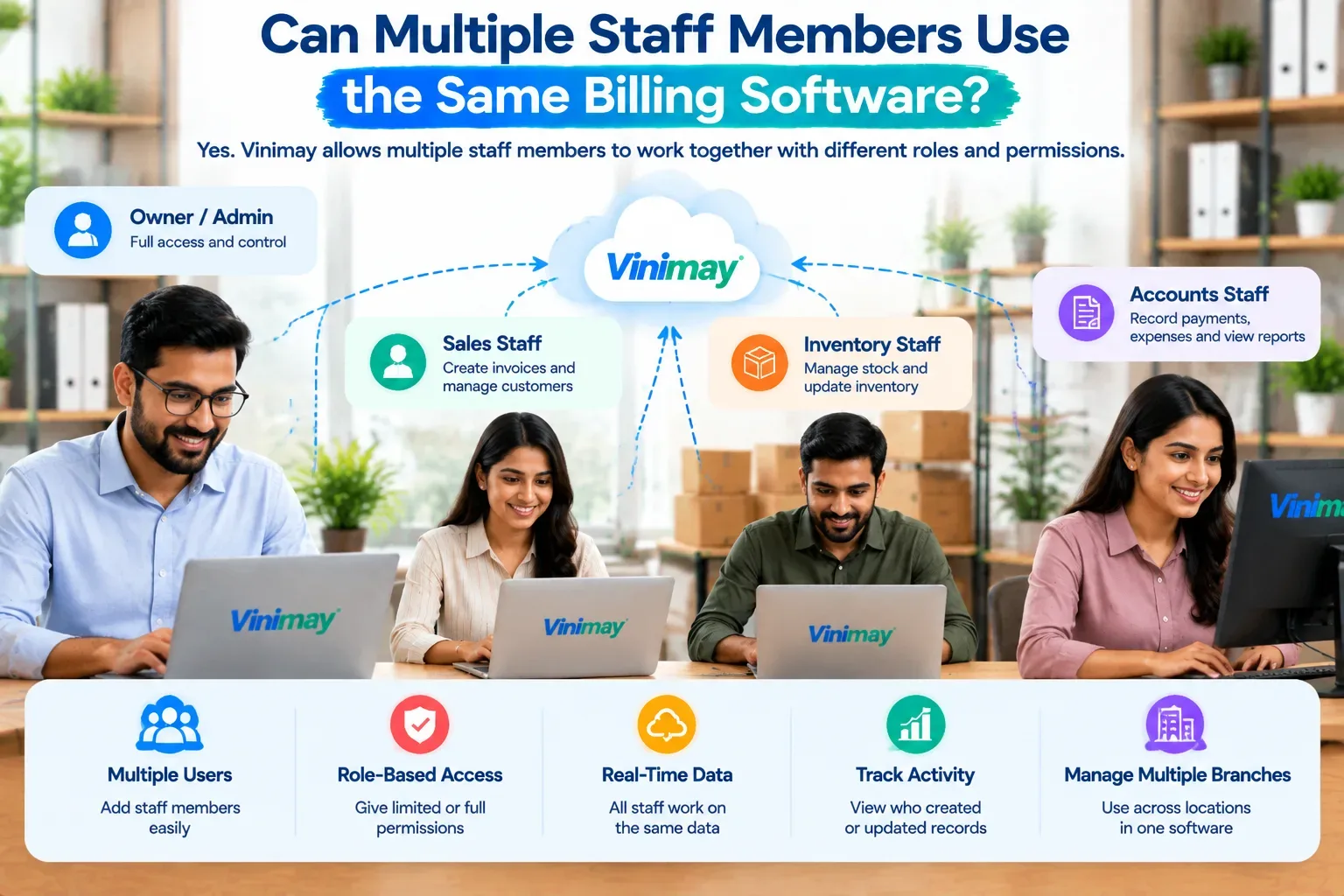
Gives every user the same accurate, connected record instead of separate spreadsheet versions
Produces reports and ledger entries directly from actual transactions, without rebuilding them by hand
Conclusion
Excel is genuinely fine for very low invoice volume with one person managing billing
The real risk isn't the invoice format—it's what breaks down around it as volume grows: payment tracking, invoice numbering, and stock accuracy
Billing software becomes worth it the moment tracking payments or stock manually starts feeling unreliable
Vinimay picks up exactly where Excel starts to strain, keeping invoicing, payments, and records connected and accurate
FAQs (Inside Blog)
Why should I use billing software instead of Excel for invoicing?
Billing software keeps invoice numbering, tax calculation, and payment tracking accurate and connected automatically, reducing the manual errors that build up in a spreadsheet over time.
Is Excel invoicing legally valid for GST?
Yes, as long as all mandatory GST fields are correctly filled in and tax is calculated accurately, an Excel invoice is legally valid.
When should a business switch from Excel to billing software?
Once invoice volume grows, more than one person handles billing, or stock needs to be tracked alongside sales, Excel typically becomes unreliable to maintain manually.
Does billing software cost more than using Excel?
Free billing software plans exist and can cost the same as Excel (nothing), while paid plans add cost in exchange for automated accuracy and additional features.
Can Excel track which customers have paid and which haven't?
It can, but only if manually maintained accurately—there's no automatic update, so the risk of an outdated or incorrect balance increases as customer count grows.
Is billing software more accurate than Excel for GST calculations?
Generally yes, since billing software applies tax rules automatically and consistently, while Excel formulas can be accidentally broken or overwritten.
Can multiple people use the same Excel invoice sheet reliably?
This is one of Excel's biggest limitations — multiple users editing the same file often creates version conflicts and duplicate invoice numbers.
Does billing software connect invoicing to inventory automatically?
Yes, reliable billing software updates stock levels automatically as invoices are created, which Excel cannot do without a separate manual process.
Is it risky to keep using Excel as my business grows?
It becomes riskier as volume, team size, or stock complexity increases, since manual tracking is more likely to produce an unnoticed error over time.
Can I switch from Excel to billing software without losing my records?
Most billing software allows importing existing customer and invoice data, though it's worth confirming this specifically with the provider before switching.
Related Topics
Published by Team Vinimay
Our editorial and compliance specialists create practical guides, tax calculation rules, and operational strategies to empower Indian small business owners and accountants.