free software
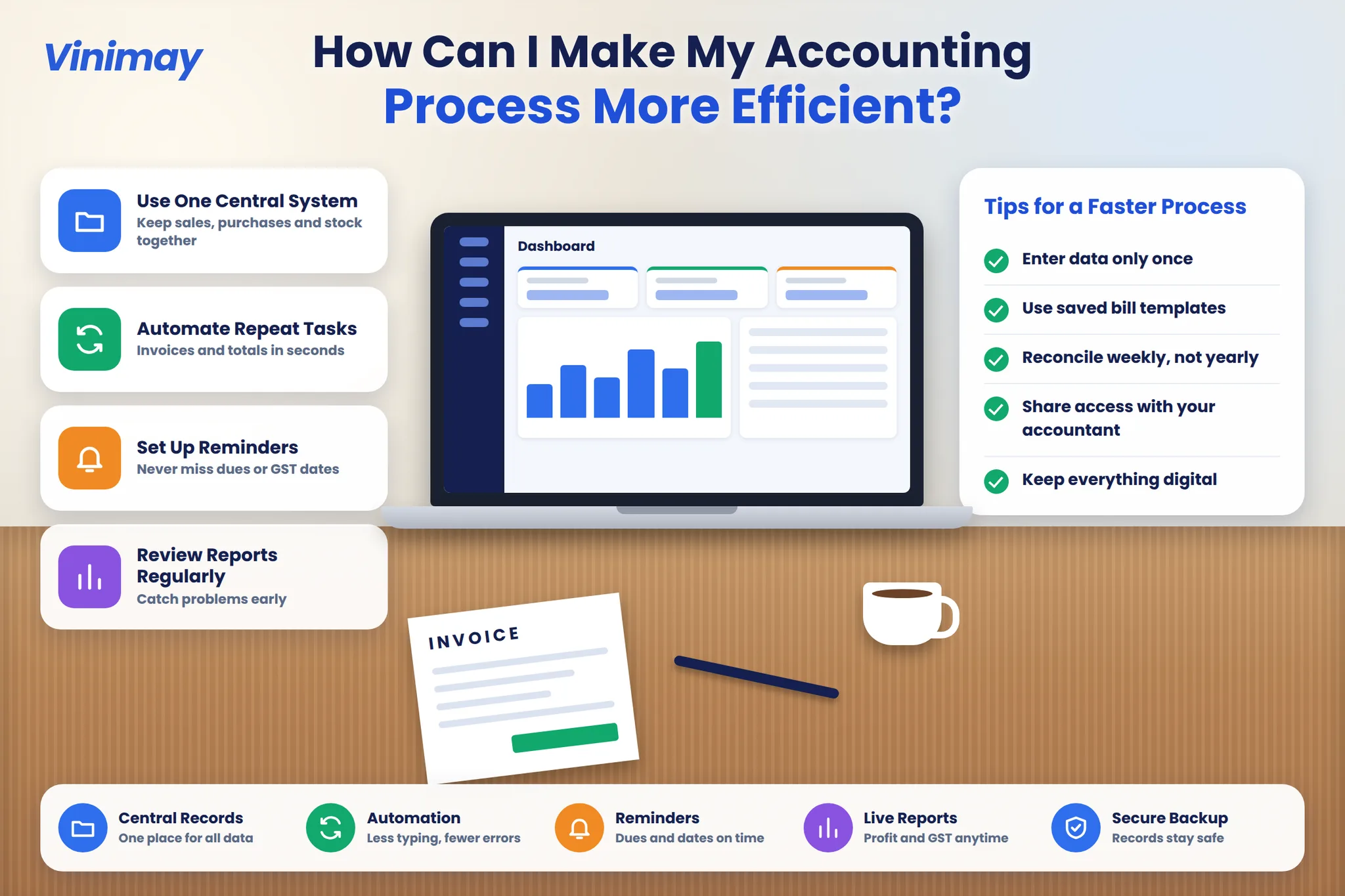
Read post How Can I Make My Accounting Process More Efficient?
Efficiency in accounting isn't about doing things faster — it's about removing steps that shouldn't exist in the first place. Here's how.
Efficiency in accounting isn't about doing things faster — it's about removing steps that shouldn't exist in the first place. Here's how.
Create professional GST-compliant invoices in under 30 seconds, send WhatsApp payment links, and track inventory effortlessly.
"Entire workflow" usually means more than accounting software covers. Here's what free tools actually handle and what still needs separate systems.
Quick Answer: No single free accounting software manages your entire business workflow, because “workflow” also includes hiring, payroll, sales follow-ups and team tasks that accounting tools are not built for. What free accounting software can manage well is the financial workflow: billing, transactions, customer and vendor records, and stock. For most small businesses, that is the part causing the most day-to-day friction.
Running a small business involves more than generating invoices. Business owners must monitor sales, purchase goods, maintain inventory, collect customer payments, pay suppliers, record business expenses and keep financial information organised.
Many small businesses in India initially depend on notebooks, Excel spreadsheets or separate billing applications. Although these methods may work when transactions are limited, they become difficult to manage as business activities increase.
For example, a retail shop may create invoices using one application, maintain inventory in Excel and track customer payments manually. If these records are not updated together, the business may face stock mismatches, missed payments and inaccurate financial information.
Free accounting software can simplify these activities by organising essential business records in one system.
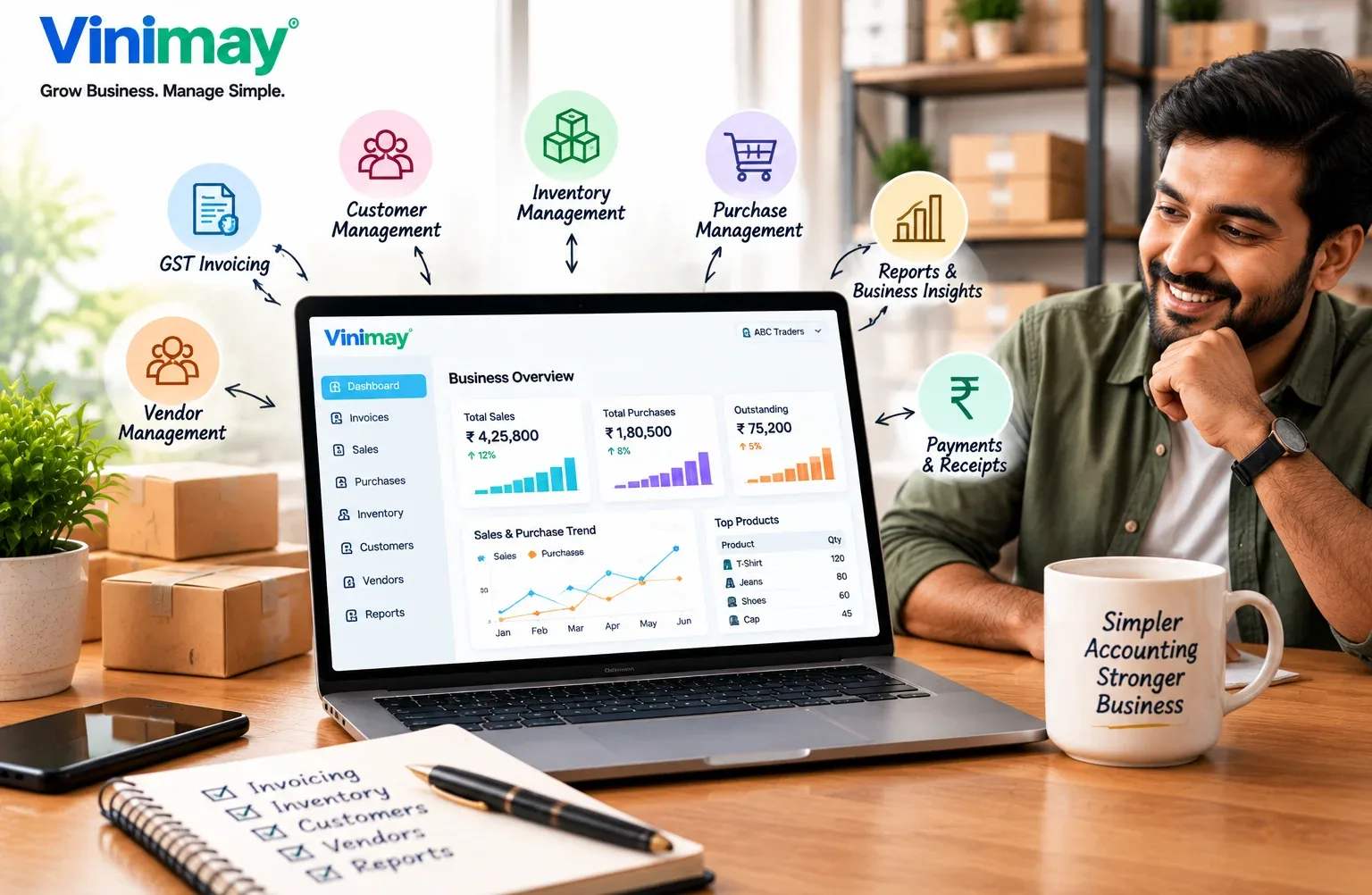
Solutions such as Vinimay help Indian businesses connect billing, inventory, customer and supplier management, transaction recording and business reporting through a more organised business management process.
Managing an entire business workflow means handling the connected activities involved in operating a business, from purchasing goods to receiving payments from customers.
A typical business workflow includes purchasing products from suppliers, recording incoming stock, selling products, preparing invoices, collecting payments and reviewing financial records.
For example, consider a small electronics shop in Indore. The shop purchases 50 mobile accessories from a supplier, receives the products, sells 20 accessories and collects payment from customers.
The business owner needs to know how many products were purchased, how many were sold, what stock remains and whether any payments are outstanding.
If these activities are maintained separately, mistakes can occur. An integrated accounting and billing system can connect several parts of this workflow, reducing repeated entries and making records easier to review.
The objective is not simply to record transactions but to maintain consistent information across business activities.
Yes. Sales and invoice management are among the most common features available in free accounting software.
Businesses can use billing software to prepare customer invoices, maintain sales records and review previous transactions.
For Indian businesses registered under GST, the software should support applicable invoice details, including GSTIN, HSN or SAC codes, taxable value, tax rates and CGST, SGST or IGST.
A typical sales workflow involves selecting the customer, adding the products or services, entering quantities and prices, reviewing taxes and generating the invoice.
Consider a clothing retailer that sells 15 garments in a day. Instead of manually writing every invoice and maintaining a separate sales register, the retailer can record the transactions electronically.
When the software connects sales billing to inventory and customer balances, it may also update those records automatically.
How Vinimay Helps: Vinimay supports invoicing, customer records, sales transactions and invoice generation. These functions can reduce repeated data entry and help businesses maintain organised billing records.
Purchase management is another important part of daily business operations.
Businesses purchase raw materials, finished goods, packaging materials, equipment and other items from suppliers.
Without organised purchase records, business owners may struggle to determine how much they have purchased, what amounts remain payable and whether deliveries match supplier invoices.
For example, a grocery wholesaler purchases 100 cartons of packaged products from a supplier. The purchase records should identify the supplier, invoice details, item quantities, purchase value and applicable taxes.
If the business purchases goods on credit, it should also maintain the amount payable to the supplier.
Some free accounting tools allow businesses to enter purchases and maintain vendor balances, while others provide only basic expense or invoice recording.
How Vinimay Helps: Vinimay provides purchase transaction management, supplier records and payment-related transaction tracking, allowing businesses to maintain supplier-related information in an organised manner.
Inventory management is essential for businesses that sell physical products.
Retail shops, wholesalers, distributors and trading businesses need to understand how much stock is available and which products require replenishment.
For example, a stationery store begins the day with 200 notebooks and sells 45 notebooks. Its remaining stock should be 155 notebooks, assuming no additional purchases, returns or adjustments.
If the business updates billing records but forgets to update inventory, its stock figures become unreliable.
Accounting software with integrated inventory functionality can help businesses monitor purchased quantities, sales quantities and available stock.
However, inventory capabilities vary significantly between free software products. Some support only basic stock recording, while others offer purchase-linked inventory, stock alerts and reports.
How Vinimay Helps: Vinimay provides inventory management features that help businesses maintain product information and review stock movements associated with purchases and sales.
Businesses should still check whether the available stock-management functions match their needs, particularly where multiple storage locations or complex inventory processes are involved.
Tracking money received and money spent is essential for managing business finances.
A business may generate substantial sales but still experience cash shortages if customers delay payments or expenses are not monitored.
Consider a small trading business that sells goods worth ₹80,000 on credit and immediately receives ₹30,000 from customers.
The remaining ₹50,000 must be monitored as outstanding, subject to any adjustments or subsequent receipts.
The business also needs to record payments to suppliers and other costs such as rent, electricity, transport, packaging and office expenses.
Free accounting software may provide customer payment tracking, supplier payment records and basic transaction history.
However, not every free billing application offers complete expense categorisation, bank reconciliation or cash flow reporting.
How Vinimay Helps: Vinimay supports receipt, payment and other transaction records, helping businesses maintain information relating to customer collections, supplier payments and financial transactions.
A complete expense-management process may require additional accounting features, depending on the type of expenses and financial reports needed.
Indian businesses need reliable transaction records for accounting, GST compliance and financial review.
GST-registered businesses may need to maintain taxable sales, purchase details, tax amounts, credit notes and other relevant information.
Accounting software can simplify record-keeping by storing these details electronically.
Some free solutions also offer sales summaries, purchase reports, stock reports and ledger information.
For example, a business owner may want to review total sales for a month, outstanding customer balances and current inventory before placing a new order.
These reports can help the owner understand business activity without manually collecting data from multiple registers.
However, GST invoice generation does not automatically mean that the software can file GST returns, reconcile GSTR-2B, generate e-invoices or prepare complete financial statements.
Businesses must verify these capabilities separately, including whether the software supports their applicable statutory requirements.
How Vinimay Helps: Vinimay provides sales, purchase, inventory and business transaction records that can support daily accounting review and internal business reporting.
Although free accounting software can be useful, businesses should not assume every free application provides the same functionality.
Some providers offer free plans with restricted invoice volumes, limited users, reduced reporting capabilities or fewer inventory features.
Other products offer broader functionality without charging subscription fees.
Businesses should investigate limitations relating to multiple users, branch management, inventory processes, financial statements, bank reconciliation, integrations, data exports and technical support.
For example, a small shop with one owner may be able to manage daily activities through free software. However, a larger distributor operating several warehouses may require more specialised functions.
Businesses should also examine whether the system provides proper data security, access controls and reliable backups.
The important question is not whether the software is free, but whether it can manage actual business processes without creating additional manual work.
Choosing the right software starts with understanding how the business operates.
A retailer needs billing, inventory and customer payment records. A service provider may prioritise invoicing, customer accounts and receivables. A distributor may require purchase management, supplier balances and stock tracking.
Businesses should map their daily process before selecting software.
For example, a trading business should test whether the software can record purchases, update inventory, generate customer invoices, record payments and provide useful transaction reports.
Before relying on a particular application, businesses should test each activity and confirm that the corresponding records update correctly.
Vinimay can be considered by Indian small businesses seeking a solution for billing, sales and purchase management, inventory tracking and customer and supplier records.
By maintaining connected business information, businesses can reduce dependence on multiple spreadsheets and manual registers.
Explore Vinimay: https://vinimay.sharda.co.in/
Free accounting software can manage a significant portion of a small business's daily workflow when billing, purchases, inventory and payment records are connected.
However, it is important to distinguish operational management from complete accounting, taxation, payroll and statutory compliance. Not every free solution handles all these responsibilities.
For Indian retailers, traders, wholesalers and service providers, choosing software that supports their actual daily activities can reduce manual work, improve record accuracy and make business information easier to manage.
The right solution should simplify business operations today while remaining suitable as transaction volumes and business requirements grow.
Our editorial and compliance specialists create practical guides, tax calculation rules, and operational strategies to empower Indian small business owners and accountants.
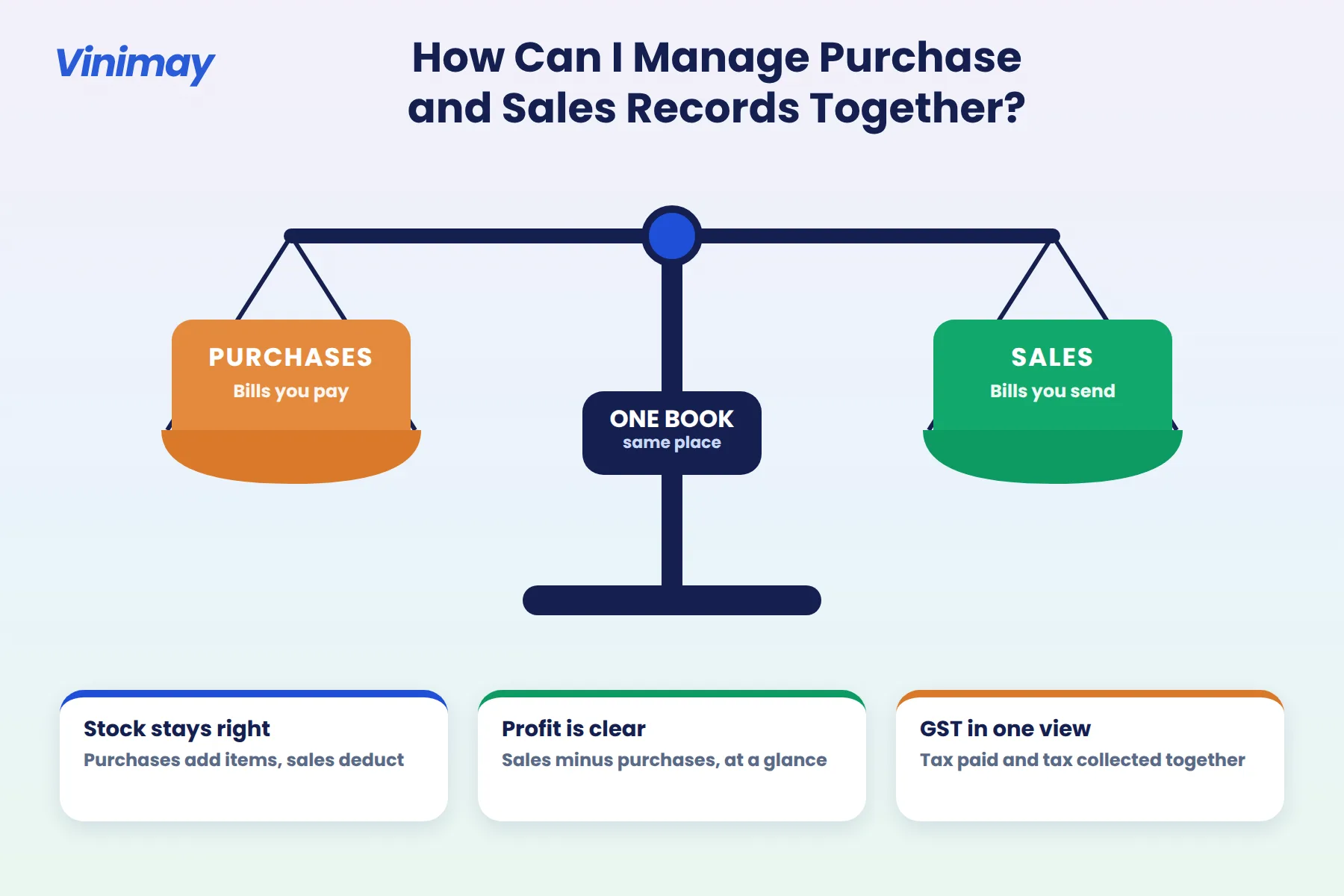
Tracking sales and purchases separately hides your real margin. Here's why they need to be connected, and how to actually do it.
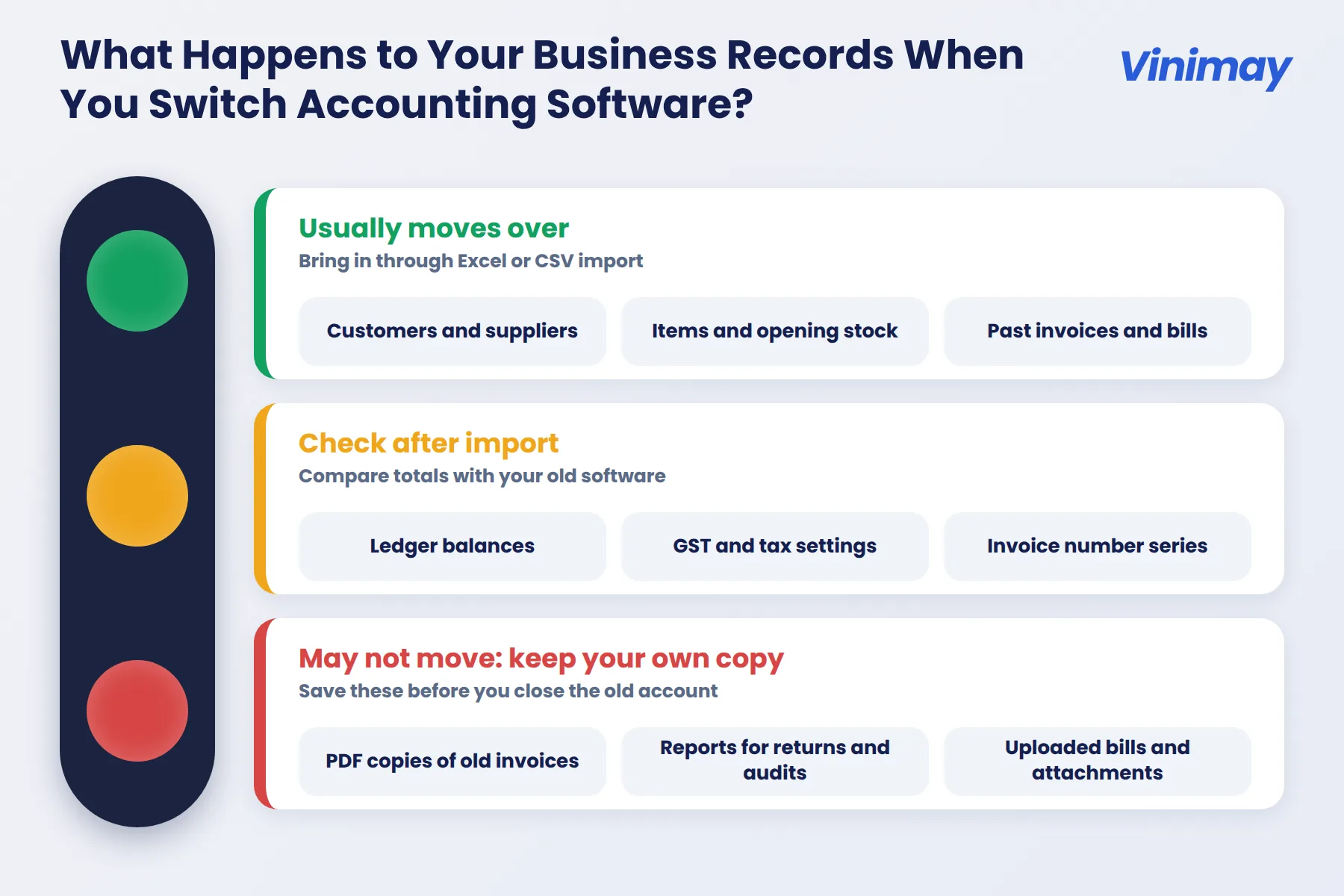
Switching accounting software doesn't have to mean losing your history. Here's exactly what to check and do before you make the move.