What Is a GST Invoice and Its Format?
A GST invoice is more than a bill. It is the document your customer uses to claim input tax credit and the document you use to report your sales. If a detail is missing or wrong, both of you can face problems at the time of filing.
This guide explains what a GST invoice is, the details Rule 46 of the CGST Rules requires, the numbering and time limits, and a simple format you can follow. You will also see the matching fields in a Vinimay document window, with numbered screenshots.
Vinimay is free GST billing and accounting software built for small businesses. It is free to get started, and it asks for the same kinds of details a clean invoice needs, so you can build good habits from your first bill.
What Is a GST Invoice?
A GST invoice,also called a tax invoice, is the document a registered person issues for a taxable supply of goods or services under Section 31 of the CGST Act. It shows the description, quantity and value of the supply, the tax charged and other prescribed details.
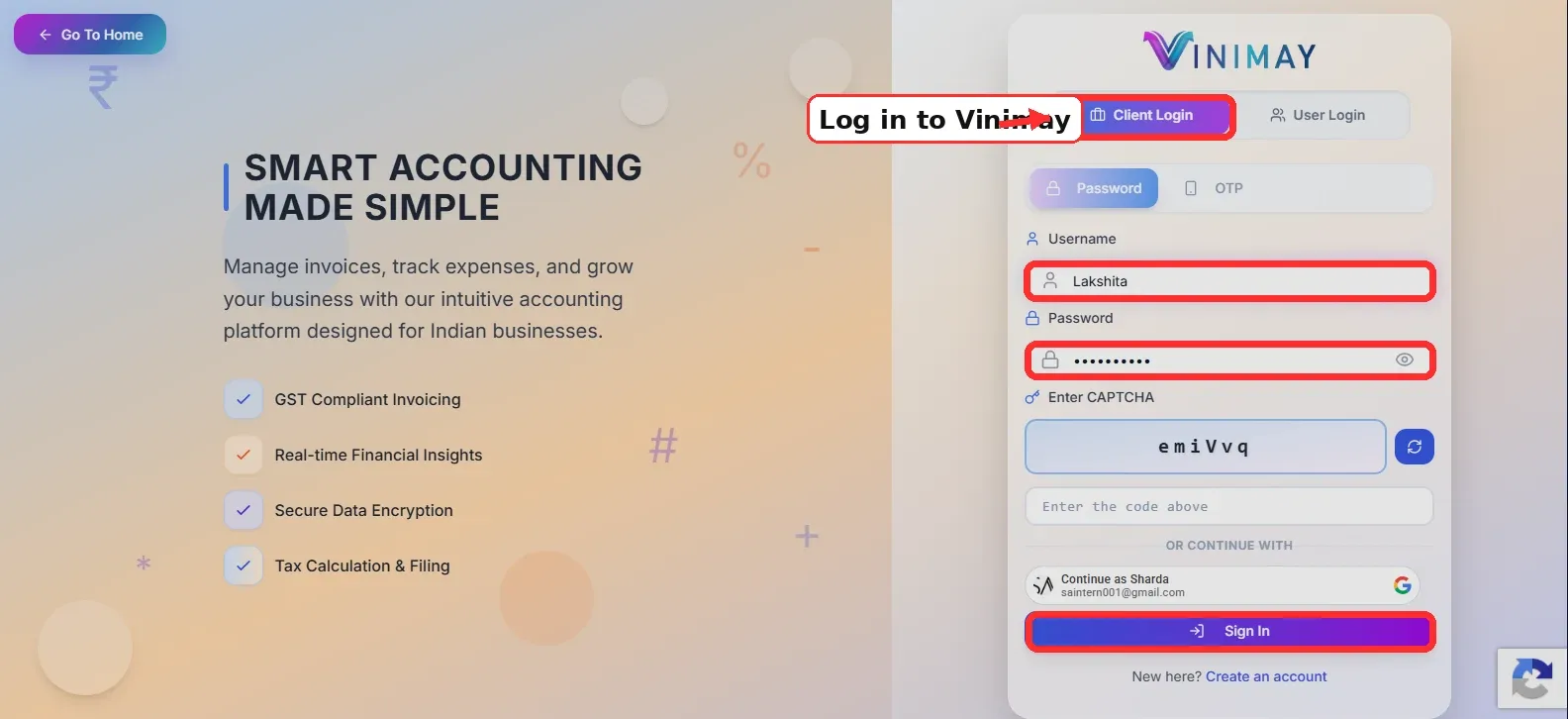
Step 1: Company, date, customer and address
Choose the Company (image 1), set the Transaction Date (image 2), type the customer name (image 3) and check the Shipping Address (image 4). These match the supplier, the date and the recipient details on an invoice.

Company, date, customer and address
Step 2: The item row
For each item, enter the Qty (image 5), the Unit (image 6) and the Price/Unit (image 7). The Amount (image 8) shows the line value. The HSN Code field (image 9) is where the classification of the item goes.

Item row with HSN Code
Step 3: Terms and totals
The Notes box (image 10) holds your terms. Check the Subtotal and invoice total (image 11) before you create the document.

Notes and totals
Common Mistakes to Avoid
Skipping the HSN or SAC code.
Repeating or skipping invoice numbers.
Wrong GSTIN of the recipient.
Wrong place of supply, which gives the wrong tax type.
Issuing a tax invoice instead of a Bill of Supply under composition.
Conclusion
A GST invoice is simple when you follow a checklist. Show your details, a unique number and date, the recipient’s details, the HSN or SAC code, the value and the tax.
Issue the invoice on time, keep the numbering clean and use a Bill of Supply when your scheme requires one. If a mistake happens, correct it with a note and not by editing.
Good software makes the checklist a habit. Vinimay asks for the core details every time, so your invoices stay consistent from the first bill.
FAQs
Q1. What is a GST invoice?
A tax invoice issued by a registered person for a taxable supply, showing the value and the tax charged.
Q2. What does Rule 46 say?
It lists the particulars a tax invoice must contain, such as the supplier’s details, the invoice number and date, the recipient’s details, HSN or SAC, value and tax.
Q3. How long can an invoice number be?
Up to 16 characters, and it must be unique for the financial year.
Q4. Can an invoice number use symbols?
Letters, numbers, a hyphen or a slash.
Q5. Within how many days must I issue an invoice for services?
Within 30 days of the supply. For insurers,banks, and NBFCs, it is 45 days.
Q6. How many copies of a tax invoice are needed?
Three for goods and two for services.
Q7. What is a Bill of Supply?
An invoice-like document with no tax charged, issued for exempt supplies or under the composition scheme.
Q8. Is a proforma invoice a GST invoice?
No. It is a quote and does not create a GST liability.
Q9. Which Vinimay window shows the item and HSN fields?
The Create Proforma Invoice window has an item row with Qty, Unit, Price/Unit, Amount and HSN Code.
Q10. Can I change an invoice after issuing it?
No. Correct it with a credit note or a debit note.
Related Topics
Published by prachi kahar
Our editorial and compliance specialists create practical guides, tax calculation rules, and operational strategies to empower Indian small business owners and accountants.