Sending an invoice and then losing track of what happened to it — did the customer see it, has it been paid, is it still pending — is one of the more common small gaps in manual billing. Whether software closes this gap depends on whether it tracks status per invoice, not just stores the invoices itself.
Yes, most billing software, including Vinimay, allows you to track invoice status after sending — typically showing whether an invoice is paid, partially paid, or still outstanding, updated as payments are recorded against it. This status tracking is what turns a static document into something you can actually manage over time.
What Is Invoice Status Tracking?
Invoice status tracking is the process of monitoring an invoice from the time it is created and sent to a customer until the payment is received. It helps businesses know which invoices are draft, sent, viewed, pending, partially paid, paid, overdue, or cancelled, depending on the features available in their accounting or billing software.
Instead of checking invoices manually, businesses can use accounting software to maintain a central record of invoice activity. This makes it easier to identify unpaid invoices, upcoming payment due dates, outstanding amounts, and overdue customer payments.
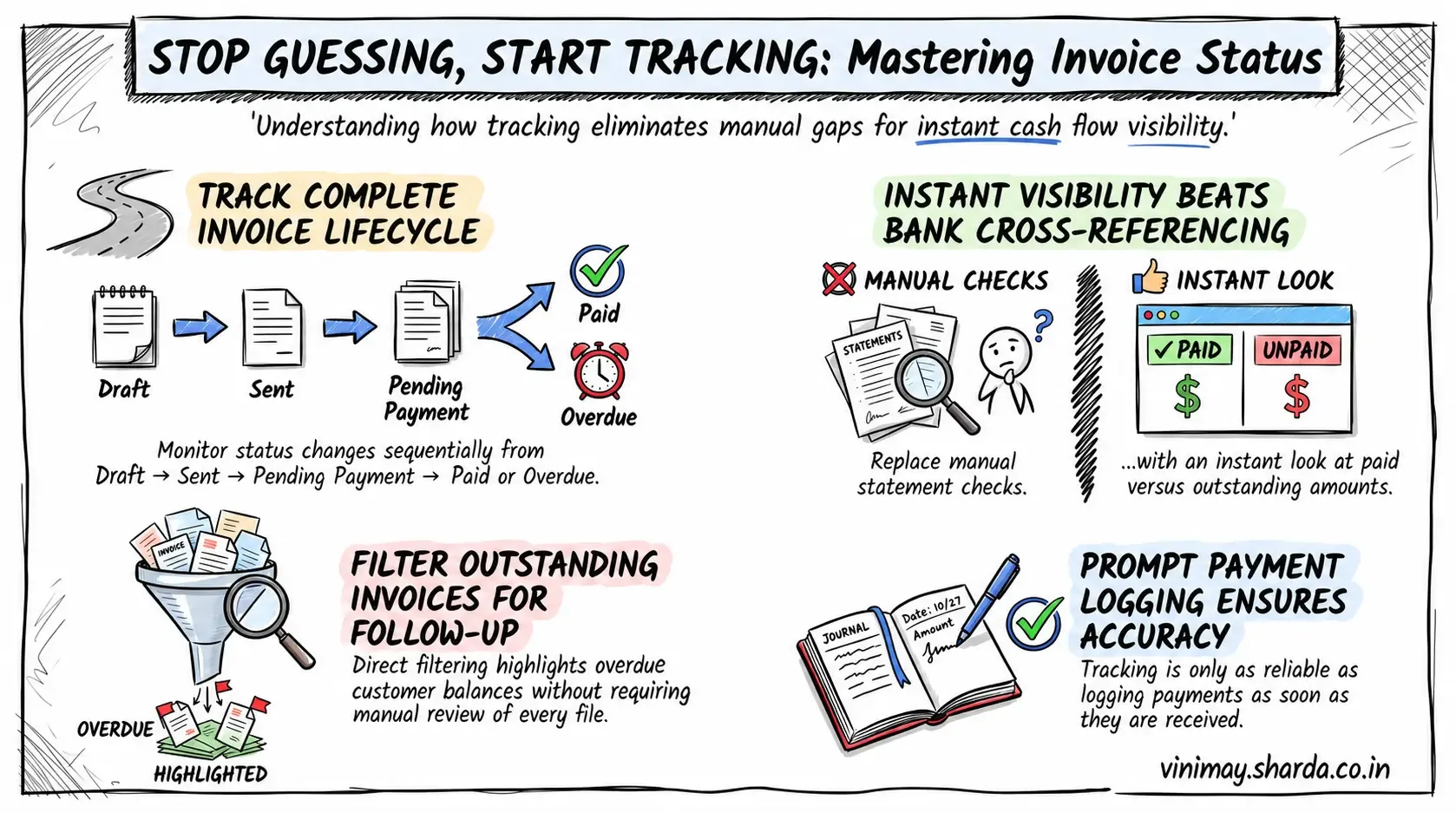
For example, after creating an invoice, its status may change from Draft → Sent → Pending Payment → Paid. If the customer does not make the payment by the due date, the invoice may be marked as overdue.
Invoice status tracking can help businesses:
Monitor outstanding customer payments
Identify overdue invoices
Track partial and full payments
Follow up with customers on pending amounts
Maintain customer-wise invoice records
Keep sales and payment records organised
Improve control over business cash flow
The exact statuses and tracking features vary between accounting software, so businesses should check which invoice-tracking capabilities their chosen software provides.
What "Status Tracking" Actually Shows
Whether the full amount has been received
Whether a partial payment has been made, and how much remains
How long the invoice has been outstanding, if unpaid
A history of when payments were recorded against that specific invoice
Why This Matters More Than It Initially Seems
Without status tracking, "checking if a customer has paid" means manually cross-referencing bank statements or memory against a growing list of invoices — a task that becomes genuinely difficult past a handful of transactions. With status visible per invoice, this becomes an instant lookup instead.
A Practical View of What This Enables
What Determines Whether Status Updates Are they accurate?
Status tracking is only as reliable as the payments actually recorded against each invoice — if a payment is received but never logged in the system, the invoice will continue showing as outstanding even though it's actually settled. This makes prompt payment recording just as important as the tracking feature itself.
Where Vinimay Fits This
Vinimay tracks payment status against every invoice from the moment it's created, showing whether it's paid, partially paid, or outstanding as payments are recorded. This gives a clear, per-invoice view without needing to cross-reference separate records manually.
Frequently Asked Questions
Q1. Does invoice status update automatically once a customer pays?
This depends on whether payment recording is manual or connected to an automated payment method — manual recording requires you to log it once received.
Q2. What does "partially paid" status typically mean?
It shows that some, but not all, of the invoice amount has been received, with the remaining balance tracked separately.
Q3. Can I see how long an invoice has been outstanding?
Yes, most tracking systems show or allow calculation of how long a payment has been pending based on the invoice date.
Q4. Does Vinimay track invoice status?
Yes, Vinimay shows payment status per invoice, updated as payments are recorded.
Q5. What happens if I forget to record a payment?
The invoice will continue showing as outstanding until the payment is manually logged against it.
Q6. Can I filter invoices by status?
Typically yes, allowing you to quickly view all outstanding invoices without checking each one individually.
Q7. Is status tracking useful for a small number of invoices?
It's helpful at any volume but becomes especially valuable once manual cross-referencing becomes impractical.
Q8. Does status tracking help with following up on late payments?
Yes, since it clearly shows which invoices need follow-up without requiring manual review of each one.
Q9. How many free invoices can I track status on with Vinimay?
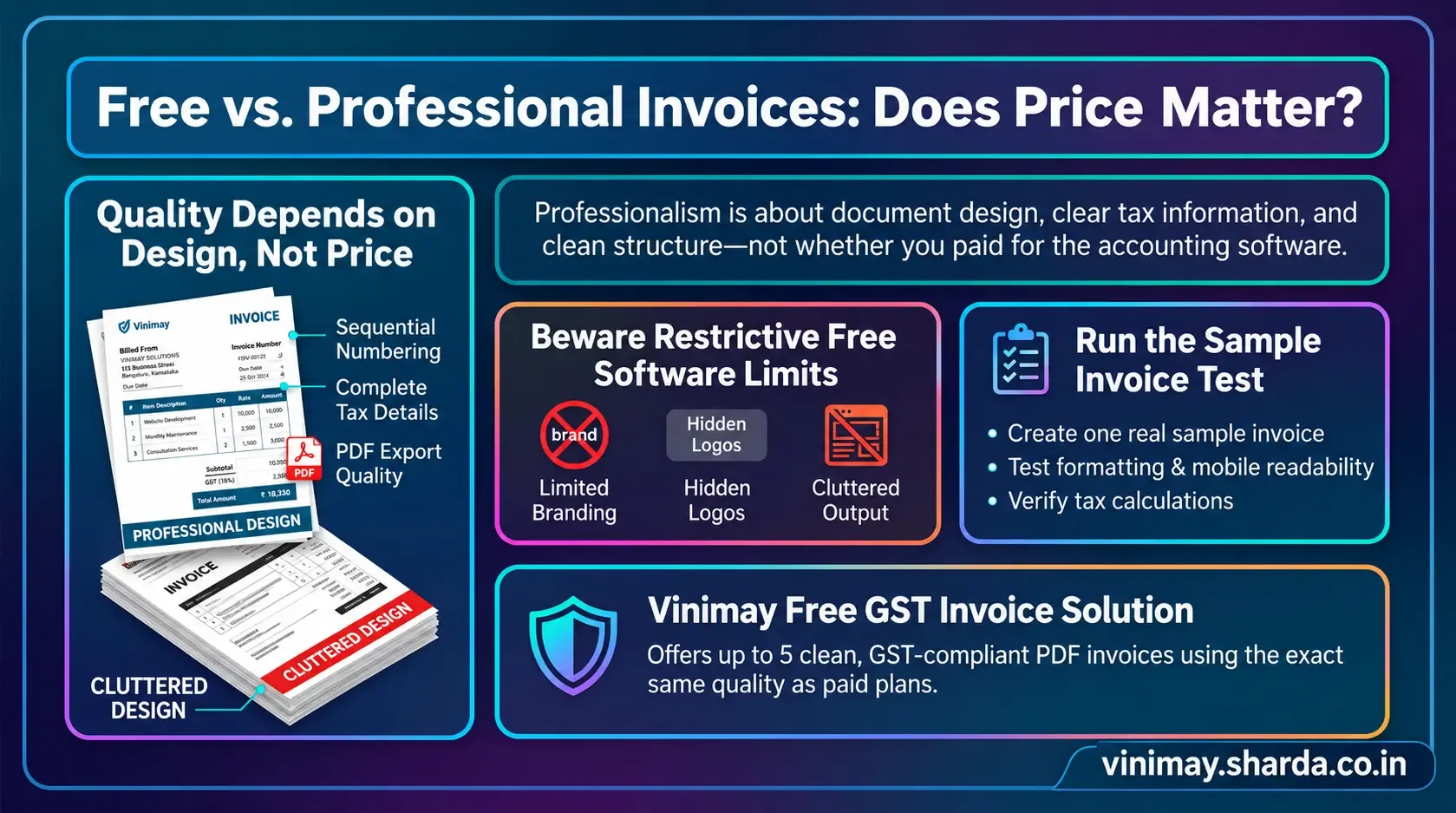
Up to 5 GST invoices are free, each with trackable payment status from creation.
Q10. Is invoice status the same as a payment receipt?
No, status shows the current state of an invoice; a receipt is a separate document confirming a specific payment was made.
Related Topics
Published by Team Vinimay
Our editorial and compliance specialists create practical guides, tax calculation rules, and operational strategies to empower Indian small business owners and accountants.