What Is Accounting Software, and How Does It Work?
Accounting software gets described in a lot of different ways—a tool, a system, a digital ledger, a platform — which makes it sound more complicated than it needs to be for someone just trying to understand the basics. At its core, it's simply a digital system that records what money comes into a business, what goes out, and organises that information so it can be understood, reported, and acted on.
Understanding how it actually works — not just what it's called — matters because it shapes what to expect from any specific tool later. Once the underlying mechanism is clear, evaluating individual software options becomes far more accurate, since the reader can judge features against what the software is actually meant to do rather than against marketing claims.
This guide gives a clear, accurate explanation of what accounting software is, how it processes information behind the scenes, and the main types available.
What Is Accounting Software?
Direct answer: Accounting software is a digital system that records a business's financial transactions — sales, purchases, payments, expenses—and organizes them into accurate, connected records that can be reviewed as reports, used for tax compliance, and shared with an accountant or CA.
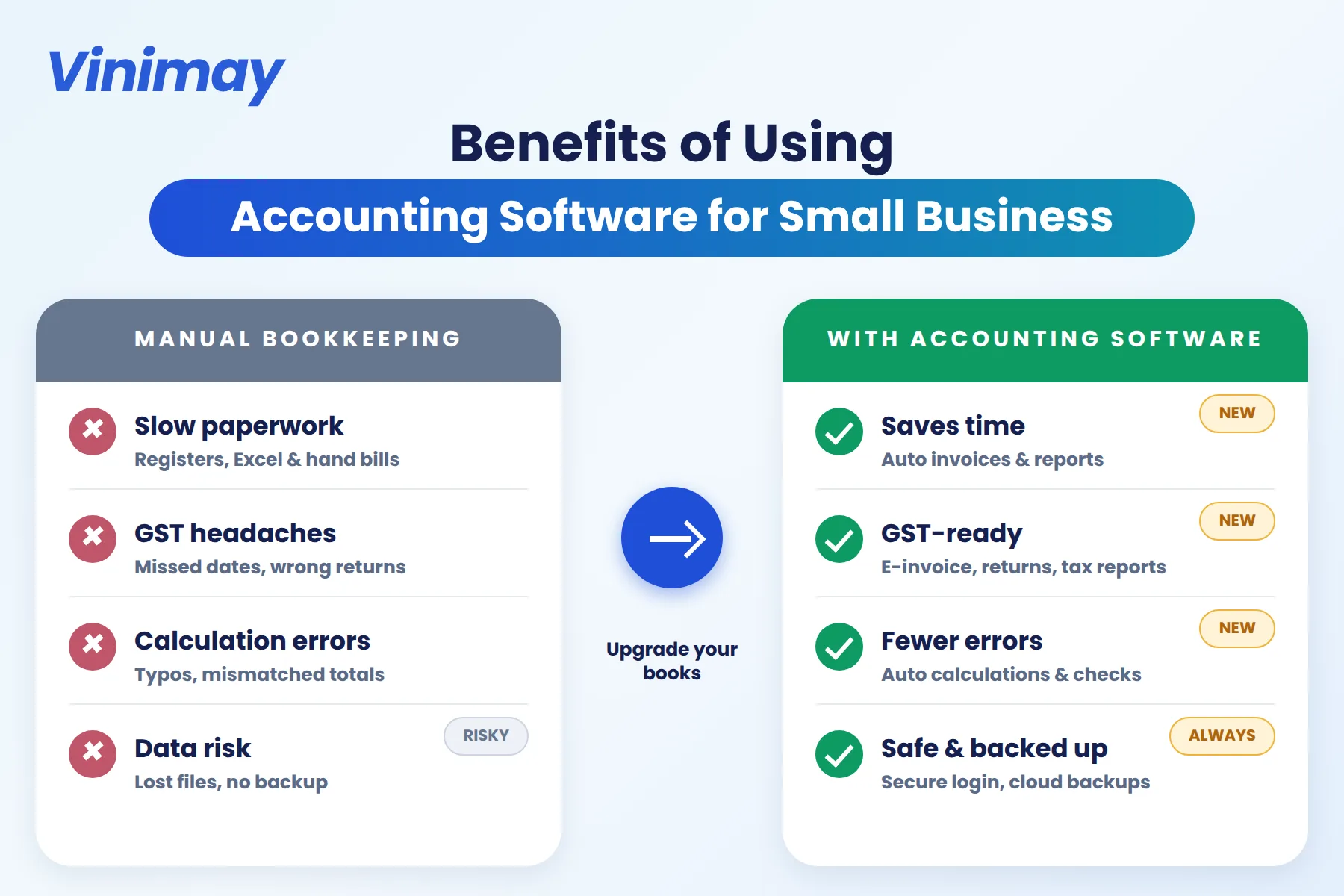
It replaces manual ledgers and spreadsheets with a connected digital system
It's built to reduce errors that happen with manual calculation and data entry
It ranges from very simple invoicing tools to complex, enterprise-level systems
How Does the Underlying Process Actually Work?
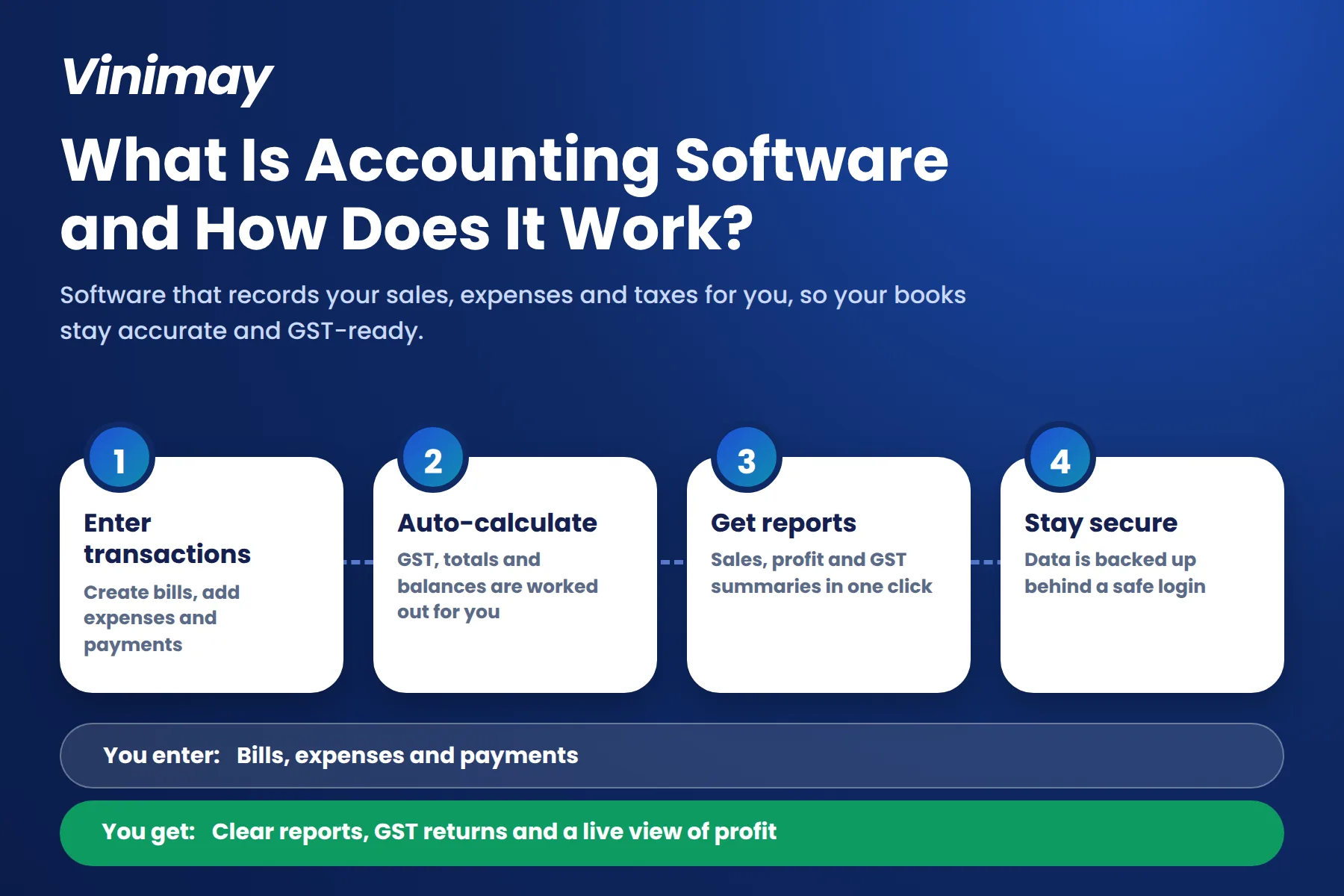
At a basic level, accounting software works by taking a specific action — like creating an invoice or recording a payment — and translating it accurately into a structured financial record behind the scenes. When an invoice is created, the software applies the correct tax calculation automatically and records it against the relevant customer. When a payment is logged against that invoice, the software updates the outstanding balance without needing a separate manual check. Over time, these connected entries accumulate into a reliable financial picture, which the software can then summarise into reports — sales over a period, outstanding receivables, or overall business performance — without needing to be manually reconstructed each time. The "magic," if there is any, isn't advanced technology — it's simply that every entry is connected to the others accurately and consistently, which manual systems struggle to guarantee.
Main Types of Accounting Software
What Accounting Software Typically Includes
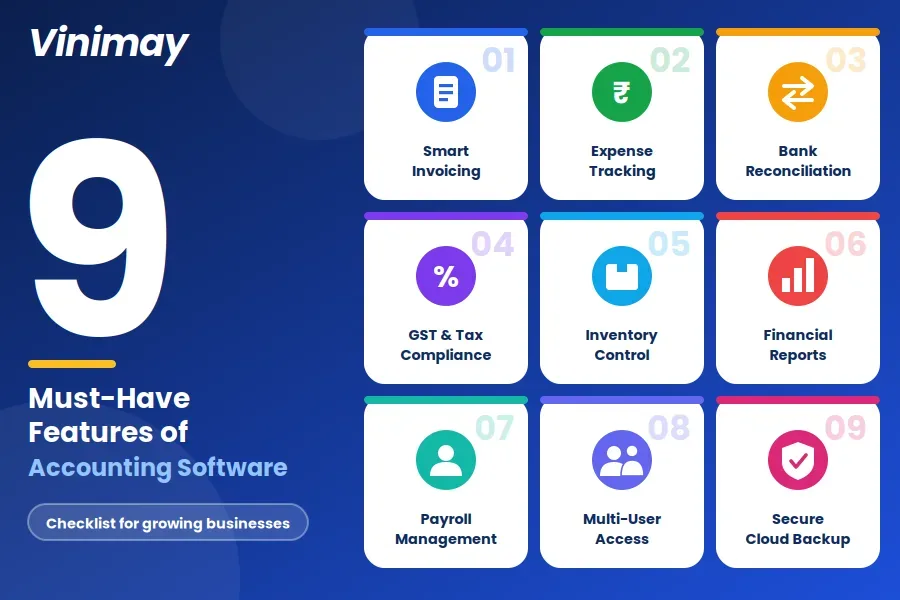
Invoicing — creating accurate, tax-compliant bills for customers
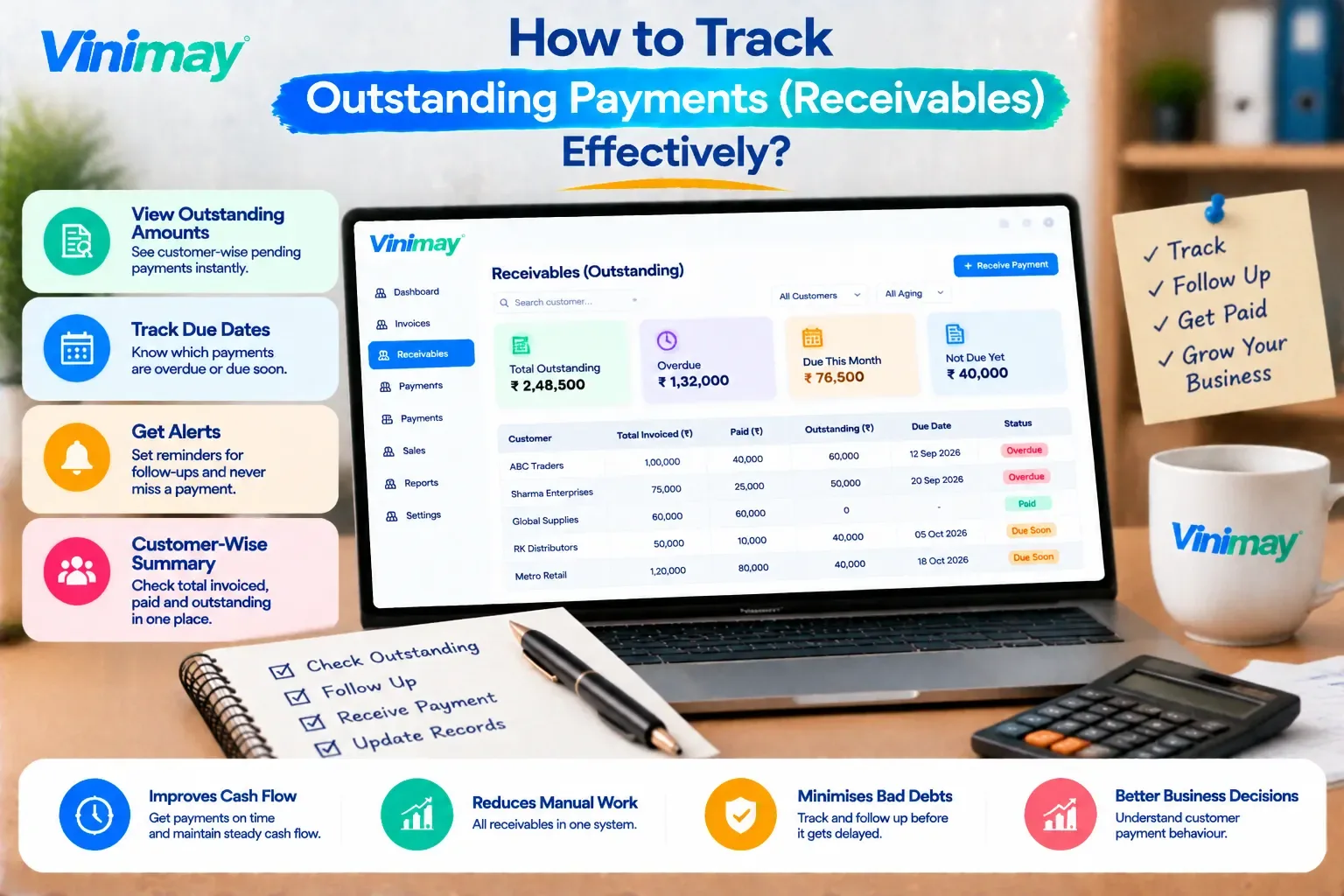
Payment tracking — recording and monitoring what's been paid and what's outstanding
Purchase records — tracking transactions with suppliers and vendors
Ledger management — a running, organised record of accounts over time
Reports — summaries generated from recorded transactions, ready for review or tax filing
Customer/vendor management — organised records for each party a business deals with
Where Vinimay Fits Into This Picture
Vinimay is a small-business-focused accounting and billing system, closer to the "small business accounting software" category than a full enterprise system
It generates GST-compliant invoices, applying the correct tax structure automatically as each invoice is created
It connects sales records, purchase records, and payment tracking, so the underlying process described above stays accurate without manual reconciliation
It includes inventory and product management, customer and vendor management, ledger management, and reports as part of its confirmed feature set
It supports multiple company management for businesses operating more than one entity or branch
Conclusion
Accounting software is, at its core, a system for recording transactions accurately and connecting them into usable financial records
The underlying process works by translating everyday actions (an invoice, a payment) into structured, connected data automatically
Accounting software ranges across several types—invoicing-focused, small business, cloud, desktop, and enterprise—each built for a different scale of need
Vinimay sits in the small-business accounting category, built around GST-compliant invoicing and connected records
FAQs
What is accounting software?
It's a digital system that records a business's financial transactions and organises them into accurate, connected records for reporting and compliance.
How does accounting software work behind the scenes?
It translates specific actions — like creating an invoice or recording a payment — into structured financial data automatically, keeping records connected and accurate over time.
What are the main types of accounting software?
Common types include invoicing-focused tools, small business accounting software, cloud-based systems, desktop/on-premise systems, and enterprise-level platforms.
What's the difference between cloud and desktop accounting software?
Cloud software is accessed online from any device with automatic updates, while desktop software is installed locally, often preferred for direct data control.
Does accounting software replace the need for an accountant?
No, it handles accurate day-to-day recording, while an accountant or CA provides judgment, review, and tax strategy that software doesn't replace.
What does accounting software typically include?
Common features include invoicing, payment tracking, purchase records, ledger management, reports, and customer/vendor management.
Is accounting software only for large businesses?
No, accounting software exists across a wide range of scales, from simple invoicing tools for very small businesses to enterprise-level systems.
How is accounting software different from a spreadsheet?
Accounting software connects related data automatically (an invoice to its payment status, for example), while a spreadsheet requires manual updates to stay accurate.
Can accounting software handle GST compliance automatically?
Software built with GST compliance in mind applies the correct tax structure automatically on each invoice, rather than requiring manual calculation.
What should I understand before choosing accounting software?
Understanding the basic mechanism — how it records and connects transactions — helps in evaluating whether specific features actually matter for your business.
Related Topics
Published by admin
Our editorial and compliance specialists create practical guides, tax calculation rules, and operational strategies to empower Indian small business owners and accountants.