Can I Import My Excel Data into Accounting Software?
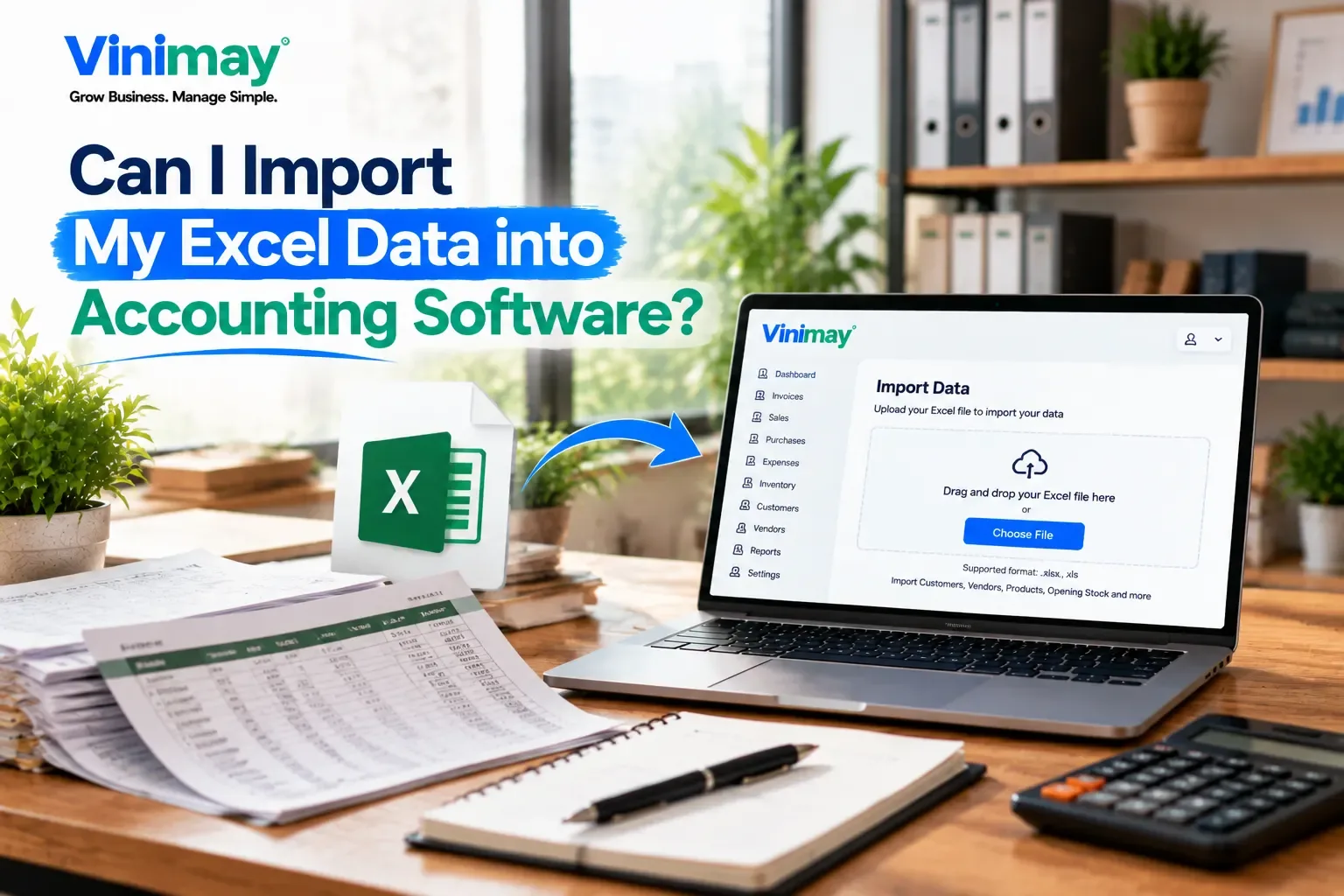
Direct answer: it depends on the software, and even when import is supported, it usually only works smoothly if your Excel data is already reasonably organized—messy or inconsistent spreadsheets often need cleanup before any import tool can use them properly. This is one of the biggest hesitations business owners have when considering a switch away from Excel: the fear of losing months or years of existing customer lists, past invoices, and price records, and having to retype everything from scratch.
That fear is reasonable, but it's worth separating two different questions that often get blurred together: can the software technically import Excel data, and is your existing spreadsheet actually in a shape that can be imported cleanly? Both matter, and skipping the second question is where most important attempts run into trouble.
What Import Actually Requires
Software that supports import typically expects your data in a specific structure — consistent column headers, one type of record per sheet (customers in one file, items in another), and no merged cells, notes, or formatting tricks layered into the data. Most small business Excel sheets, built up gradually over time, don't naturally look like this. They often have inconsistent naming, extra notes scattered in cells, and formulas mixed in with raw values.
This means the real work of switching from Excel isn't just "does the software support import" — it's cleaning your existing data enough that an import tool can read it correctly.
What Usually Needs Cleaning Before Import
Consistent naming. The same customer shouldn't appear as "Ramesh," "Ramesh Kumar," and "R. Kumar" across different rows.
Separate concerns per column. A single "notes" column mixing address, phone number, and GST details makes automated import unreliable.
No merged or blank cells in the middle of a data table, since these commonly break automated import tools.
One consistent format per field — dates, phone numbers, and amounts should follow the same format throughout, not vary row to row.
What "Import" Actually Saves You
Even a successful import doesn't eliminate all manual work—it usually saves you from retyping every customer, item, or past invoice from scratch, which is genuinely valuable if your Excel sheet has hundreds of rows built up over time. What it doesn't do is fix problems in your existing data; a messy spreadsheet imported into new software just becomes a messy dataset inside that software, unless you clean it up first.
This is why the more realistic starting point for manysmall businessesis a partial migration: import the parts of your Excel data that are already clean and consistent — typically customer names and basic item lists — and start recording new transactions directly in the new system going forward, rather than trying to import years of inconsistent historical entries.
Where Vinimay Stands on This
Vinimay's confirmed capabilities center on recording sales, purchases, receipts, and payments directly within the platform and generating GST-compliant invoices from that data. A dedicated bulk import tool for bringing in existing Excel data — such as an existing customer list or historical invoice records—isn't part of what's currently confirmed for Vinimay. If importing years of existing Excel records is a specific requirement before you switch, it's worth confirming this directly rather than assuming it's supported, since this hasn't been independently verified.
In practice, many small businesses transitioning to any new billing software find it manageable to manually re-enter their core customer and item list once — often a smaller task than it initially seems, especially if that list is cleaned up in the process — and then let the new system take over recording transactions from that point forward. If you want to see how invoicing works once you're starting fresh, Vinimay's free tool lets you generate up to 5 GST-compliant invoices without needing to sign up.
[Create Your First Invoice Free with Vinimay]
Conclusion
Whether you can import Excel data into new accounting software is only half the question — the other half is whether your existing spreadsheet is clean enough to import successfully in the first place. Messy, inconsistently formatted data causes more failed imports than software limitations do. Before assuming a switch means losing all your existing records, it's worth cleaning up your customer and item lists first,
checking directly what the specific software supports, and treating a full migration and a fresh start as two valid options rather than assuming import is the only way forward. Try Vinimay free software
FAQs
Can any accounting software import my existing Excel spreadsheet directly?
It depends on the specific software—some offer structured import tools for customers, items, or past transactions, while others don't support bulk import at all. Confirm this directly rather than assuming.
Why does my Excel file fail to import even when the software says it supports imports?
Usually because of inconsistent formatting—mismatched customer names, merged cells, mixed data in one column, or formulas instead of plain values. Cleaning the file first often resolves this.
Do I need to clean my Excel data before trying to import it?
Yes, in most cases. Even software with import support expects a consistent structure, and a messy spreadsheet typically needs organizing before it can be imported reliably.
Is it easier to start fresh instead of importing old Excel data?
For many small businesses, yes — manually re-entering a cleaned-up customer and item list is often more manageable than trying to import years of inconsistent historical data.
What kind of data is most commonly imported when switching from Excel?
Customer lists and item/price lists are the most common, since they're reusable going forward. Historical transaction data is harder to import cleanly and often less necessary to bring over in full.
Does importing Excel data guarantee accuracy in the new software?
No — if the original Excel data had errors or inconsistencies, importing it simply carries those same problems into the new system, unless they're corrected first.
Does Vinimay support importing existing Excel records?
Not currently confirmed. Vinimay'sconfirmed strength is in recording new transactions directly and generating GST-compliant invoices from that data going forward—confirm directly if bulk Excel import is a specific requirement for you.
Related Topics
Published by admin
Our editorial and compliance specialists create practical guides, tax calculation rules, and operational strategies to empower Indian small business owners and accountants.