Can I Export My Data from Accounting Software?
Direct answer: it depends entirely on the specific software—some let you export everything (invoices, transactions, customer records) in open formats like CSV or Excel, others only let you export individual invoices as PDFs, and a few make it deliberately difficult to leave. This is one of the most important things to check before committing to any accounting or billing tool, because it decides whether you're genuinely in control of your own business data, or effectively locked into whatever software you started with.
Most business owners don't think about this until they actually want to switch software, or need to hand records to an accountant, or want a backup outside the platform itself. By then, discovering that your two years of transaction history can only be viewed inside the app — not extracted from it — is a frustrating and avoidable position to be in.
Why Export Capability Actually Matters
Your invoices, customer balances, and transaction history are your business's data, not the software provider's. A tool that makes exporting easy respects that distinction. A tool that makes it hard, or buries it behind a paid tier, is quietly increasing the cost of ever leaving — which is worth knowing upfront, not discovering later.
There are three practical situations where export capability becomes suddenly important:
Switching software. If you decide to move to a different tool, you'll want your customer records, past invoices, and transaction history to come with you, not start from zero.
Sharing with your accountant. A CA preparing your GST returns or financial statements often needs raw transaction data, not just a view inside your app.
Keeping your own backup. Software can have outages, pricing changes, or shut down entirely — having your own copy of your data protects you from all three.
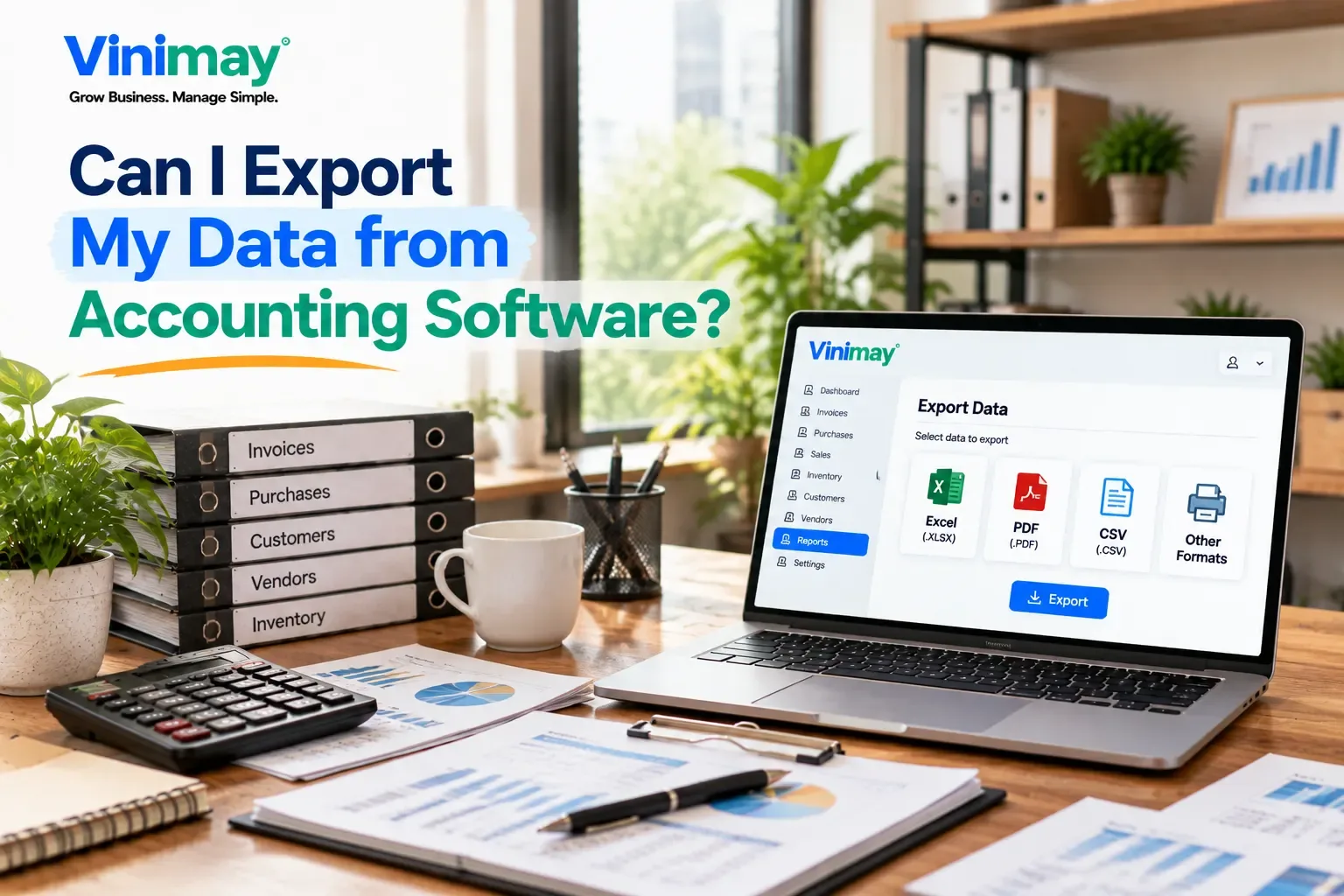
What "Export" Can Actually Mean, and Why the Format Matters
Not all exports are equally useful. Here's the difference that actually matters:
A PDF invoice export is genuinely useful for day-to-day billing—sending something to a customer or printing a receipt. It's not the same as a full data export, though, since a PDF isn't something you can reopen and manipulate as structured data the way a CSV or Excel file is. If your goal is switching software or handing records to an accountant, you specifically need the structured version, not just the printable one.
What to Check Before You Rely on Any Software
Before assuming your data is portable, verify:
Can you export your full transaction history, not just individual invoices?
Is the export in an open format (CSV, Excel) rather than a proprietary one only that software can read?
Is exporting available on the plan you're actually using, or reserved for a higher paid tier?
Does exporting cover customer/vendor records too, not just sales transactions?
If the answer to any of these is unclear from the software's own documentation, it's worth asking directly rather than assuming the best.
Where Vinimay Stands on This
Vinimay currently supports exporting individual GST-compliant invoices as PDFs, in A4, A5, or Thermal format — useful for sending invoices to customers or printing them for a counter transaction. A broader, full-transaction data export (a complete CSV or Excel download of all your recorded sales, purchases, and customer records) isn't part of what's currently confirmed for Vinimay. If bulk data export or full portability is a specific requirement for your business — for example, if you want the option to move your records to another system later, or need raw data for your accountant — it's worth confirming this directly with Vinimay rather than assuming it's included, since this piece of functionality hasn't been independently verified.
Being upfront about this matters more than pretending otherwise: what is confirmed is that your invoices, transactions, and customer records are recorded accurately and consistently within the platform, which is the foundation any future export—whenever that capability is confirmed or added — would depend on.
[Create Your First Invoice Free with Vinimay]
Conclusion
Data export isn't a nice-to-have feature buried in a settings menu — it's a direct measure of how much control you actually have over your own business records. Before relying on any accounting or billing software long-term, check specifically whether you can pull your full transaction history in an open, reusable format, not just print individual documents. If a provider is vague or silent about this, that itself is worth treating as useful information, and asking directly is always better than assuming.
FAQs
Can I export all my invoices at once from accounting software?
This depends on the specific tool — some allow a bulk export of all transaction data, while others only let you download or print invoices one at a time. Check this specifically rather than assuming.
What's the difference between exporting a PDF and exporting a CSV file?
A PDF is a formatted, printable document useful for one invoice at a time. A CSV file contains raw, structured data you can reopen, edit, and reuse — necessary if you're switching software or handing records to an accountant.
Why would I need to export my accounting data if I'm happy with my current software?
Even if you're satisfied now, having your own copy of your data protects you against future pricing changes, service outages, or the need to switch tools later without warning.
Is data export usually a free feature, or is it often paid-only?
It varies significantly — some providers include export on every plan, others restrict it to higher paid tiers. This is worth checking directly on the pricing page rather than assuming.
Does exporting individual invoices count as a full data export?
No—exporting a PDF invoice is useful for sending to customers, but it's not the same as exporting your complete transaction history in a reusable, structured format.
Can I export customer and vendor records, not just sales invoices?
This depends entirely on the software. Some tools include full customer/vendor data in their export options; others limit exports to transaction-level data only. Confirm this specifically for whatever tool you're using.
Does Vinimay let me export my full transaction history?
Currently confirmed is PDF export of individual GST-compliant invoices in A4, A5, or Thermal format. A full transaction data export i
Related Topics
Published by Team Vinimay
Our editorial and compliance specialists create practical guides, tax calculation rules, and operational strategies to empower Indian small business owners and accountants.