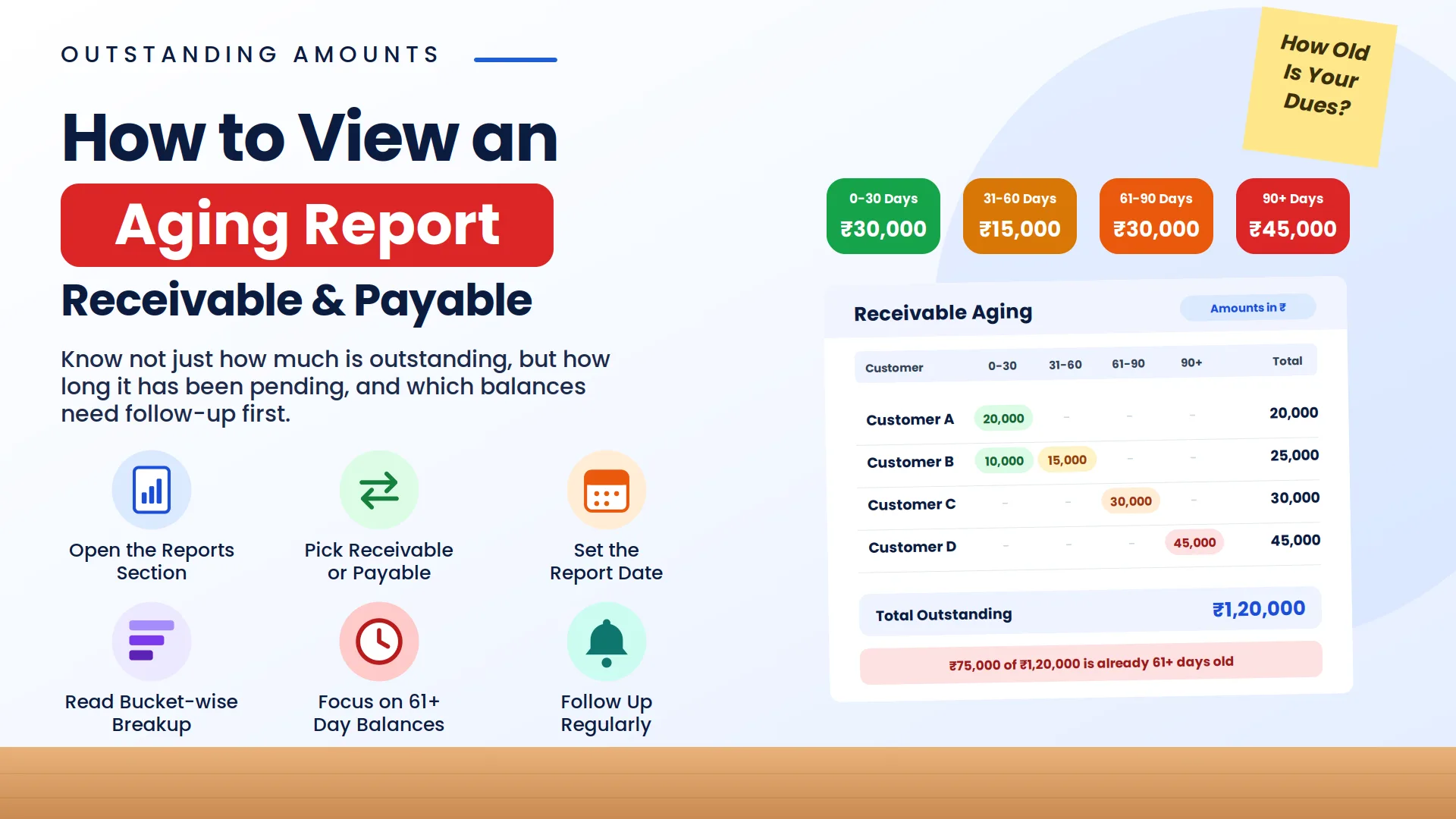
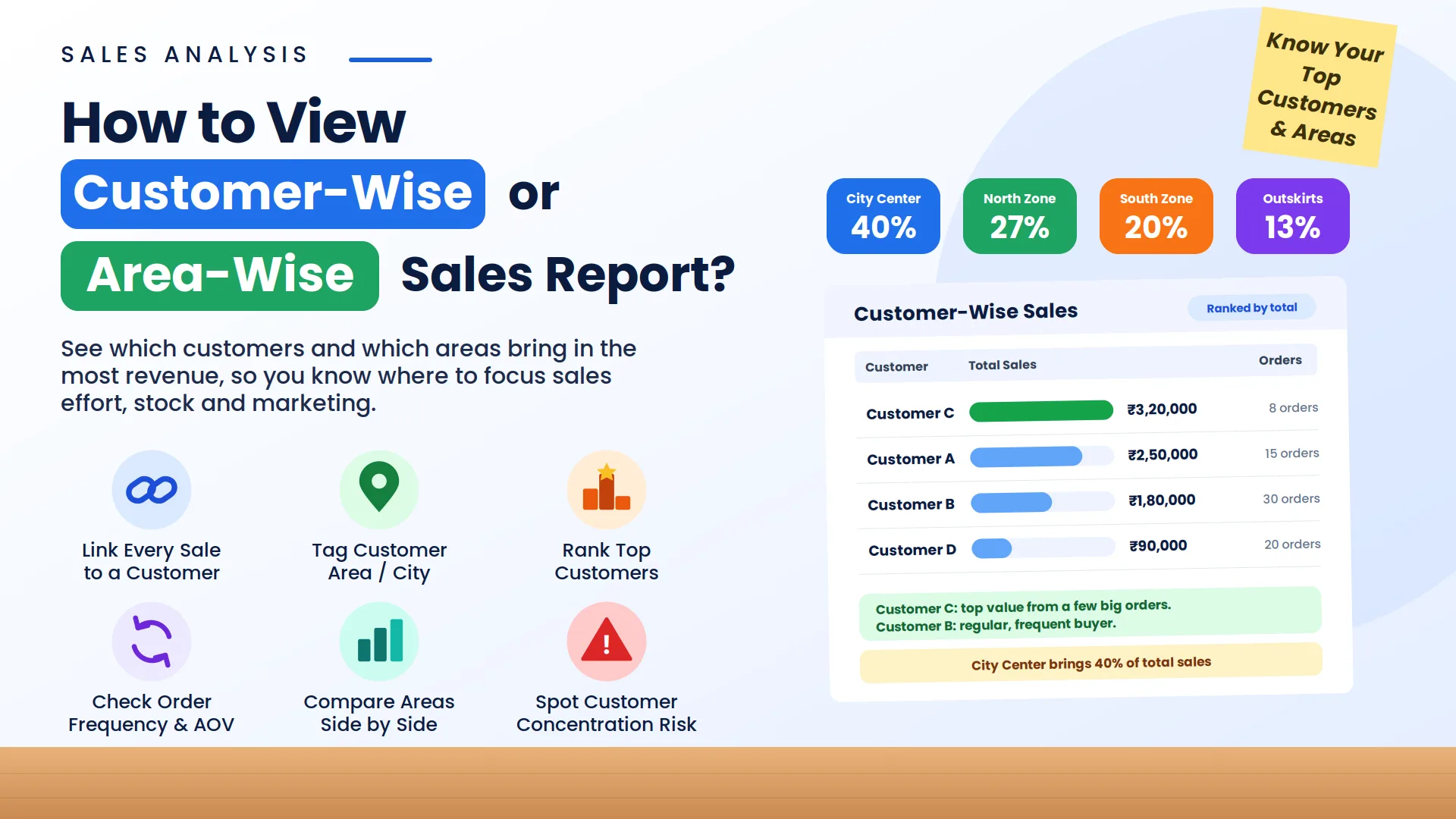
Excel has been a common choice for businesses to maintain records of sales, expenses, payments, and other financial information because it is flexible and easy to use. However, as business operations grow, managing multiple spreadsheets can become challenging due to manual calculations, data updates, formula errors, and limited automation. Free accounting software provides a more structured approach by helping businesses manage invoices, transactions, customer details, and reports in one system. Vinimay helps businesses organize billing, accounting, and financial records more efficiently, making it easier to maintain accurate data compared to traditional spreadsheet-based record keeping. This guide explains the key differences between free accounting software and Excel and helps businesses understand which option suits their requirements better.
Where Excel Genuinely Holds Up
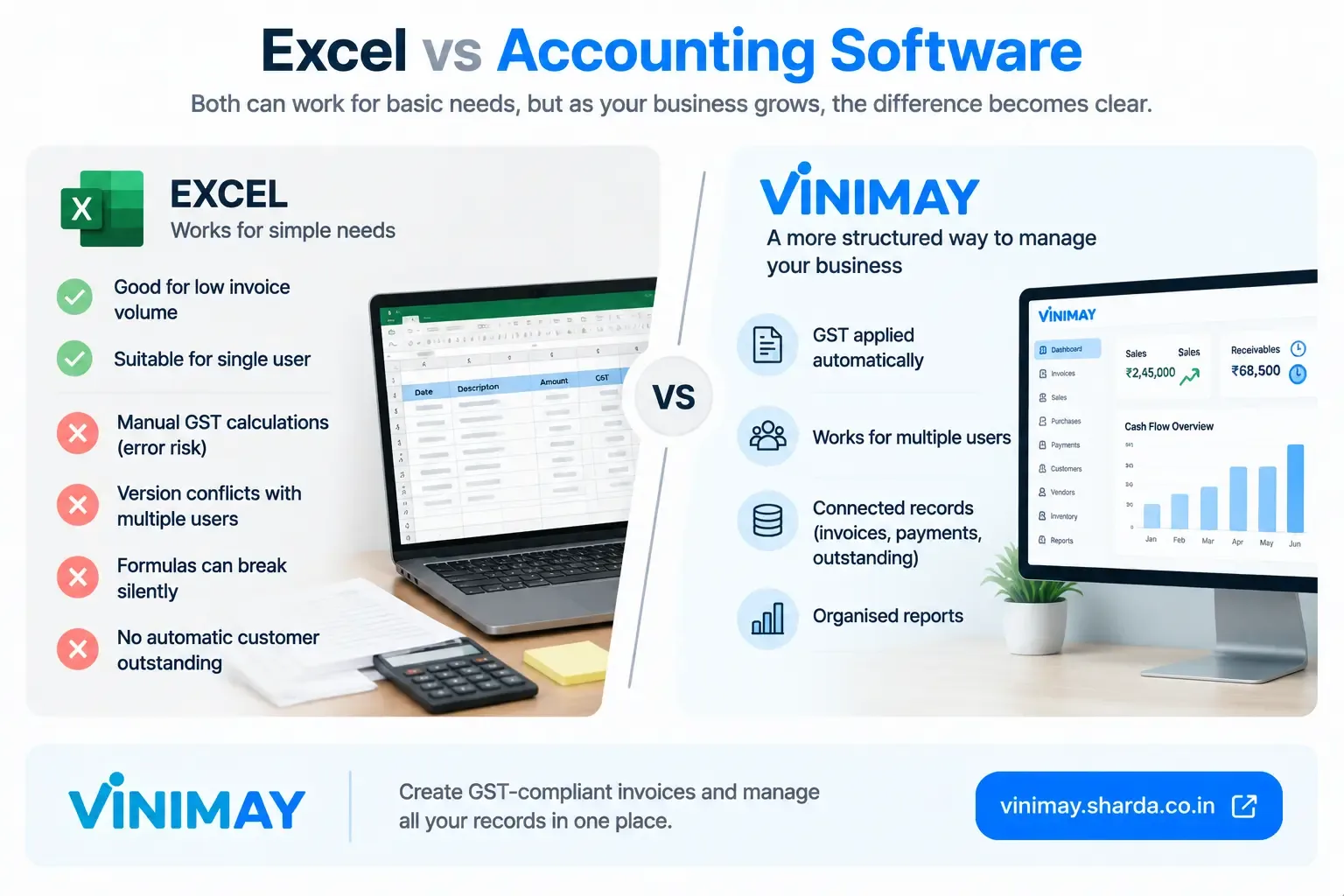
Low invoice volume, where manual GST calculation on each one is manageable.
A single person handling all billing, avoiding version-control confusion.
Simple, one-time or occasional invoicing needs, without ongoing customer relationships to track.
Where Excel Starts to Break Down
GST calculation errors compound. Manually typing CGST/SGST or IGST on every row means the error rate climbs with volume, and Excel won't flag a wrong split.
Version conflicts appear. Once more than one person edits the sheet, "final_v2_actual.xlsx" scenarios start happening.
Formulas break silently. A dragged formula that shifts by one row can silently corrupt totals without any visible warning.
No built-in customer/vendor structure. Excel doesn't inherently connect an invoice to a running customer balance—you have to build and maintain that logic yourself.
Where Vinimay Fits This Comparison
For a business that's outgrown Excel's manageable zone—rising invoice volume, more than one person billing, or growing difficulty tracking customer outstanding—Vinimay applies GST correctly (CGST, SGST, or IGST) automatically based on the transaction and records sales, purchases, receipts, and payments against shared customer and vendor accounts, removing the formula-maintenance burden Excel puts entirely on you. The free tool lets you generate up to 5 GST-compliant invoices without signing up, a low-effort way to compare the actual experience directly against your current spreadsheet.
Conclusion
Excel isn't the wrong tool for every business—it's the wrong tool past a specific point, usually marked by rising invoice volume, more than one person editing the sheet, or growing difficulty tracking who owes what. Recognizing that point in your own business matters more than a blanket verdict on Excel itself.
FAQs
Q1. Is Excel always a bad choice for small business billing?
No—it works fine for low volume and a single user. The problems appear as volume grows or more people get involved.
Q2. Why do GST errors increase specifically with Excel as volume grows?
Because the tax split has to be typed manually on each row, and error rates climb with repetition, unlike software that applies the split automatically.
Q3. What causes version-conflict problems in Excel-based billing?
Multiple people editing the same file, often ending up with several slightly different versions and no clear single source of truth.
Q4. Does Excel track customer outstanding automatically?
No—you'd need to build and maintain that logic yourself with formulas, which can break silently if a row shifts or a formula gets copied incorrectly.
Q5. At what invoice volume does Excel typically stop being practical?
There's no fixed number, but once errors or version conflicts start happening regularly, that's usually the signal, regardless of the exact count.
Q6. Can I use Excel alongside accounting software during a transition?
Some businesses do this temporarily, though it reintroduces the reconciliation problem software is meant to solve, so it's best treated as short-term only.
Q7. Does Vinimay remove the GST calculation risk that Excel carries?
Yes—CGST, SGST, or IGST is applied automatically based on the transaction, removing manual tax-split calculation.
Q8. Is switching from Excel to software difficult?
It depends on how much historical data you want to bring over—starting fresh with new transactions is usually simpler than migrating years of Excel records.
Q9. Does Vinimay solve the multi-person editing problem Excel has?
Sales, purchases, receipts, and payments recorded within Vinimay are tied to shared customer/vendor accounts rather than a single editable file prone to version conflicts.
Q10. How do I know if my business has actually outgrown Excel?
Signs include recurring GST calculation errors, confusion over which spreadsheet version is current, or difficulty knowing customer outstanding without manual formulas.
Related Topics
Published by Team Vinimay
Our editorial and compliance specialists create practical guides, tax calculation rules, and operational strategies to empower Indian small business owners and accountants.