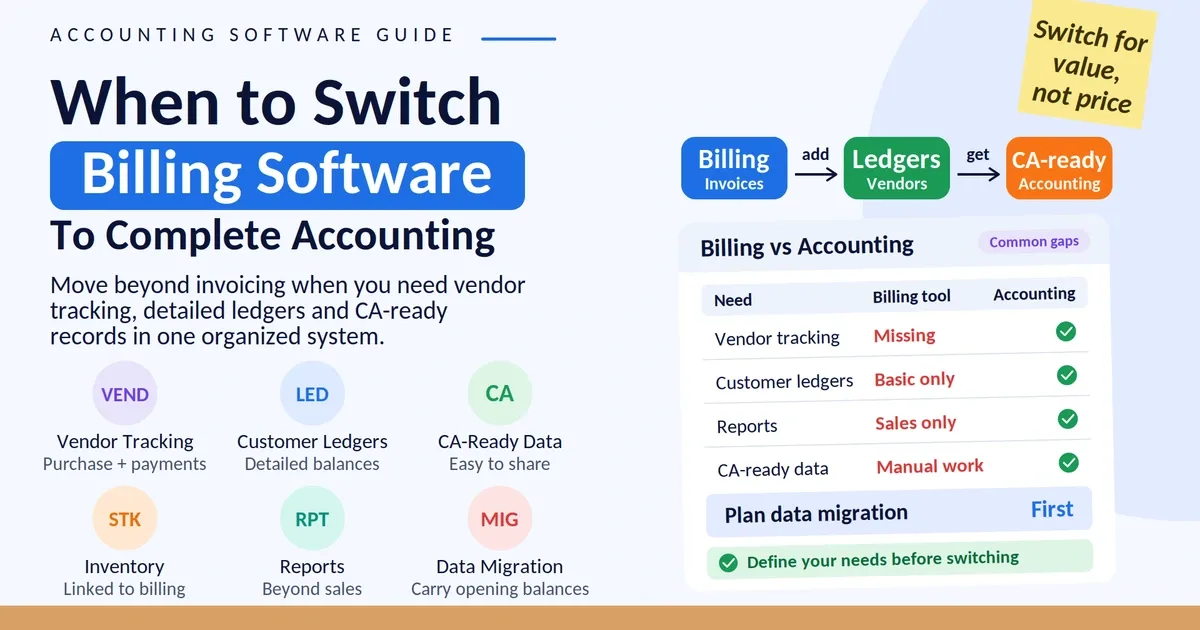
A CA managing books for a dozen small business clients faces a different question than a business owner managing their own single set of records: can free software actually support a professional workflow across multiple clients, or is it fundamentally built for one business, one user, at a time? Accountants can use free accounting software for individual client engagements, particularly for straightforward invoicing or record review, but free tiers are typically built around single-business use, which creates real friction when managing several clients' separate businesses through one tool. This is less about whether it's technically possible and more about whether it's practically efficient at scale.
Where This Works Reasonably Well
For an accountant helping a single client get organised — reviewing their invoices, checking GST accuracy, or helping set up proper records for the first time — using that client's own free account is often perfectly workable, since the accountant is essentially using the tool the same way the business owner would.
Where This Gets Genuinely Difficult
Switching between multiple clients' separate accounts — most free tiers don't support easily managing several distinct businesses from one login
Consolidated visibility across clients — free tools built for single-business use don't offer a combined view across a CA's full client base
Access without full account control — a CA reviewing records may not need or want full administrative access to a client's account, but many free tiers don't offer a middle-ground, view-only role

A Practical Breakdown by Use Case
What This Means Practically for a CA's Workflow
For a CA with a handful of small clients, using each client's own account (free or paid) for their specific business and maintaining separate professional records or software for cross-client work tends to be more practical than forcing one free tool to serve as a multi-client management system it wasn't built for.
Where Vinimay Fits This Use Case
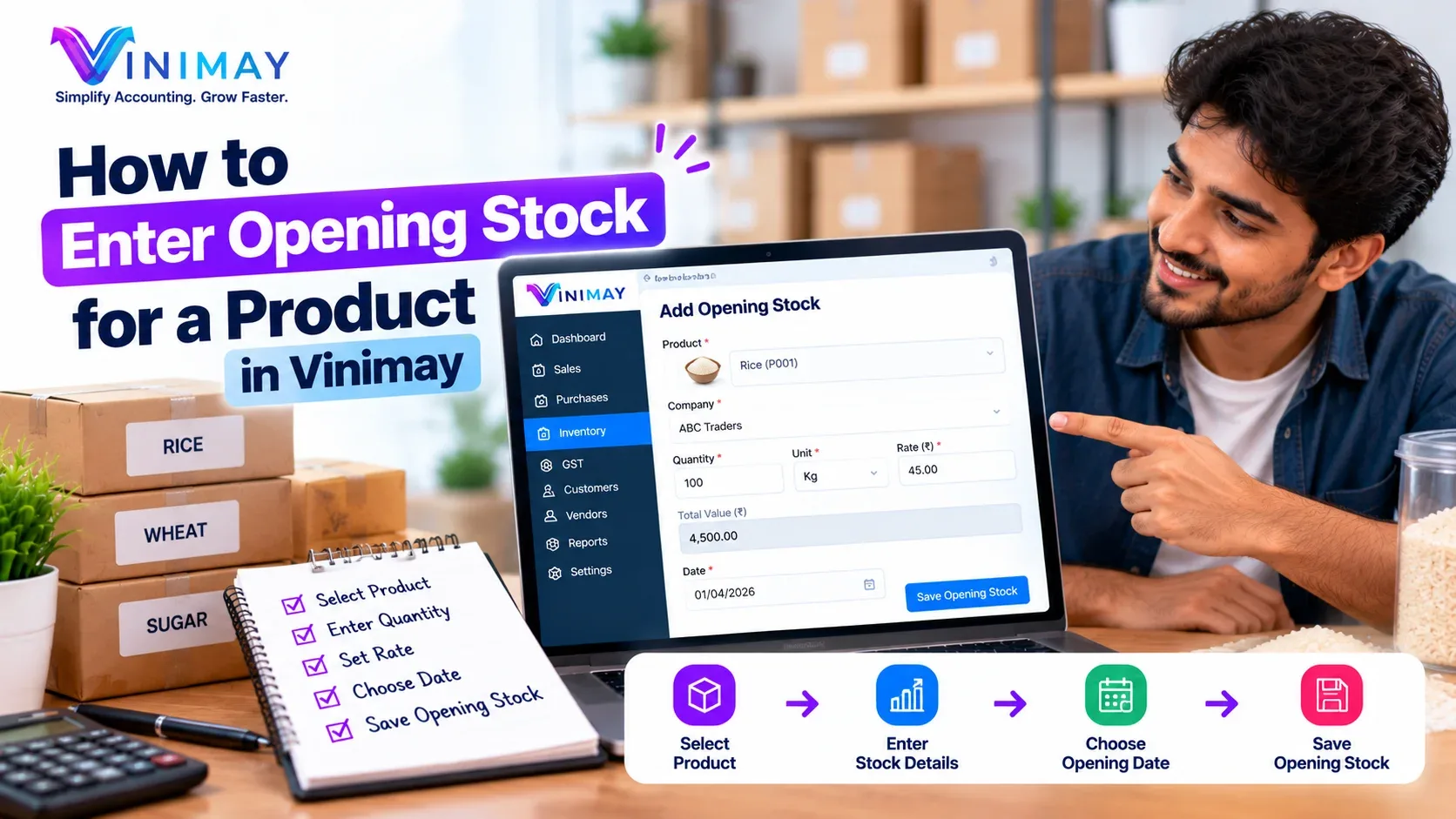
Vinimay is built around a single business's GST invoicing, records, and reporting needs. A CA can reasonably use a client's Vinimay account to review their organised records or assist with setup, since the underlying data — sales, purchases, GSTIN details — is exactly what a CA needs visibility into. For managing several clients' accounts simultaneously, this would mean working within each client's individual account rather than one consolidated CA-level view.
Frequently Asked Questions
Q1. Can a CA manage multiple clients from one free accounting software login?
Generally not efficiently — most free tiers are built around single-business use, making multi-client management genuinely difficult.
Q2. Is it reasonable for a CA to use a client's free account for a single review?
Yes, this use case works reasonably well, since the CA is essentially using the tool the way the business owner would.
Q3. What's the biggest limitation for accountants using free software across clients?
Lack of consolidated, cross-client visibility and easy account switching, since free tools are typically single-business focused.
Q4. Does Vinimay offer a CA-specific multi-client view?
This isn't part of Vinimay's core structure, which is built around one business's records at a time.
Q5. What's a practical approach for a CA with several small clients?
Using each client's own account individually for their specific business, rather than expecting one tool to manage all clients centrally.
Q6. Can a CA help set up a new client's Vinimay account?
Yes, this is a workable use case, since Vinimay's setup process mirrors what any user would do for their own business.
Q7. Can accountants review client transactions using free accounting software?
Yes, an accountant can review a client's sales, expenses, invoices, payments, and other records when the client provides appropriate account access.
Q8. Can accountants prepare reports for clients using free accounting software?
Yes, if the software provides the required reporting features, accountants can use recorded transaction data to prepare or review financial reports for individual clients.
Q9. Can a CA manage GST records using free accounting software?
Yes, free accounting software may help organise GST-related invoices and transaction records. The available GST features should be checked before relying on the software for compliance work.
Q10. Should accountants maintain separate accounts for each client?
For client-specific bookkeeping, maintaining separate business accounts helps keep each client's transactions, invoices, expenses, and financial records organised and prevents information from different businesses from being mixed.
Related Topics
Published by Team Vinimay
Our editorial and compliance specialists create practical guides, tax calculation rules, and operational strategies to empower Indian small business owners and accountants.