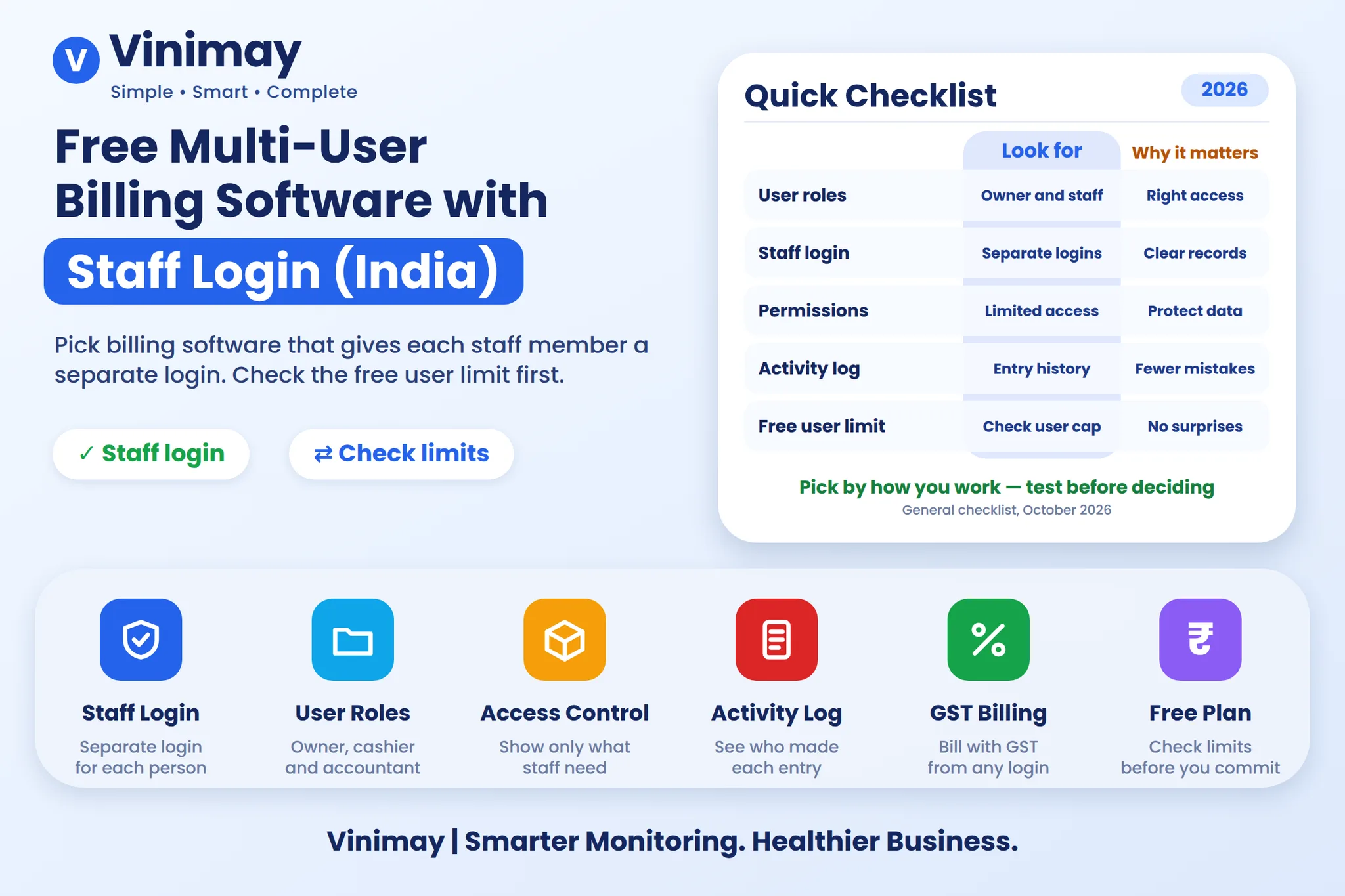
Vinimay is a practical Tally alternative for small and medium businesses that want organized GST invoicing and essential accounting without the learning curve of a large accounting suite. If your needs are basic to moderate (GST invoices, customer and vendor ledgers, inventory and reports), Vinimay offers a simpler, focused, CA-led option that covers these core needs.
Tally and TallyPrime are widely used and powerful, but that depth comes with a learning curve, especially for owners and staff without an accounting background. Many small businesses never use the full range of features. They need reliable, GST-compliant accounting that supports daily work: invoicing, customer tracking and vendor payments.
The right approach is to evaluate your actual accounting needs rather than default to the most popular or most comprehensive software.
Why Do Businesses Look for a Tally Alternative?
- Learning curve: New staff may need significant time to become productive.
- Dependence on accounting expertise: Day-to-day use often relies on someone with bookkeeping knowledge.
- More features than needed: Paying for, and learning, capabilities the business never uses.
- Ease of sharing with the CA: Owners want data organized so their accountant can use it without complex export steps.
When a Simpler Alternative Like Vinimay May Fit Better
- Your team has no dedicated accounting expertise.
- You need essential accounting, not complex financial statements.
- You want new staff to learn the system quickly.
- Your business is small or mid-size, and the core need is GST invoicing plus customer and vendor tracking.
- You want to share records with your CA easily.
When Tally May Still Be the Better Choice
An honest comparison goes both ways. Tally can be the better fit if you have an in-house accountant already trained on it, run a larger or more complex business, or need advanced reporting and customization. In that case, switching only for the sake of simplicity may not pay off.
Vinimay's Core Offering
| Need | Vinimay's Approach |
|---|---|
| GST invoicing | Simple, compliant, with mandatory fields |
| Customer management | Organized profiles with auto-updating ledgers |
| Vendor management | Purchase and payment tracking |
| Inventory | Stock levels integrated with billing |
| Reports | Business-relevant, easy-to-understand overview |
| CA collaboration | Organized digital records that are easy to share |
Quick Comparison: Focused Tool vs Comprehensive Suite
| Factor | Simpler, Focused Tool (e.g., Vinimay) | Comprehensive Suite (e.g., TallyPrime) |
|---|---|---|
| Best for | Small to mid-size businesses with core needs | Larger or more complex accounting setups |
| Learning curve | Lower | Higher, especially for non-accountants |
| Feature depth | Essential accounting | Very broad and advanced |
| Staff training | Quick | Usually more time needed |
| Fit for advanced reporting | Limited to core reports | Strong |
Feature availability changes over time, so confirm the current capabilities of both products before deciding.
What to Consider Before You Switch
- Understand your real accounting complexity. If you only need invoicing, ledgers and basic reports, a comprehensive suite may be more than you need.
- Check your team's learning capacity. A simple, intuitive interface makes adoption much easier.
- Ask your CA. Find out which data format they prefer and how easily they can work with it.
- Plan data migration. Carry forward customer and vendor balances as opening balances, and verify stock before you move. Keep your old data for reference.
- Run a trial period. Test real invoices and ledgers before fully switching.
Common Mistakes
- Choosing the "most popular" software without evaluating your needs.
- Ignoring your team's technical comfort.
- Choosing complex software when a simple system is enough.
- Switching without migrating balances and stock correctly.
- Not involving the CA in the decision.
A Practical Scenario
Consider a small trading business with a three-person team and no full-time accountant. They mainly raise GST invoices, track customer dues and pay vendors. Their previous software needed regular help from the CA for routine entries. After listing their actual needs, they chose a simpler system where staff could create invoices and check ledgers themselves, and the CA reviewed organized records at month-end. The result was faster onboarding and fewer data-entry errors.
How Vinimay Helps
Vinimay is a CA-led accounting platform that covers the core accounting needs of small and medium businesses in a simple, accessible way:
- GST Invoice Management: Compliant, straightforward invoicing
- Customer and Vendor Management: Organized, easy-to-navigate data
- Ledgers: Automatically updating balances
- Inventory Management: Stock connected with billing
- Reports: Relevant business overview
- Digital Invoice Records: CA-ready, organized data
For advanced requirements, such as specific statutory reports or complex multi-entity needs, check Vinimay's documentation or support team to confirm what is available for your setup.
Frequently Asked Questions
1. Is Vinimay as comprehensive as Tally?
No. Vinimay is focused on the essential accounting needs of small and medium businesses, while Tally also covers more advanced and complex requirements.
2. Does every business need software as comprehensive as Tally?
No. It depends on your accounting complexity. Many small businesses work well with a simpler, focused tool.
3. Is it easy to switch from Tally to Vinimay?
A simple interface helps teams adopt quickly, and with proper data migration the transition can be smooth. Vinimay supports organized onboarding and opening balance setup.
4. Can I move my customer and vendor balances to a new system?
Yes. Verify the closing balances in your current system, then enter them as opening balances in the new one.
5. Will I lose my old data if I switch?
Not if you plan properly. Keep your old data (or an export) for reference, audit and compliance, and record new transactions in the new system.
6. Can my CA work with Vinimay's data?
Vinimay keeps digital invoice records and ledgers organized so your CA can review them. Ask your CA about their preferred format before you decide.
7. How long does it take for staff to learn a simpler accounting tool?
It varies, but simpler tools generally need less training than comprehensive suites, especially for non-accountants.
8. Can I run both systems in parallel during the transition?
Many businesses run a short parallel period to compare results before fully switching. Avoid doing it for too long, since double entry increases errors.
9. What should I check before choosing any Tally alternative?
Check GST compliance, customer and vendor ledgers, inventory, reports, data export options and how easily your CA can use the data.
10. When should I stay with Tally?
If you have a trained accountant, complex reporting needs or a larger multi-layered business, staying with Tally can make sense.
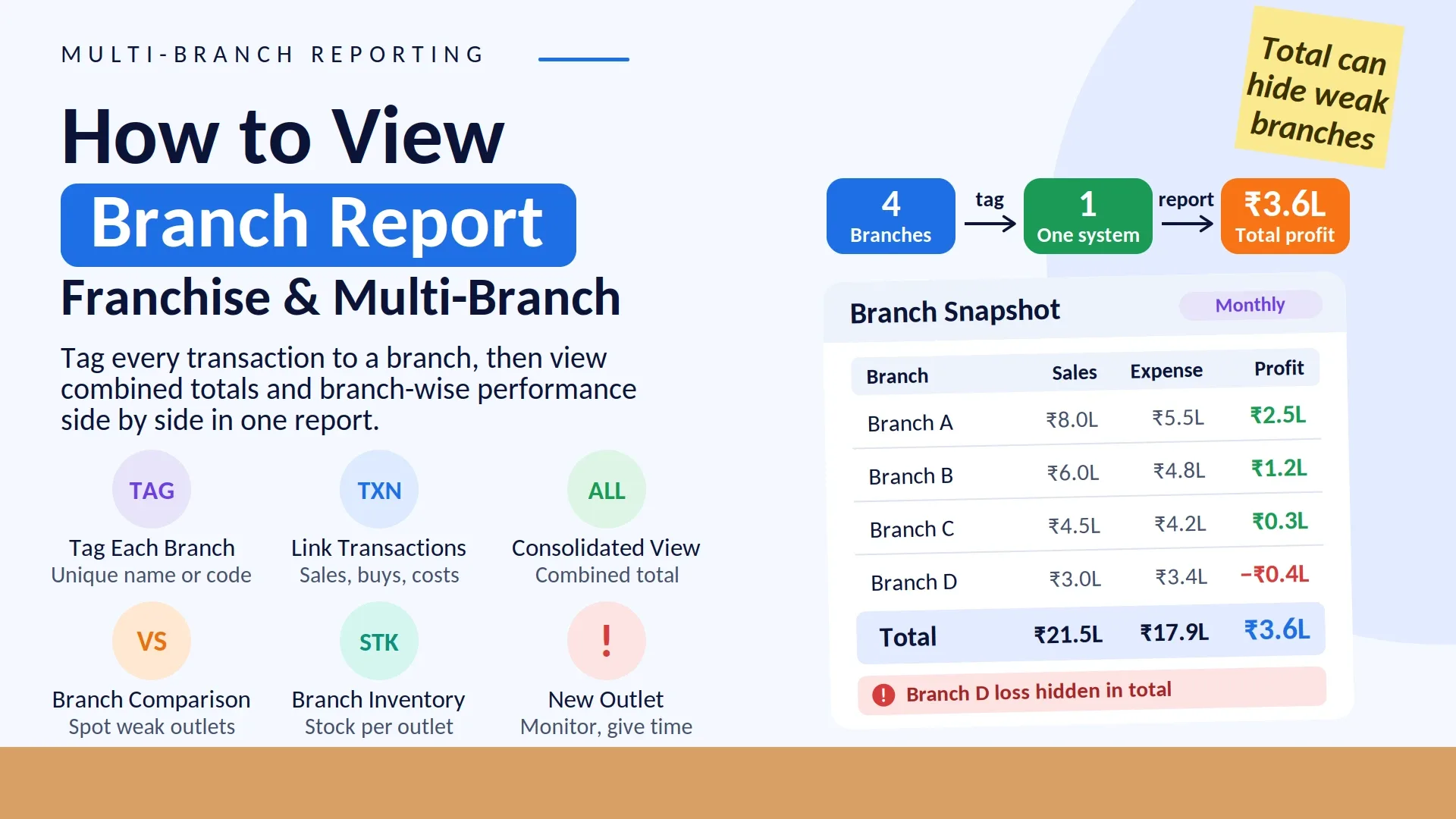
11. Does Vinimay support multi-branch consolidated reporting?
Availability depends on your plan and software version, so confirm it with Vinimay's support team.
12. How do I decide if a simpler tool is enough?
List your must-have tasks (invoicing, ledgers, stock, reports) and test whether the tool handles all of them in a trial.
Conclusion
Vinimay is a practical Tally alternative for businesses that want simple, reliable, GST-compliant accounting without a steep learning curve. Make your decision based on your actual needs, your team's comfort with the software and your CA's input.
Published by admin
Our editorial and compliance specialists create practical guides, tax calculation rules, and operational strategies to empower Indian small business owners and accountants.