Free Multi-User Billing Software (Staff Login)
The first time you hire a counter helper, you give them your login. It feels harmless. Multi Three months later a bill is edited, a discount is missing, and nobody can say who did it.
Shared passwords are the quiet reason many owners lose track of their own counter. The software works, but you cannot tell who did what, and you cannot stop a helper from opening reports meant only for you.
This article explains what multi-user billing software should offer, where free tools restrict you, and how Vinimay approaches staff access.
Why Is Sharing One Login a Problem?
When everyone uses one login, you lose three things. You cannot see who made a bill. You cannot hide sales totals or party balances from staff. And when an employee leaves, you must change the password for everyone. Separate logins fix all three.
What Does Role-Based Access Mean?
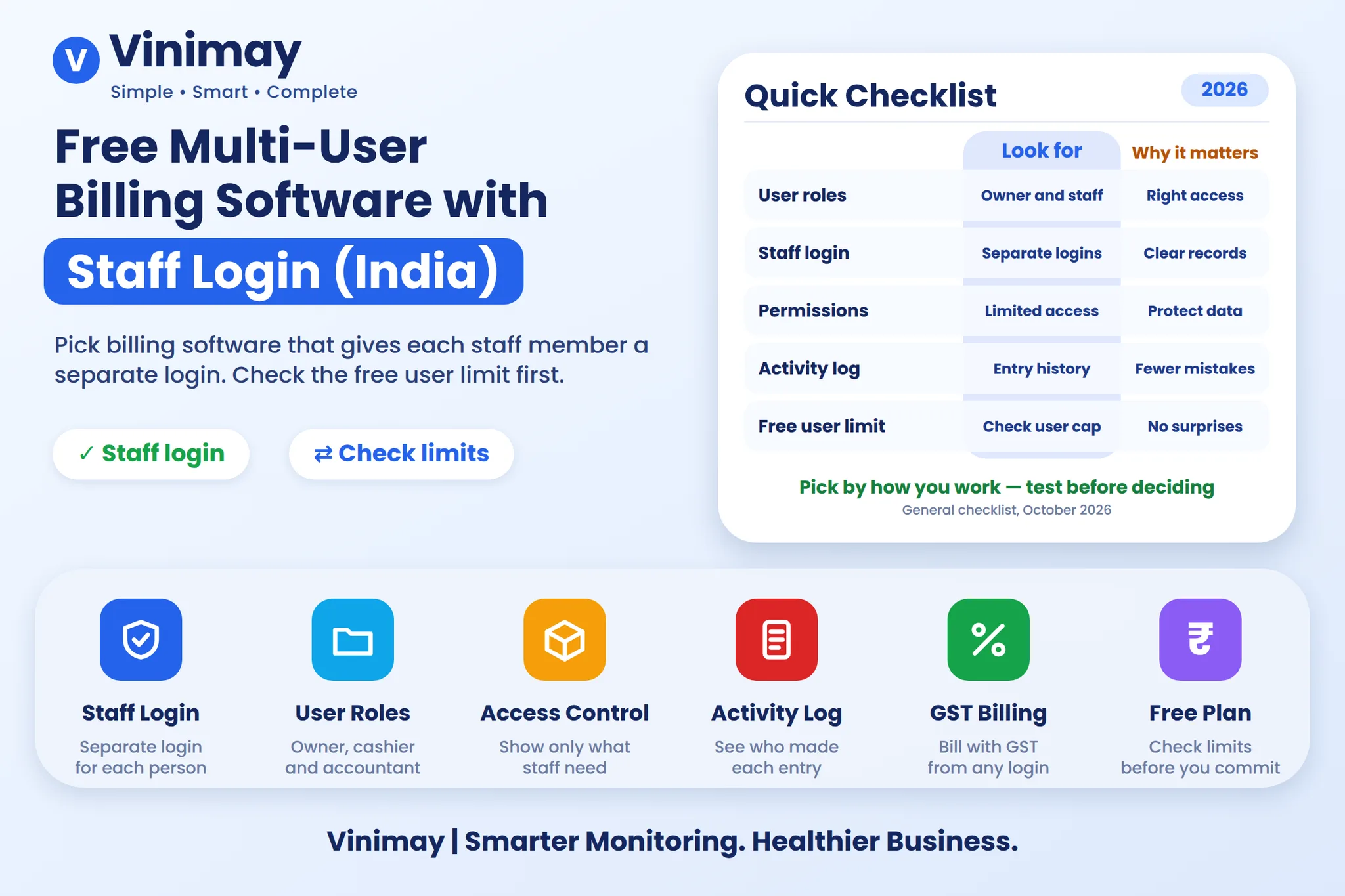
It means each person sees only what their job needs. A counter helper can make bills. An accountant can enter purchases and view reports. The owner sees everything. The idea is simple: give the least access that still lets the person work.
What Should You Check in Multi-User Software?
Where Do Free Plans Restrict Users?
Single-user limits are the most common restriction on free plans. Others allow two users but no permissions, which is the same problem in a smaller form. Always read the user limit on the live pricing page before you train your staff on a tool. If your present tool blocks you here, see why people switch to a better billing software.
How to Set Up Staff Access Safely
Do this in the first week:
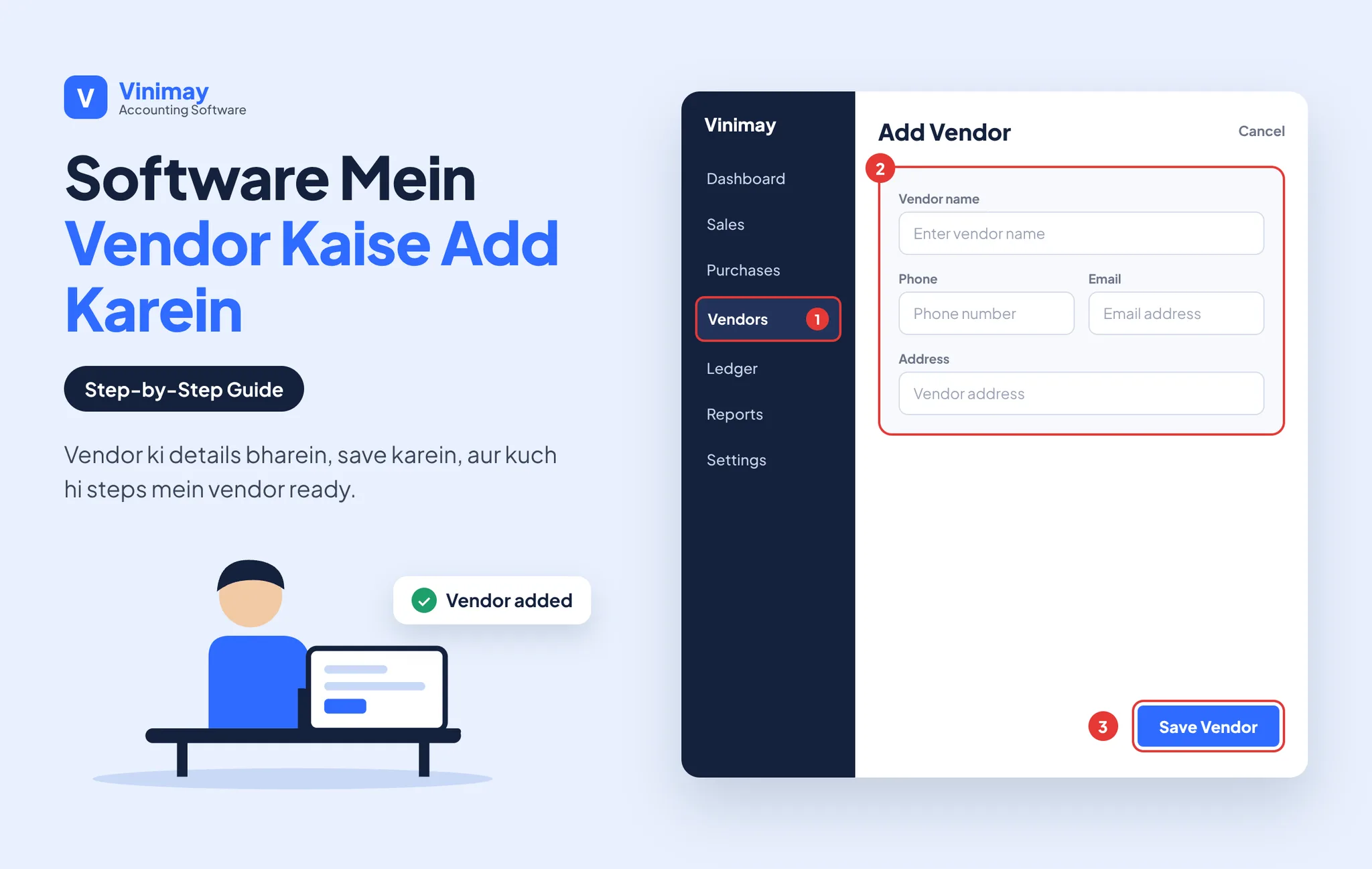
Create a separate account for each staff member.
Give counter staff billing access only.
Give your accountant purchase and report access.
Keep owner-level access to yourself.
Remove access the day someone leaves.
Check a day's bills at the end of the first week.
How Does Vinimay Handle Multiple Users?
According to its official pages, Vinimay lists multi-staff accounts with role-based permissions on its plan. It also lists POS billing with barcode scanning, thermal print, inventory and web, mobile and desktop access, which suits a shop with a few people at the counter.
The pages do not describe individual role types or an activity log, so ask Vinimay directly if you need those details. Comparing bigger tools? See Vinimay vs TallyPrime.
FAQs: Free Multi-User Billing Software
1. Is there free billing software with multiple users?
Yes, but many free plans allow only one. Check the user limit first.
2. Does Vinimay support staff accounts?
Yes. Multi-staff accounts with role-based permissions are listed.
3. Can I stop staff from seeing reports?
Role-based permissions are listed, but check the exact options with Vinimay.
4. Can two people bill at the same time?
With separate logins, usually yes. Test it with two devices.
5. Do staff need a computer?
Vinimay lists web, mobile and desktop access.
6. Can I see who created a bill?
Vinimay's pages do not list an activity log. Confirm directly if you need it.
7. What if an employee leaves?
Remove their account so they lose access. Do not share one password again.
8. Does Vinimay support payroll?
Not listed today. Confirm directly if you need it.
Related Topics
Published by Team Vinimay
Our editorial and compliance specialists create practical guides, tax calculation rules, and operational strategies to empower Indian small business owners and accountants.