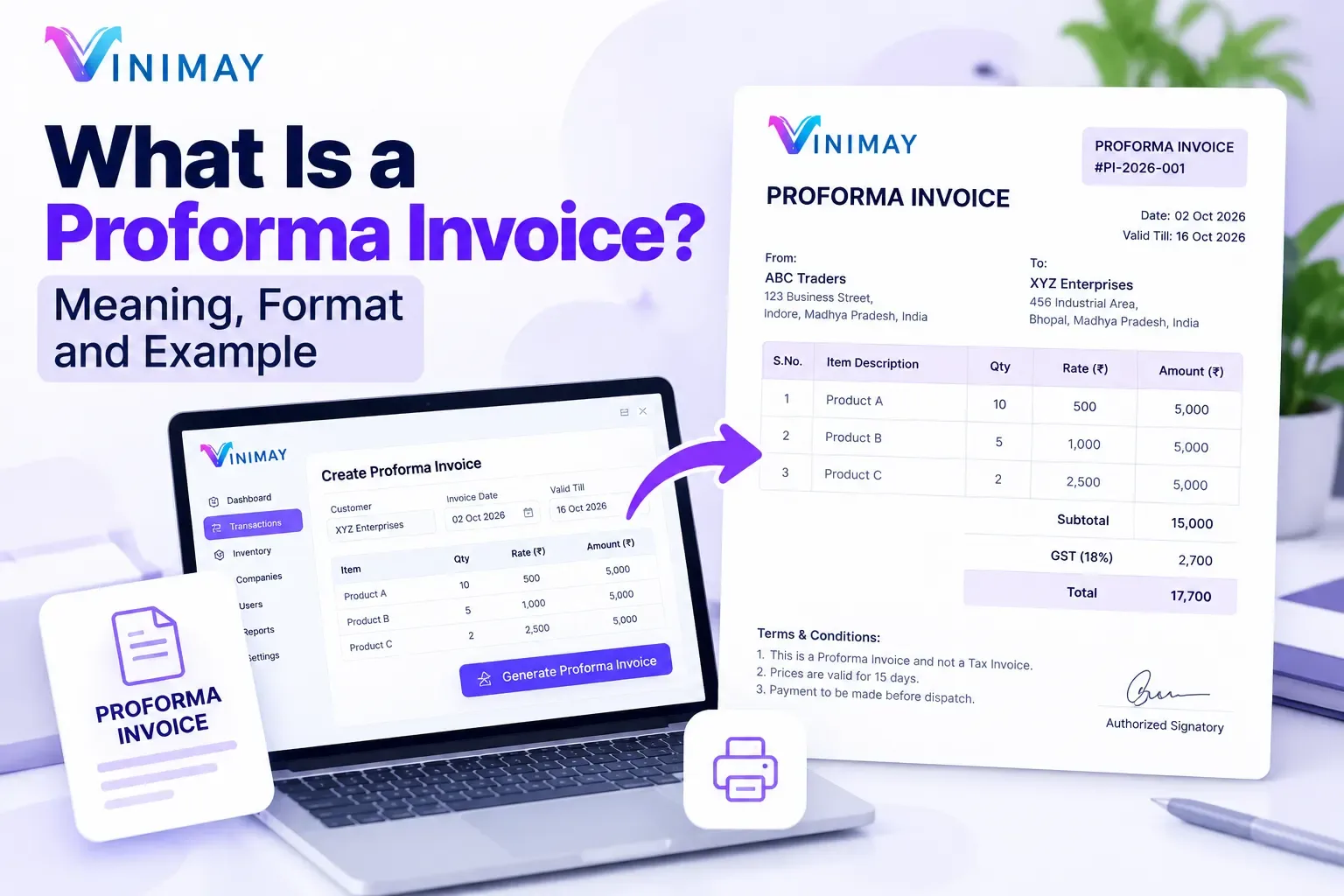
For someone who's never used billing software before, "create an invoice" can feel like an intimidating first step, mostly because it's unclear what information will even be asked for. In practice, the process mirrors exactly what you'd write on a handwritten bill — just organised into specific fields instead of free-form text. Creating an invoices using accounting software generally follows five steps: selecting or adding the customer, adding the items or services being billed, confirming the tax details apply correctly, reviewing the total, and generating the final document. Vinimay follows this same straightforward sequence, designed to feel familiar rather than technical.
What Information Is Required to Create an Invoice?
To create a complete and professional invoices, a business generally needs to enter seller details, customer details, invoice information, product or service details, taxes, and payment information. The exact requirements can vary depending on the type of business and applicable tax rules.
Key information generally includes:
Business Details: Business name, address, contact information, and GSTIN if registered under GST.
Customer Details: Customer name, billing address, contact information, and GSTIN where applicable.
Invoice Number: A unique invoice number that helps identify and track the transaction.
Invoice Date: The date on which the invoice is issued.
Product or Service Details: Description of the goods or services supplied.
Quantity and Unit Price: The quantity supplied and applicable price per unit.
HSN/SAC Code: Relevant HSN or SAC details where required.
GST Details: Applicable GST rate and tax amounts, such as CGST, SGST, or IGST, depending on the transaction.
Discounts and Additional Charges: Any applicable discounts, shipping charges, or other charges should be clearly shown.
Total Invoice Amount: The final amount payable after adding applicable taxes and adjusting discounts.
Payment Details: Bank account, UPI, payment terms, or other payment information can be included to make payment easier for customers.
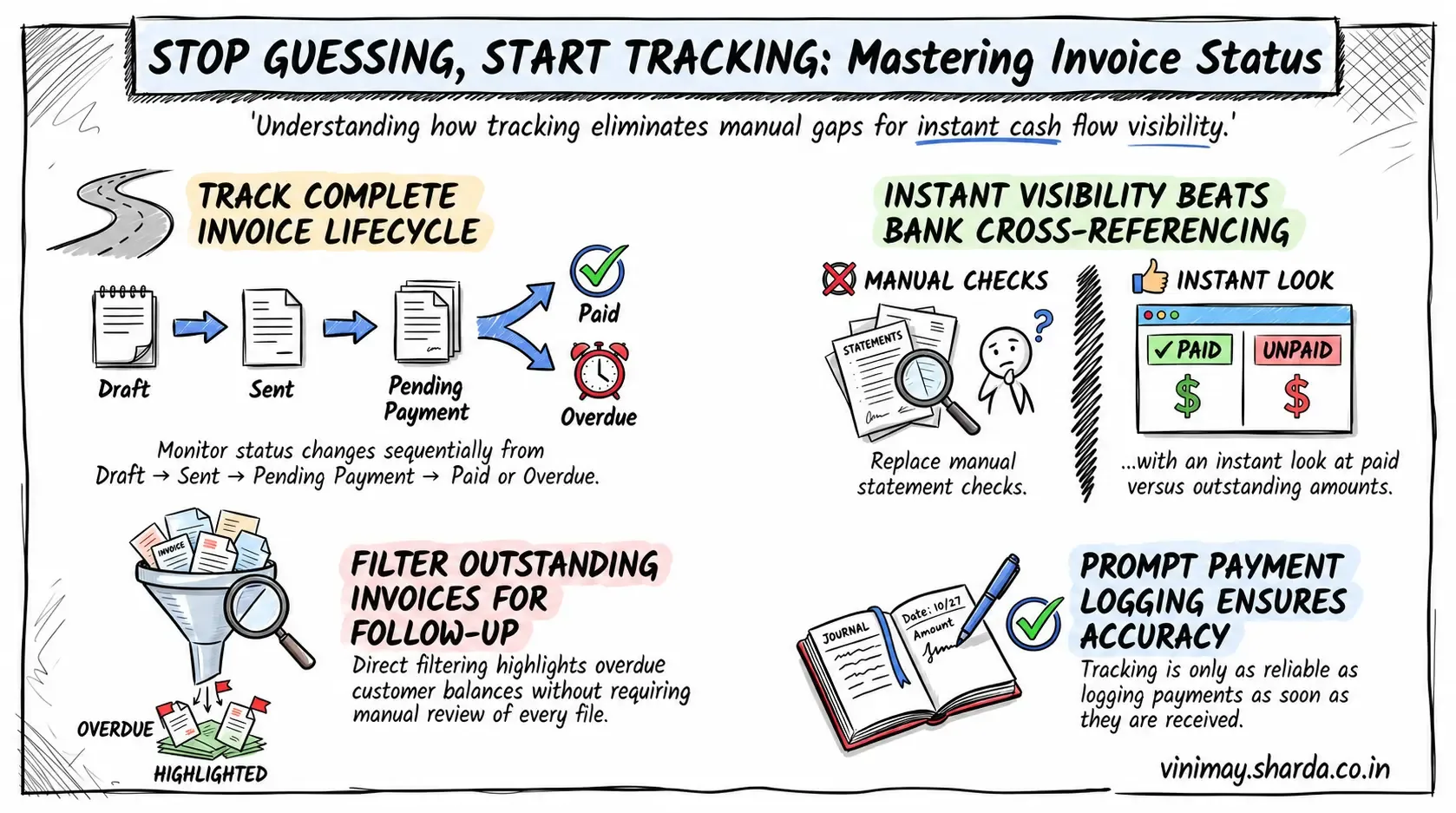
The Five-Step Process, Explained
Select or add the customer — choose from saved details, or enter them fresh for a new customer
Add line items — the product or service, quantity, and rate
Confirm tax application—GST fields typically apply automatically based on product and customer setup
Review the total — check that everything reflects the actual transaction correctly
Generate and download — the invoices is finalised as a PDF, ready to print or send
What Information You Should Have Ready
A Common First-Time Hesitation
New users often pause at the tax fields, unsure whether to select something manually. In most cases, once a product and customer are set up correctly, tax application happens automatically — the hesitation usually resolves itself after the first invoice, once it's clear the system is handling that calculation rather than expecting manual input each time.
Where Vinimay Fits This Process
Vinimay's invoice creation follows exactly this five-step flow — select a customer, add items, and the GST calculation applies automatically from a saved setup, with the finished invoice available as a downloadable PDF. The free tool lets you walk through this entire process on a real transaction, up to 5 times, at no cost.
Frequently Asked Questions
Q1. What's the first step in creating an invoice?
Selecting an existing customer or adding a new one with their basic details.
Q2. Do I need to manually calculate tax on each invoice?
No, once products and customers are set up correctly, tax typically applies automatically.
Q3. What if I don't have a customer's GSTIN?
For B2C sales, this isn't required; for B2B sales, it's worth requesting before finalising the invoice.
Q4. Can I preview an invoice before finalising it?
Yes, most software lets you review the full invoice before generating the final document.
Q5. How long does creating one invoice typically take?
After the first few, usually a few minutes or less, especially with saved customer and product details.
Q6. What happens after I generate the invoice?
It's typically available as a downloadable PDF, ready to print, email, or share directly.
Q7. Do I need special training to create my first invoice?
No, the process mirrors familiar transaction details — customer, items, amount — without requiring specialised knowledge.
Q8. Can I edit an invoice after creating it?
This depends on the software; some allow edits before finalising, though corrections after finalising typically require a formal adjustment.
Q9. How many free invoices can I create with Vinimay to practise this?
Up to 5 GST invoices free, downloadable as PDF.
Q10. What's the most common mistake first-time users make?
Rushing through customer or product setup, which then affects the accuracy of every invoice created afterward.
Related Topics
Published by Team Vinimay
Our editorial and compliance specialists create practical guides, tax calculation rules, and operational strategies to empower Indian small business owners and accountants.