Is Accounting Software Safe for Storing Business Data?
A business owner moving from a notebook to software often pauses at one question: what happens if this data is lost, seen by the wrong person, or simply disappears one day. It's a fair concern — a notebook can be locked in a drawer, but software feels less tangible.
Accounting softwareis generally as safe as the practices behind it, not simply because it's digital. Is accounting software safe for storing business data? The honest answer is that safety depends on specific, checkable things—where data is stored, who can access it, and whether it's backed up—rather than on the software being "modern" by default.
Vinimay helps businesses manage GST invoicing, sales and purchase records, payment tracking and customer details in one system. This guide walks through what actually makes accounting software safe, what to verify yourself, and where the responsibility still sits with you as the business owner.
What Actually Keeps Data Safe in Accounting Software
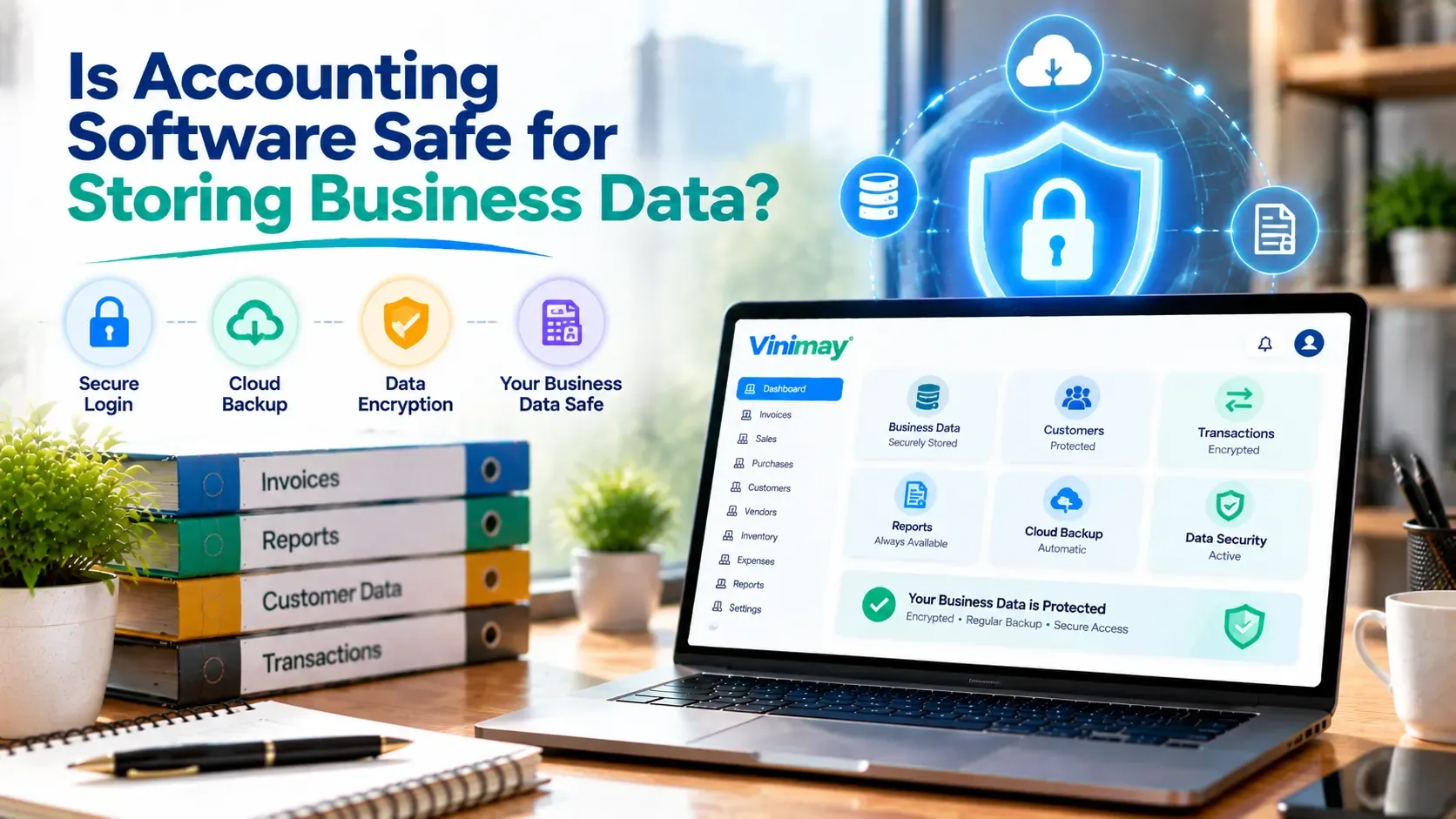
Safety in accounting software usually comes down to a few concrete practices, not a single feature. Data should be stored in a way that isn't tied to a single device, so a lost phone or a crashed computer doesn't mean lost records. Access should be limited to people who are actually meant to see it—this matters even for a small business,where a shared login can quietly become a risk. And information moving between your device and the software's servers should travel in an encrypted form, so it can't be read if intercepted.
None of this is exotic technology. It's closer to basic hygiene—the digital version of not leaving your account books on the shop counter overnight.
Common Data Safety Concerns Business Owners Have
Most worries fall into a few familiar categories. There's the fear of losing everything if a phone breaks or a laptop is stolen, which is really a backup question. There's the concern about a former employee still being able to log in, which is an access-control question. And there's a broader unease about "the "cloud"—data sitting somewhere the owner can't physically see or touch.
Each of these is legitimate, and each has a specific, answerable question behind it rather than a vague feeling of risk.
What You Should Check Yourself Before Trusting Any Tool
Where is data actually stored, and can you access it if you switch devices?
Can you remove a staff member's access immediately if needed?
Is there a way to export or download your own records at any time?
Does the provider explain, in plain terms, what happens to your data if you stop using the service?
If any of these can't be answered clearly, that's worth more caution than the absence of a marketing badge about "bank-level security."
What Still Depends on You, Not the Software
Software can protect data in transit and storage, but it can't stop a shared password, an unlocked device left on a shop counter, or a staff member logging in from an unsecured network. The strongest system still depends on basic habits — using your own login, not sharing credentials, and logging out on shared devices.
This is worth saying plainly because it's often left out: safety is a partnership between the tool and the person using it, not something a piece of software can guarantee alone.
What This Means for Choosing Vinimay
Vinimay keeps your GST invoicing, sales and purchase records, payment details and customer information in one structured system, rather than scattered across notebooks, spreadsheets and phone galleries — which on its own reduces the chance of records being lost to a single damaged device or misplaced diary.
As with any accounting tool, the same basic checks apply: use your own login rather than a shared one, remove access promptly when a staff member leaves, and keep an exported copy of your records as a personal habit. Vinimay's structured record-keeping is a meaningful step up from paper — good data habits on your end complete the picture.
Conclusion
Data safety isn't a single switch a software company flips on — it's a combination of how the tool stores and protects your information, and the habits you build around using it. Before trusting any accounting software with your business records, ask the specific questions this guide covers rather than relying on general reassurance.
Vinimay's structured approach to GST invoicing, records and customer data is built to reduce the everyday risks of scattered, manual record-keeping—but good login habits and regular exports remain part of keeping your data genuinely safe.
Frequently Asked Questions
1. Is it safe to store GST invoices in accounting software?
Generally yes, provided the tool stores data securely and you follow basic access practices like not sharing your login.
2. What happens to my data if I stop using an accounting tool?
This varies by provider — always check whether you can export your records before relying fully on any system.
3. Can accounting software prevent all data loss?
No single tool eliminates all risk. Regular exports and careful access control remain your responsibility alongside the software's own safeguards.
4. Is cloud storage riskier than keeping paper records?
Not inherently — paper records face their own risks like fire, loss, or damage, which digital records with backups can avoid.
5. Should I worry about staff accessing my business data?
Yes, and this is manageable — most systems let you control who has access, so remove it promptly when someone leaves.
6. How can I check if a tool is safe before relying on it?
Ask specifically where data is stored, whether you can export it anytime, and how account access is controlled.
7. Does Vinimay store business records securely?
Vinimay keeps GST invoices, sales, purchase and customer records in one structured system rather than scattered manual records.
8. Is a shared login a security risk?
Yes — shared logins make it impossible to track who did what, and harder to revoke access individually.
9. What's the biggest data safety mistake small businesses make?
Relying on a single device with no backup or export habit, so one lost phone means lost records.
10. Does digital record-keeping reduce data loss compared to notebooks?
Generally yes, since digital records aren't tied to one physical object that can be lost, torn, or damage
Published by Team Vinimay
Our editorial and compliance specialists create practical guides, tax calculation rules, and operational strategies to empower Indian small business owners and accountants.