Which Free Accounting Features Actually Save the Most Time?
Not every feature in a free accounting tool saves the same amount of time — some cut minutes off every single transaction, while others save time only occasionally. Knowing the difference helps you judge a free tool by what actually matters for your daily workload, rather than by a long feature list.
Vinimay helps businesses manage GST invoicing, sales and purchase records, payment tracking, inventory and customer details—several of which fall directly into the time-saving category this guide breaks down. Here's which features do the heaviest lifting, and why.
Which Free Accounting Feature Saves the Most Time Overall?
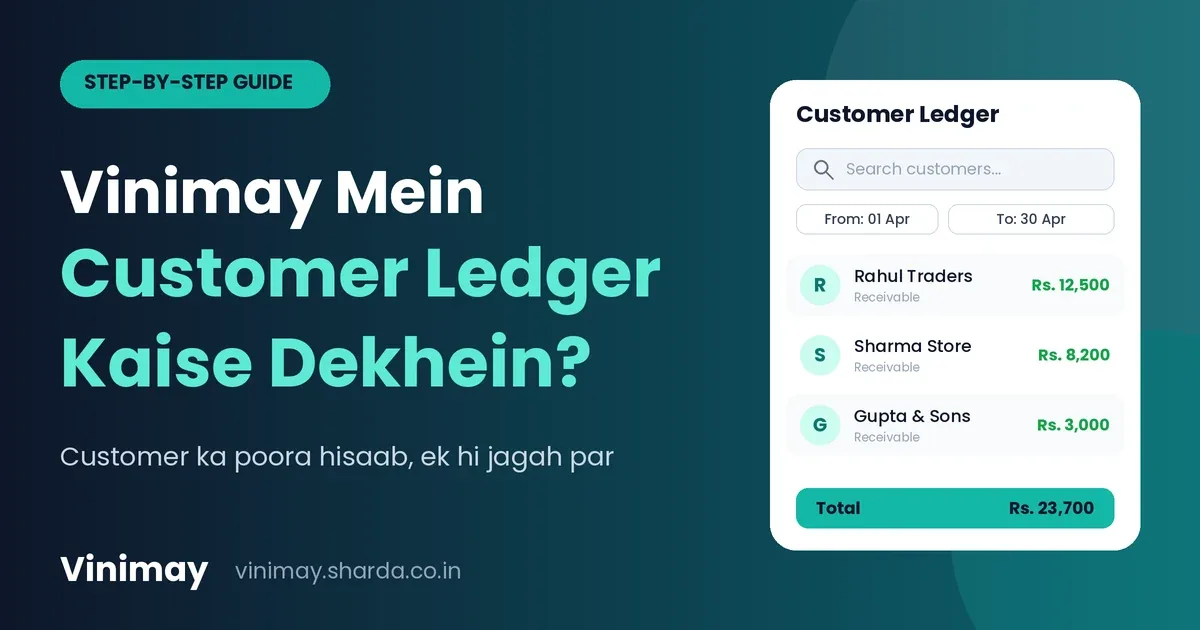
Saved customer and vendor details typically save the most time, because they remove repeated manual entry on every single invoice — a saving that compounds with every bill, unlike features used only occasionally.
The features below are ranked roughly by how often they come into play during a normal billing day, since frequency of use is what actually determines total time saved.
Saved Customer and Vendor Details
Retyping a customer's name, address and GSTIN on every invoice is one of the most repetitive tasks in manual billing. Once these details are saved, a bill can be created by simply selecting the customer rather than typing everything again — a saving that applies to nearly every transaction, all day, every day.
Automatic Tax Calculation
Manually calculating CGST, SGST, or IGST on each invoice takes time and invites arithmetic mistakes. Automatic calculation removes this step entirely, applying the correct tax based on the transaction—a smaller time saving per invoice than saved customer details, but one that also improves accuracy.
Reusable Product Entries
For businesses selling the same set of products repeatedly, having item names, prices and tax rates saved once means each invoice line can be added in seconds rather than typed out fully. This matters most for retail and wholesale billing with a fixed product catalogue.
PDF Export and Direct Printing
Being able to download or print an invoice immediately after creating it saves the separate step of manually formatting a bill in another program. This is a smaller, one-time saving per invoice, but a consistent one.
Basic Payment Status Tracking
Seeing which invoices are paid or pending at a glance, instead of checking a separate notebook, saves time specifically at the point of following up on dues—less frequent than billing itself, but often the most stressful manual task to replace.
Ranking the Time Saved: A Quick Comparison
The pattern here is simple: features used on every single transaction save the most cumulative time, even if each instance feels small, while features used periodically save time in concentrated bursts.
How These Features Come Together in Vinimay
Vinimay brings these exact features together rather than offering them in isolation—customer and vendor details are saved once and reused, GST tax fields are applied automatically per transaction, product entries can be reused across invoices, and payment status is visible without a separate check. Because these work from the same connected records, the time saved by each feature compounds rather than existing as separate, disconnected shortcuts.
To see the highest-impact feature directly, Vinimay's free invoice tool lets you save customer details once and generate up to 5 GST invoices free, with tax calculated automatically each time.
Conclusion
Time saved in accounting software isn't evenly distributed across features—the ones used on every single transaction, like saved customer details and automatic tax calculation, save far more cumulative time thanfeaturesused only occasionally. Judging a free tool by which of these it actually offers, rather than by its overall feature count, gives a clearer picture of real-world time savings.
Vinimay brings the highest-impact features together in one connected system, so the time saved by each one builds on the others rather than staying separate.
Frequently Asked Questions
1. What's the single most time-saving feature in accounting software?
Saved customer and vendor details, since they eliminate repeated manual entry on every invoice.
2. Does automatic tax calculation really save meaningful time?
Yes, particularly in volume — it removes a manual calculation step on every single invoice, which adds up quickly.
3. Is payment tracking worth prioritising in a free tool?
Yes, especially for businesses with multiple ongoing customer relationships, since manually checking dues is one of the most time-consuming periodic tasks.
4. Do reusable product entries matter for service businesses?
Less so — this feature saves the most time for retail or wholesale businesses with a repeating product catalogue.
5. Does Vinimay save customer details for reuse?
Yes, Vinimay's customer and vendor management saves details once for reuse across future invoices.
6. Is PDF export a major time-saver on its own?
It's a smaller, consistent saving — useful every time, but not as significant as saved customer details or tax automation.
7. How many free invoices can I create with saved details on Vinimay?
Vinimay's free invoice tool allows up to 5 GST invoices free, with customer details saved for reuse.
8. Should I choose a free tool based on its full feature list?
It's more useful to check which features you'll actually use frequently, since those save the most cumulative time.
9. Does combining features multiply the time saved?
Yes — when saved details, tax automation and payment tracking work from the same connected records, the time saved compounds rather than staying isolated.
10. Is time-saving the only factor to consider in free accounting software?
No — GST accuracy and record reliability matter just as much, even if they save less visible time day to da
Related Topics
Published by Team Vinimay
Our editorial and compliance specialists create practical guides, tax calculation rules, and operational strategies to empower Indian small business owners and accountants.