Choosing the Best GST Billing Software for Kirana Store operations is easier when you start from the counter and not from a long feature list. A kirana owner needs quick bills, correct GST calculations, updated stock records, and a simple way to record cash, UPI and credit sales. The right GST billing software for kirana store management should also be easy to use, affordable and suitable for daily retail billing. This guide explains what to check, which options Indian shop owners commonly consider, and how billing works in Vinimay, with screenshots and every important click marked in red.
What should GST billing software for a kirana store do?
A kirana counter is busy, so the software has to stay out of the way. These are the things worth checking before you pick one:
| What to check | Why it matters at a kirana counter |
|---|---|
| Fast billing | Customers wait at the counter, so a bill should take seconds, not minutes |
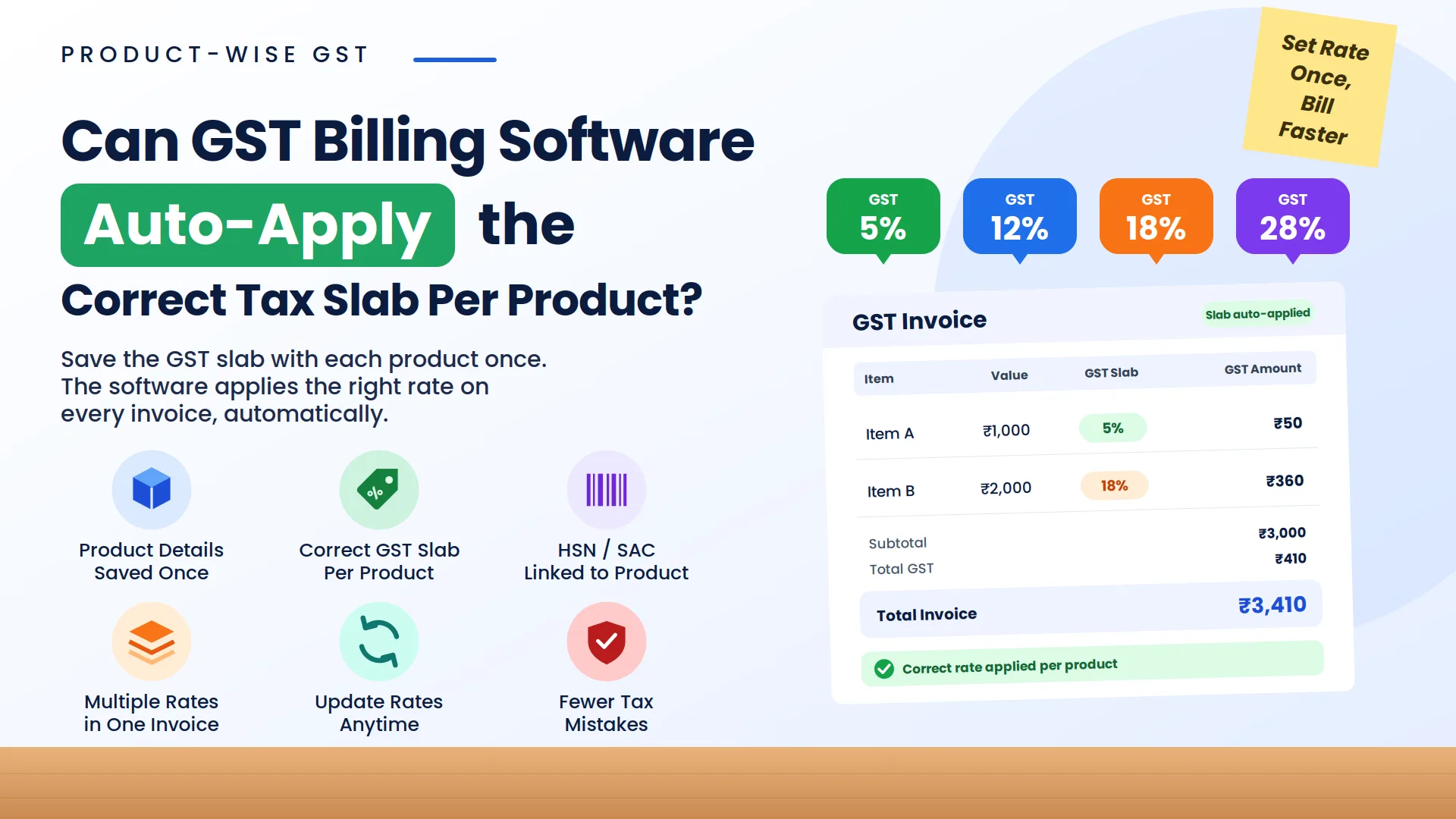
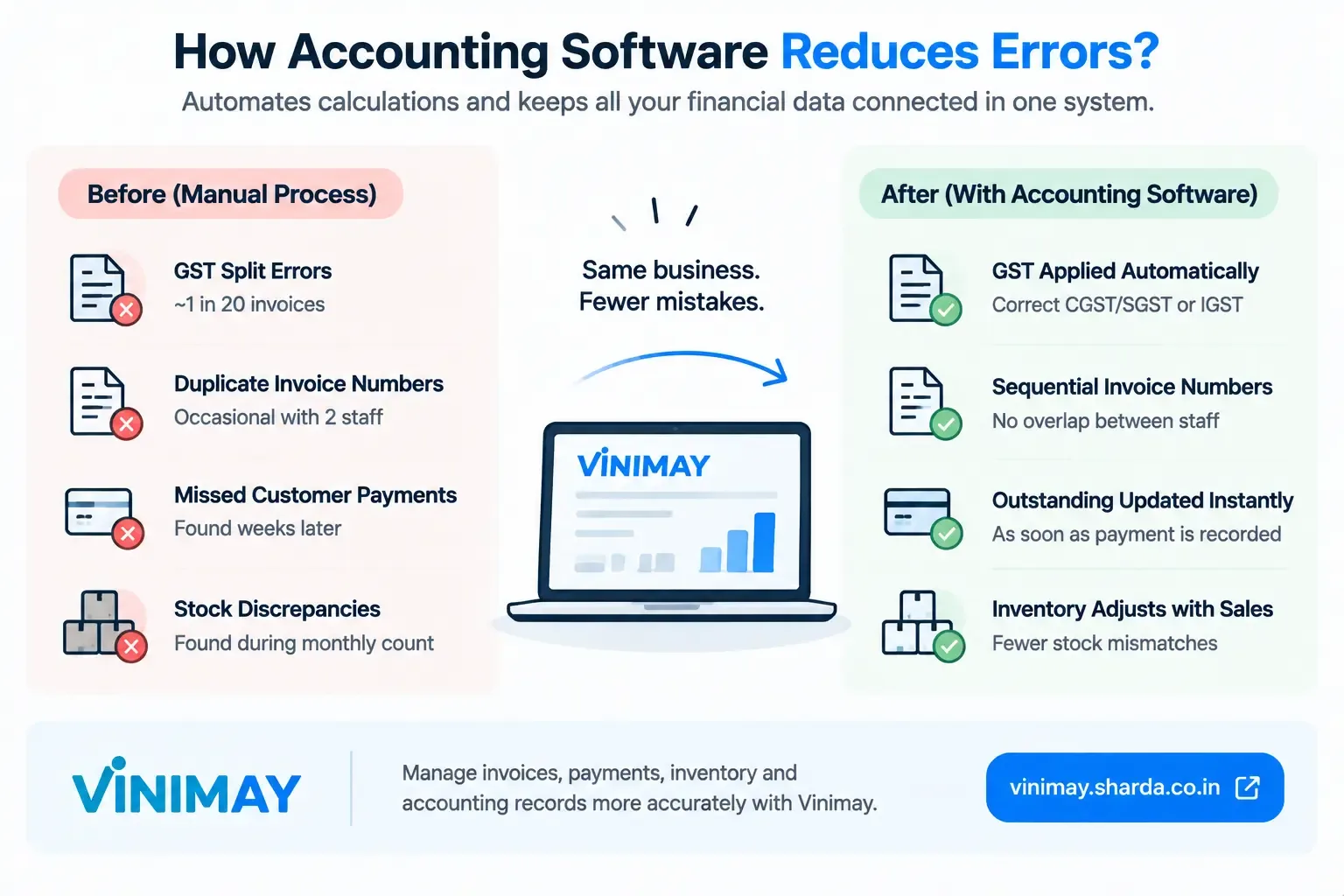
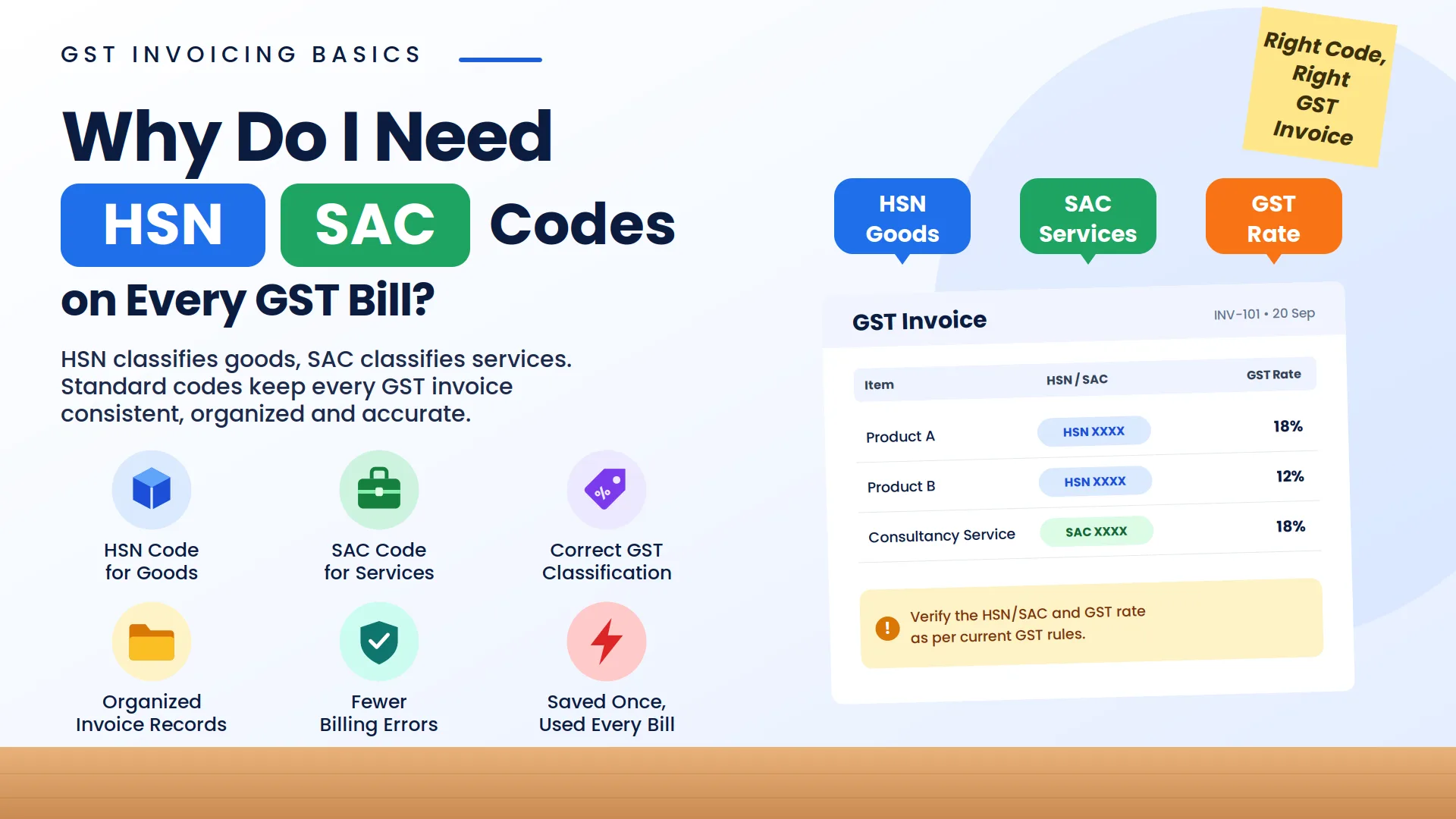
| Correct GST on every bill | The right GSTIN, HSN code and CGST/SGST or IGST split avoid mistakes at filing time |
| Live stock | You see what is left without counting the shelf |
| Cash, UPI and credit sales | Most kirana stores take all three, and credit customers need to be tracked |
| Print and share options | Thermal slips for the counter, PDF bills for customers who ask |
| Export for your CA | A format your accountant can use saves re-entry every month |
| Price that fits your volume | A small store should not pay for features it will never use |
Which GST billing software do kirana stores in India use?
Several products come up again and again in Indian retail roundups. The right one depends on your size and who handles your accounts. Prices change often, so check each vendor's current pricing page.
| Software | Commonly positioned as |
|---|---|
| Vyapar | Simple billing for single-store small shops, with a free plan on offer |
| BUSY | Billing plus accounting, with a dedicated kirana page covering stock, purchases and customer udhaar |
| Zoho Books and Tally | Accounting-first tools, a better fit if your accountant drives the books |
| GoFrugal | Supermarkets and multi-store chains |
| Vinimay | GST billing, inventory and accounting for Indian businesses, with a Kirana and Grocery solution page and a free account to start |
A tiny single-counter shop usually does well with a simple tool. Once you add counters, staff or several outlets, look at software built for that scale.
How does GST billing work for a kirana store in Vinimay?
Here is the everyday flow, from adding items to handing over a bill. If you are new, first see how to login to Vinimay and how to set up your GST details.
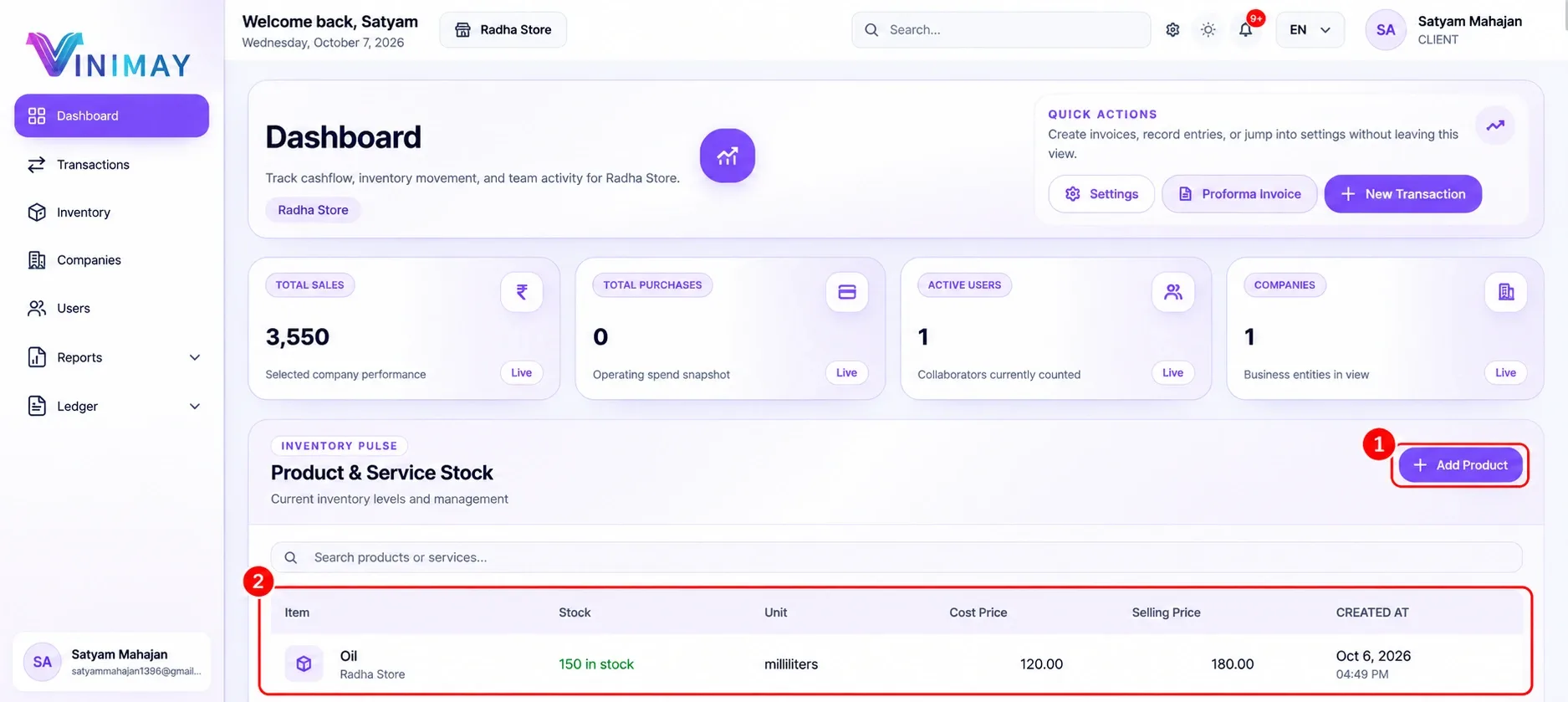
Step 1: Add your products and stock
Step 2: Create a bill from the Sales tab
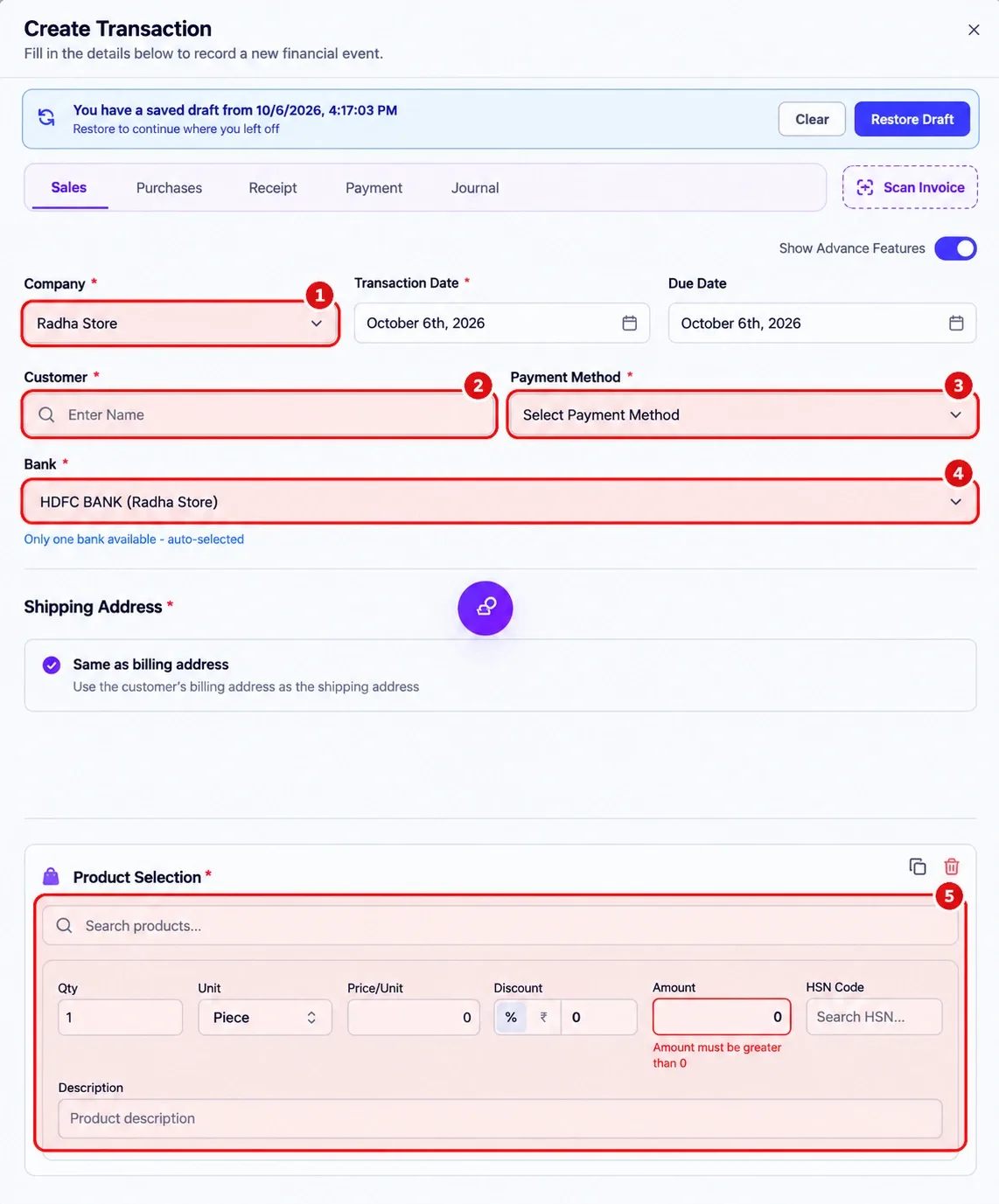
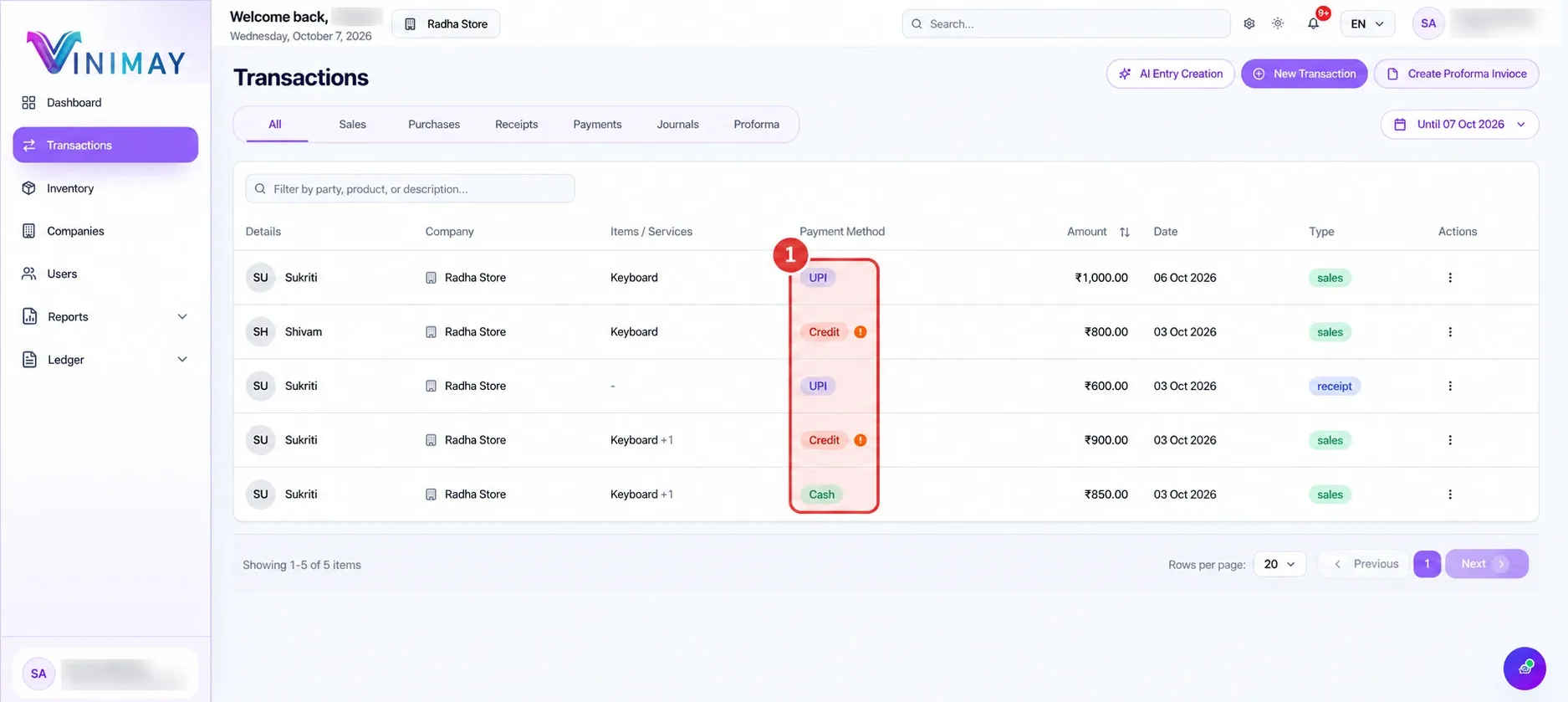
Step 4: Preview, download or print the bill
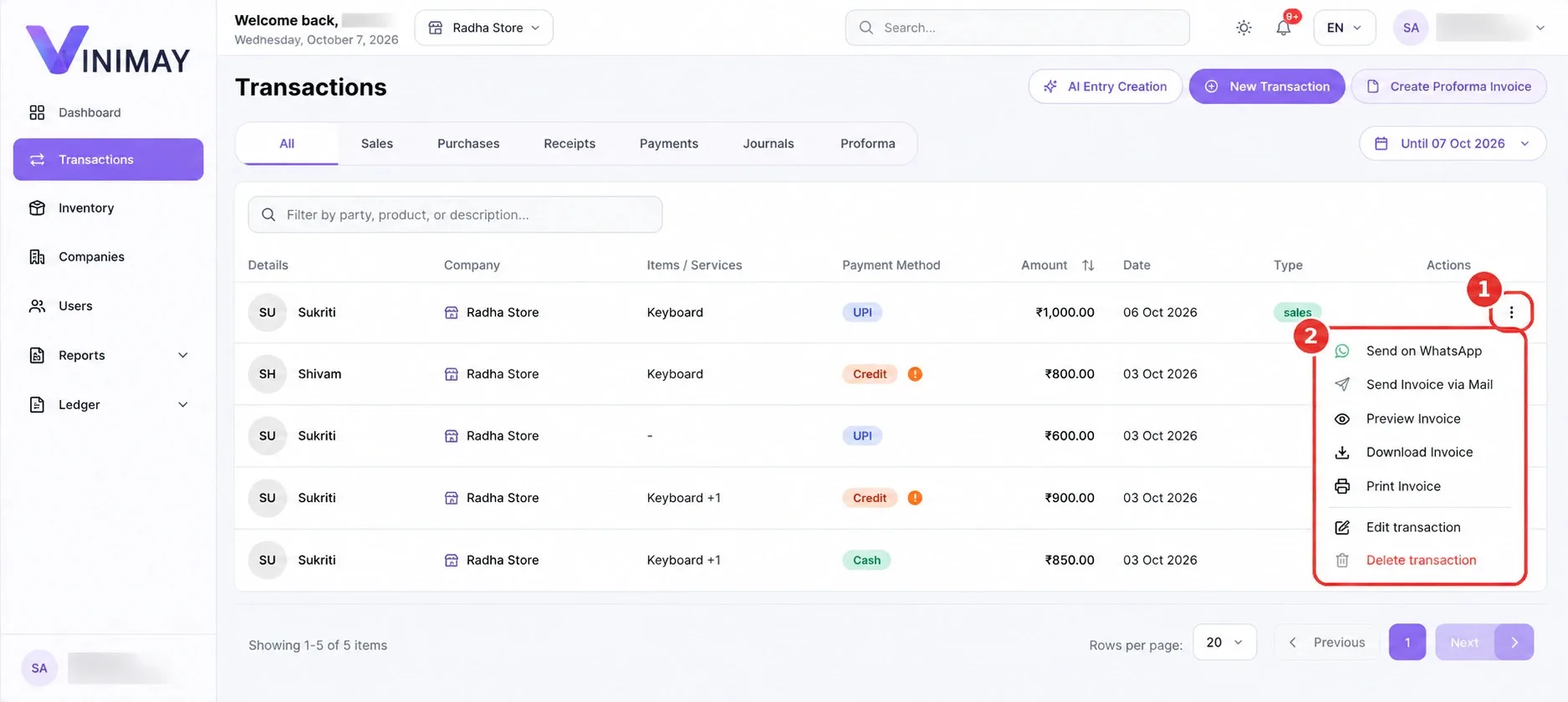
Click the three dots (1) to open the Actions menu (2).
Step 5: Choose a template and download the PDF
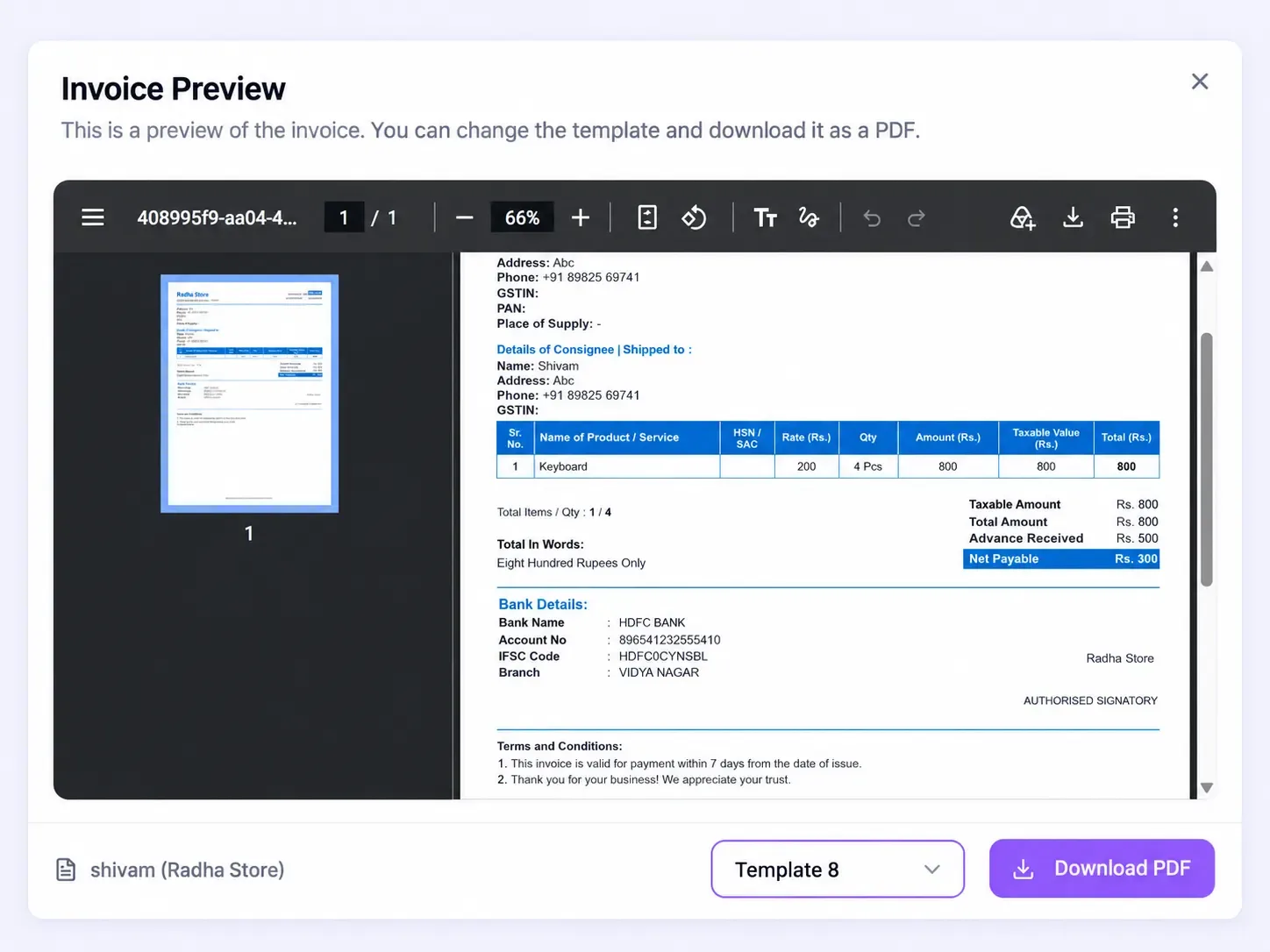
How do I choose the right software for my kirana store?
Do not decide from a feature list. Take two or three tools and run the same five bills through each: a cash sale, a credit sale, a sale with a discount, a sale to a customer in your own state and a sale to a customer in another state. Check the tax lines on each invoice, see how long each bill takes, and ask your CA which export format they need. Compare prices after that. Switching later costs more than a subscription, because you lose time on moving data and training staff.
To see what else Vinimay offers for billing and stock, explore the Vinimay features or the Knowledge Base.
Frequently asked questions about GST billing software for kirana stores
Related Topics
Published by admin
Our editorial and compliance specialists create practical guides, tax calculation rules, and operational strategies to empower Indian small business owners and accountants.