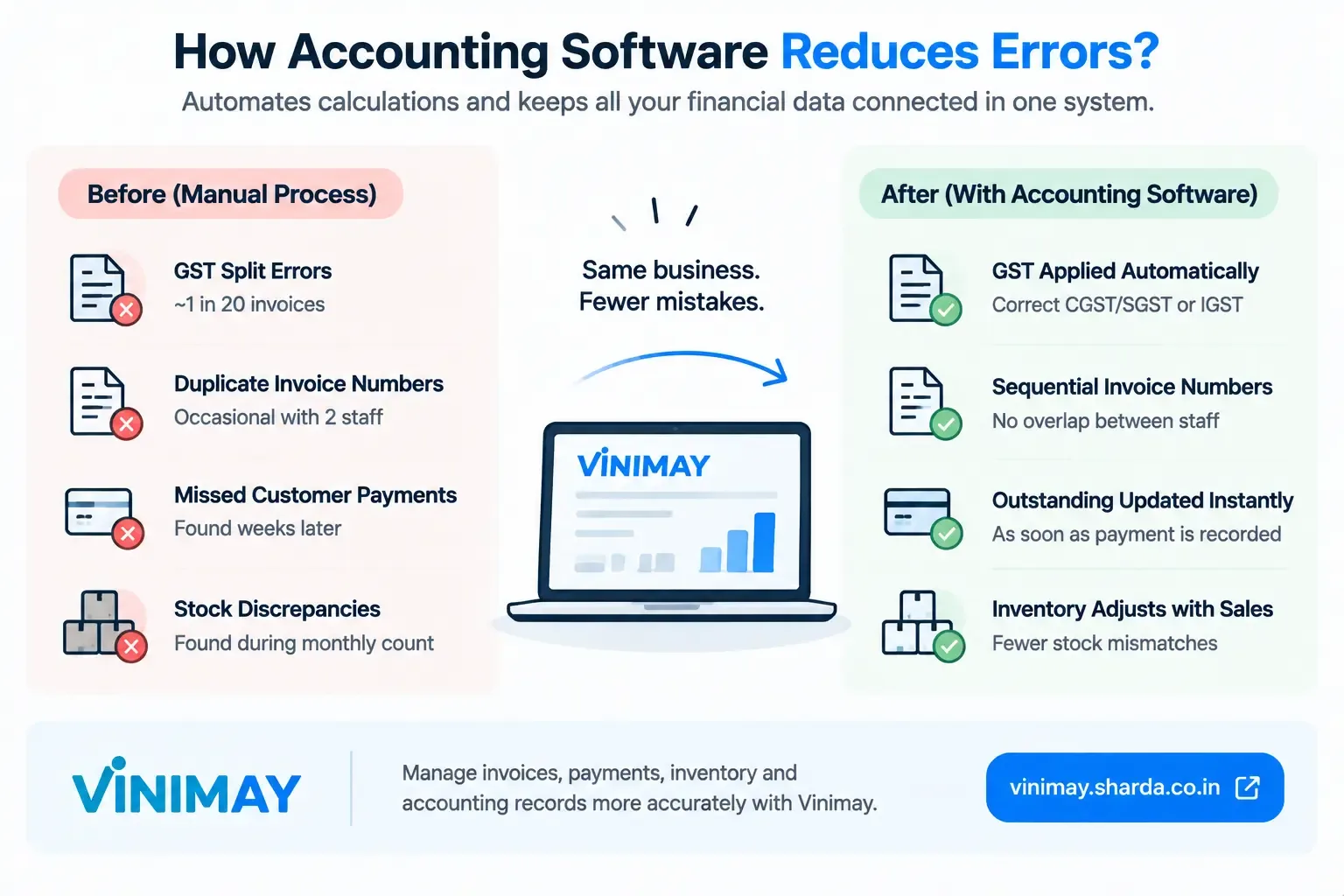
Can GST billing software auto-apply the correct tax slab per product? Businesses dealing with multiple products often face this challenge while applying the correct GST rate on every invoice. Different products can have different GST slabs such as 5%, 12%, 18%, or 28%, and manually selecting the correct tax rate every time can increase the chances of mistakes.
The answer is yes, GST billing software can automatically apply the correct GST rate for a product if the product details and applicable GST information are properly configured in the system.
When businesses save product details along with GST rates, HSN codes, pricing, and other information, the software can automatically use those details while generating invoices. This helps reduce manual calculations, improves billing accuracy, and saves time during daily transactions.
Vinimay Accounting Software helps businesses manage product details, GST invoices, inventory, and accounting records together, making the billing process faster and more organized.
How Does GST Billing Software Apply Tax Slabs Automatically?
GST billing software works through product-based tax configuration.
When a business creates a product entry, it can store important information such as:
Product name
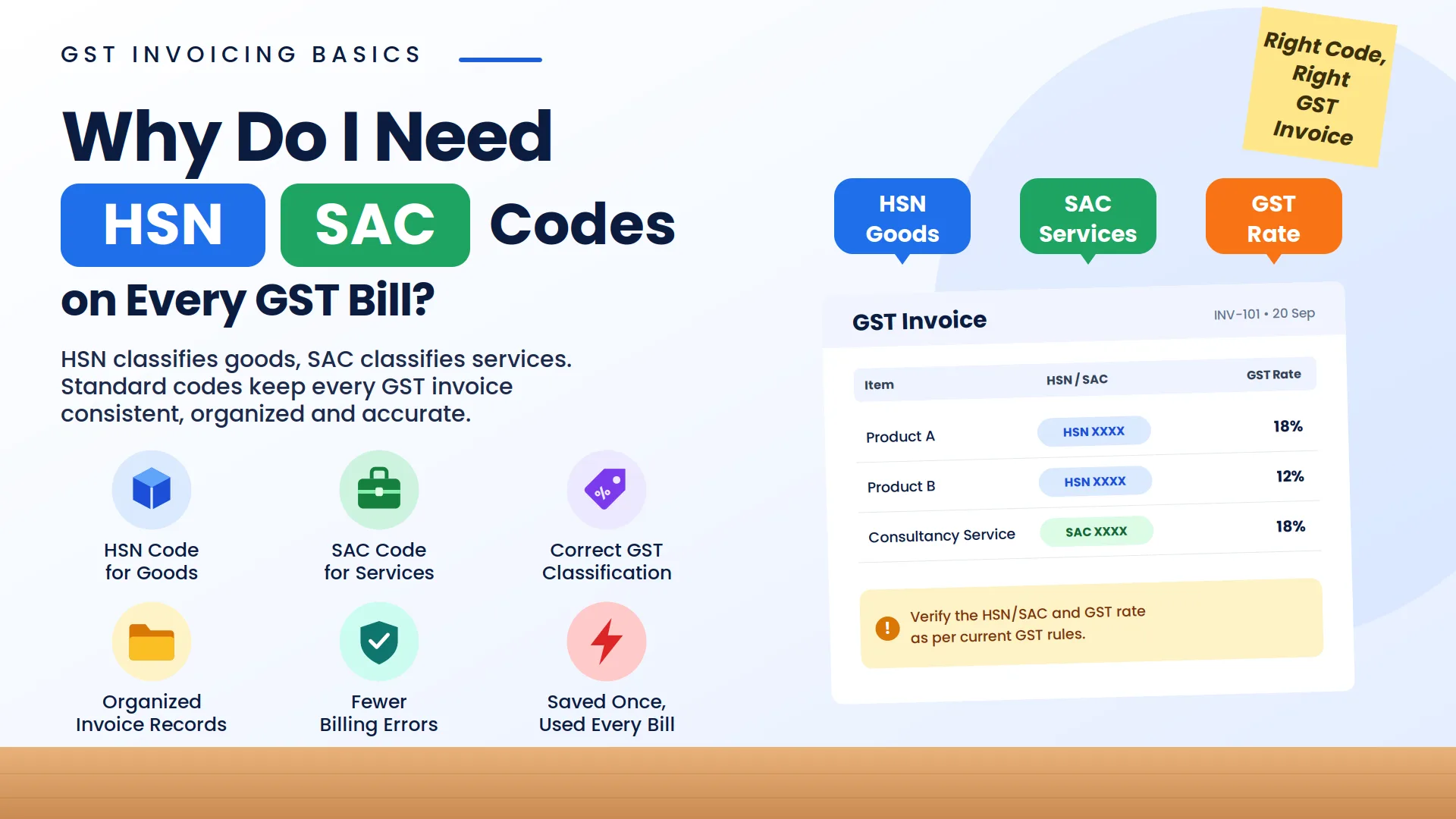
HSN code
GST rate
Selling price
Unit details
Inventory details
Once these details are saved, the software uses the stored GST information whenever that product is added to an invoice.
For example:
A business sells three different products:
When creating an invoice, the software automatically applies the respective GST rate for each selected product.
This avoids manually entering tax percentages for every bill.
Why Is Automatic GST Slab Selection Important?
1. Reduces Manual GST Calculation Errors
When businesses create multiple invoices every day, manually selecting GST rates can lead to mistakes.
Common errors include:
Applying 18% instead of 12%
Selecting incorrect product tax category
Forgetting to update tax rates
Entering wrong GST amounts
Automatic tax application reduces dependency on manual calculations.
2. Saves Billing Time
Without software, a business employee needs to check:
Product category
Applicable GST rate
HSN code
Tax calculation
for every invoice.
With GST billing software, product details are already saved, making invoice creation faster.
3. Maintains Consistency Across Invoices
When the same product is sold multiple times, the same GSTrate is automatically applied.
This helps maintain consistency in:
Sales invoices
Customer bills
Accounting records
What Information Does Software Need to Apply the Correct GST Rate?
GST billing software requires accurate product information.
Important details include:
1. Product Classification
Products should be correctly categorized.
2. HSN Code
HSN classification helps identify the product category.
3. Applicable GST Rate
The correct GST slab should be assigned to the product.
4. Business Configuration
Business GST details and transaction settings should be correctly maintained.
If incorrect information is entered initially, the software may apply incorrect tax calculations. Therefore, businesses should verify product tax details regularly.
Can GST Software Handle Multiple GST Rates in One Invoice?
Yes, GST billing software can generally handle multiple GST rates in a single invoice.
Example:
A customer purchases:
The software can calculate GST separately for each item and provide the correct invoice total.
This is useful for:
Retail stores
Supermarkets
Trading businesses
Manufacturers
Service providers selling different products
How Does Product-Based GST Management Help Different Businesses?
Retail Businesses
Retailers often sell many products with different GST rates. Automatic tax selection reduces billing time at the counter.
Traders
Traders handling multiple categories of goods can maintain accurate product-wise GST details.
Manufacturers
Manufacturers can manage finished goods and raw materials with different tax classifications.
Service Providers
Service businesses can maintain SAC codes and applicable GST rates.
Can GST Rates Be Updated in Software?
Yes, businesses can update product GST details whenever required.
Tax rates may change due to government notifications or changes in classification. Businesses should ensure that their product database remains updated.
A good GSTbilling system allows businesses to modify:
GST rates
HSN/SAC codes
Product details
without recreating products from scratch.
How Vinimay Helps Apply GST Rates Product-Wise?
Vinimay Accounting Software helps businesses simplify product-based GST billing by maintaining product information in an organized manner.
1. Product Details Management
Vinimay helps businesses maintain product information required for billing, making invoice creation faster.
2. GST Rate-Based Billing
Businesses can manage product-related GST details so that billing becomes easier and less dependent on manual entry.
3. Faster Invoice Creation
Once products are saved with relevant details, users can create invoices without repeatedly entering tax information.
4. Inventory and Billing Connection
For product-based businesses, Vinimay helps connect inventory records with billing operations, giving better visibility of business transactions.
5. Organized Accounting Records
Sales invoices, products, customers, and payment records can be managed together, helping businesses maintain a structured accounting workflow.
Common Mistakes While Managing Product GST Rates
1. Assigning Wrong GST Rate to Product
If a product is saved with the wrong GST slab, every invoice created using that product may have incorrect tax calculation.
Solution: Verify GST rates before adding products.
2. Not Updating Changed Tax Rates
Businesses should update product tax information whenever applicable GST rates change.
3. Incorrect HSN Classification
Wrong HSN codes can affect GST classification.
4. Creating Duplicate Products
Multiple product entries with different GST details can create confusion.
Manual GST Calculation vs Automatic Product Tax Application
Frequently Asked Questions (FAQs)
1. Can GST billing software automatically apply GST rates for products?
Yes, GST billing software can automatically apply GST rates when products are saved with correct GST details such as tax slab and HSN code.
How Vinimay Helps:
Vinimay helps businesses maintain product details and GST-related information, making invoice creation faster and reducing repeated manual tax entry.
2. Can one invoice contain products with different GST rates?
Yes, GST billing software can calculate different GST rates for multiple products in the same invoice.
How Vinimay Helps:
Vinimay helps businesses manage product-based billing where different products can have their respective GST details.
3. Does GST software automatically calculate 5%, 12%, 18%, and 28% GST?
Yes, software can apply different GST slabs when the correct tax rates are configured for products.
How Vinimay Helps:
Vinimay helps businesses organize product information and manage GST billing workflows efficiently.
4. Can I change GST rates for products in billing software?
Yes, businesses can update product GST details whenever required.
How Vinimay Helps:
Vinimay helps businesses maintain updated product records so billing information remains organized.
5. Does GST billing software reduce GST calculation mistakes?
Yes, automatic product-wise GST calculation reduces manual errors and improves invoice accuracy.
How Vinimay Helps:
Vinimay helps automate billing processes, maintain transaction records, and reduce dependency on manual calculations.
6. Is product-wise GST management useful for small businesses?
Yes, it is especially useful for businesses handling multiple products with different GST rates.
How Vinimay Helps:
Vinimay helps MSMEs manage products, invoices, inventory, payments, and accounting records through one platform.
Conclusion
GST billing software can automatically apply the correct tax slab per product when product details, HSN codes, and GST rates are properly configured. This helps businesses save time, reduce calculation mistakes, and create accurate GST invoices.
For businesses handling multiple products, manual GST calculation becomes difficult as transaction volume increases. A product-based GST billing system creates a more reliable and organized billing process.
Vinimay Accounting Software helps businesses manage product details, GST invoices, inventory, payments, and accounting records together, making GST billing simpler and more efficient.
Related Topics
Published by admin
Our editorial and compliance specialists create practical guides, tax calculation rules, and operational strategies to empower Indian small business owners and accountants.