How Do Businesses Manage Accounts Digitally?
"Accounts Digitally can sound abstract until you break it down into what actually happens on an ordinary business day. It isn't one big automated system running in the background—it's a series of everyday actions, each recorded once, in one place. Vinimay helps businesses manage GST invoicing,sales and purchase records, payment tracking, inventory, and reports as part of this same daily workflow.
. This guide walks through exactly how that workflow looks in practice, step by step.
What Does "Managing Accounts Digitally" Actually Mean?
At its core, it means every transaction—a sale, a purchase, a payment—is entered into one system as it happens, rather than being written in a register and reconciled later. The "digital" part isn't a single feature; it's the fact that each entry feeds directly into invoices, stock, payment tracking and reports without needing to be re-entered anywhere else.
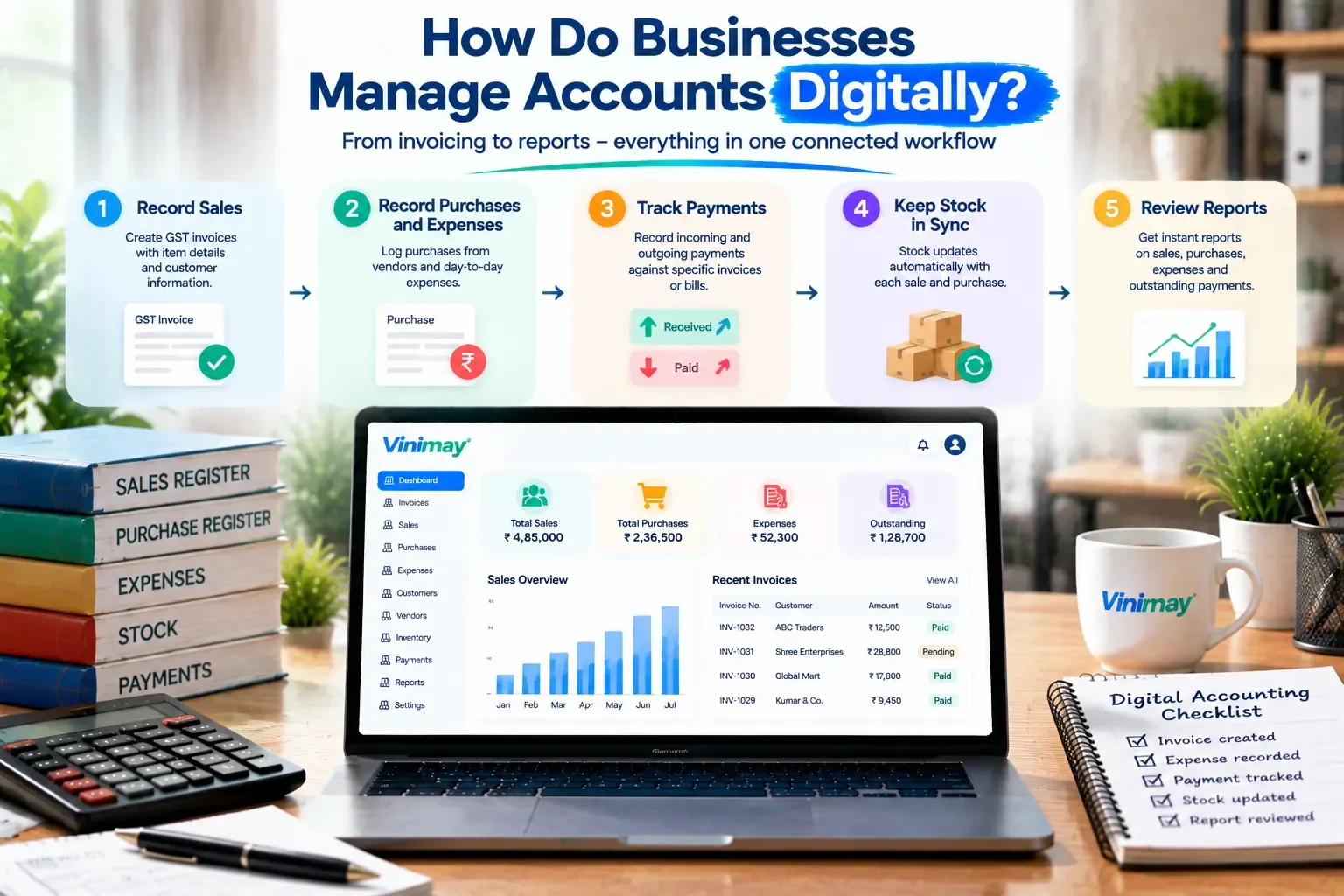
Step 1: Recording Sales as They Happen
Every sale starts with an invoice—created at the counter, in an office, or on a mobile device, with GST fields, item details and the customer's information filled in as part of the same action. This single entry becomes the source for everything that follows: the customer's outstanding balance, the stock reduction, and the eventual sales report.
Step 2: Recording Purchases and Expenses
Purchases from vendors and day-to-day expenses are logged the same way—as they occur, with an amount, a category, and a vendor or purpose attached. This keeps outgoing money visible in real time, rather than being reconstructed later from receipts or memory.
Step 3: Tracking Payments Both Ways
As payments come in from customers or go out to vendors, they're recorded against the specific invoice or bill they relate to. This is what makes an "outstanding balance" meaningful—it isn't a guess; it's the difference between what was billed and what's actually been settled.
Step 4: Keeping Stock in Sync
When inventory is part of the business, each sale reduces stock automatically, and each purchase adds to it. This step is what prevents the common manual problem of a shelf count that no longer matches what the records say — because the record updates at the same moment the transaction happens.
Step 5: Reviewing Reports Periodically
Reports aren't a separate task in a digital workflow—they're a summary of everything already entered in steps one through four. A weekly glance at outstanding payments, or a monthly look at sales totals, becomes a quick check rather than a data-gathering exercise.
A Day in the Life: Manual vs Digital
How This Workflow Looks in Vinimay
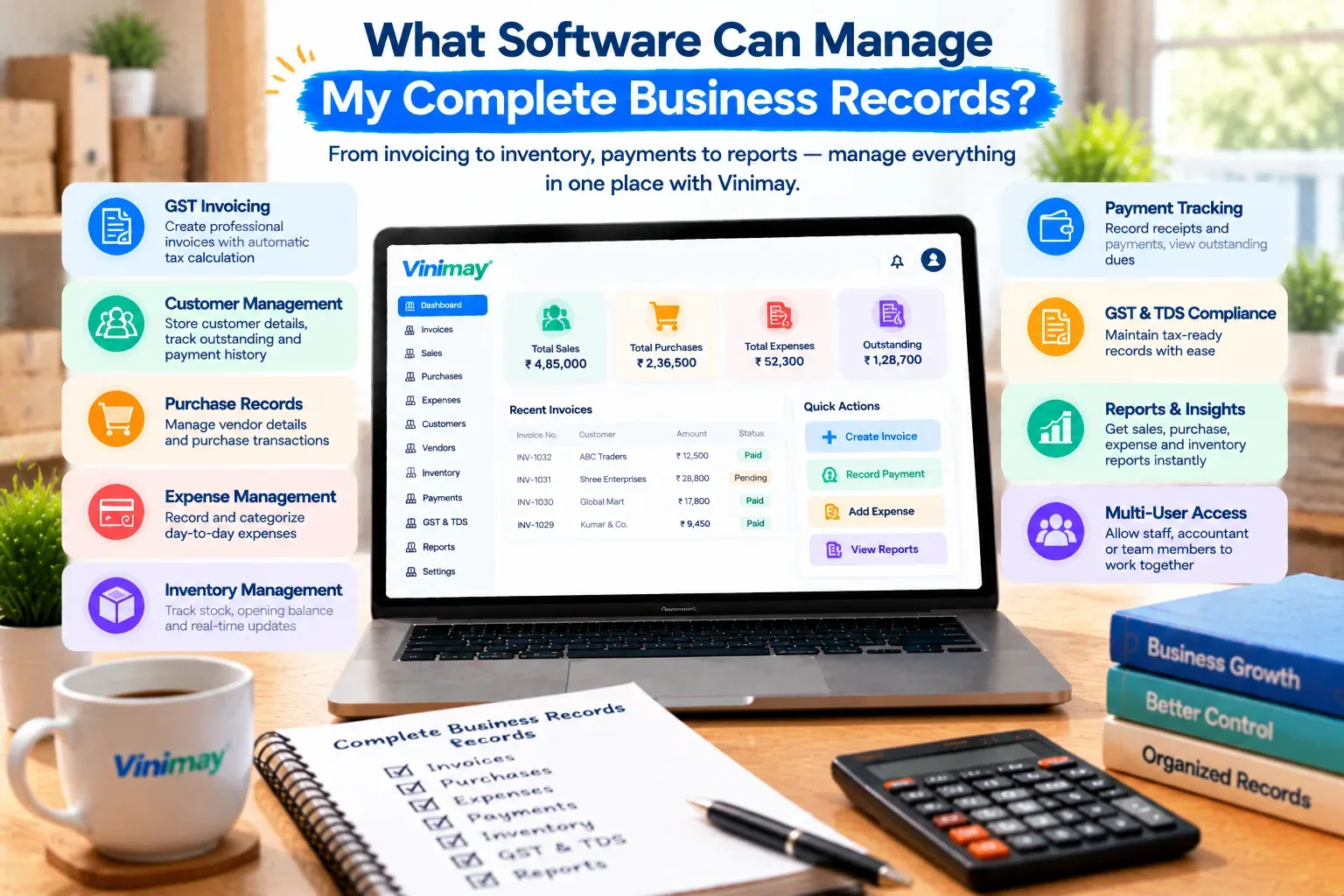
Vinimay follows exactly this five-step pattern. A sale is recorded as a GST invoice with tax fields applied automatically; purchases and expenses are logged against vendors; payments are tracked against specific invoices so outstanding balances stay accurate; inventory updates as sales happen; and reports draw directly from all of this without a separate reconciliation step.
The workflow doesn't ask a business owner to think in accounting terms — it mirrors the transactions they already handle daily, just recorded once instead of scattered across a register, a diary and memory.
Conclusion
Managing accounts digitally isn't a single feature or a complicated system—it's the same five everyday actions every business already performs (billing, logging expenses, tracking payments, managing stock, checking numbers), just recorded once in a connected place instead of scattered across separate records. Vinimay is built around this exact workflow, so adopting it means recording familiar transactions in one system rather than learning something new.
Frequently Asked Questions
1. What does it mean to manage accounts digitally?
It means recording sales, purchases, payments and stock as they happen, in one connected system, instead of across separate manual records.
2. Do I need separate tools for billing, stock and payments?
Not necessarily — connected systems handle all three from the same set of entries, which is the main advantage over manual, separate tracking.
3. How often should digital records be reviewed?
Weekly for outstanding payments, and monthly for overall sales and purchase totals, is a reasonable starting rhythm.
4. Is digital account management only useful for large businesses?
No, it applies at any scale — the time saved per transaction adds up even for a small daily billing volume.
5. Does digital accounting remove the need to understand your own numbers?
No — the system organises data, but interpreting it for decisions still needs the business owner's judgment.
6. What happens if an entry is made incorrectly in a digital system?
Most systems allow direct correction of the entry, which then updates any reports or balances that depended on it.
7. Can I switch from manual to digital mid-year?
Yes, typically by entering your current stock, pending invoices and balances as opening figures in the new system.
8. How does Vinimay fit into a digital accounting workflow?
Vinimay covers each step — GST invoicing, purchase records, payment tracking, inventory and reports — as one connected process.
9. Is training required to manage accounts digitally?
Minimal — most systems mirror everyday transactions, so familiarity comes from use rather than formal training.
10. Does digital account management help at tax filing time?
Yes, organised, GST-tagged records make preparing for filing significantly faster than reconstructing data from manual books
Published by admin
Our editorial and compliance specialists create practical guides, tax calculation rules, and operational strategies to empower Indian small business owners and accountants.