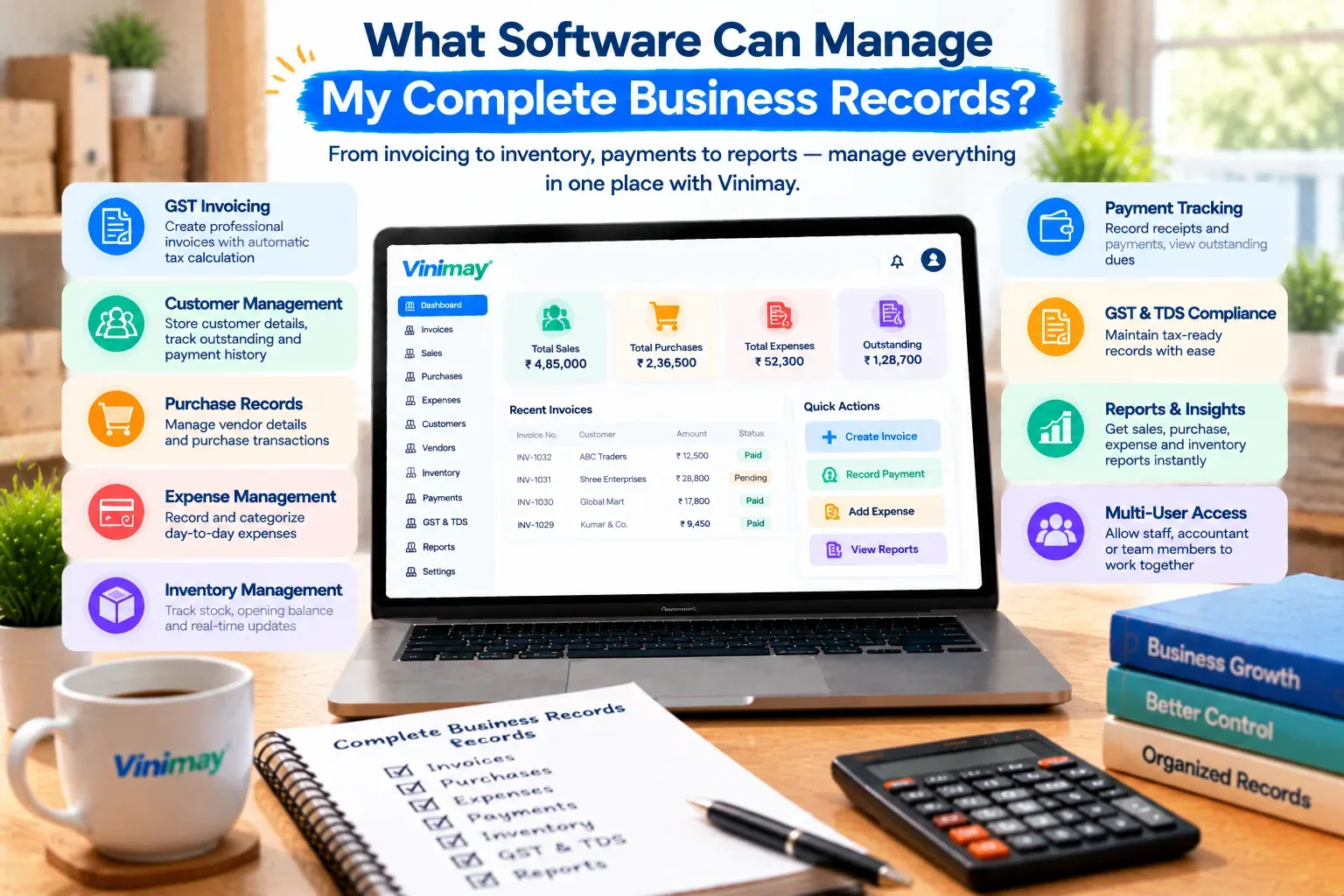
What Software Can Manage My Complete Business Records?
"Complete business records" means something different to almost every business owner who searches for it. For a retailer, it might mean sales, stock and customer dues in one place. For a service business, it might mean invoices, expenses and payment history. There's no single universal checklist—but there is a consistent underlying idea worth unpacking before choosing any software.
At its core, complete records mean that every part of your business — what you sold, what you owe, what's owed to you, and what's in stock — lives in one connected system instead of scattered across a register, a notebook and a phone. The word "complete" is really about connection between record types, not the sheer number of features a tool advertises.
Vinimay helps businesses manage GST invoicing, sales and purchase records, payment tracking, inventory, and customer and vendor details together in one place. This guide breaks down what "complete records" should genuinely cover, why gaps between record types cause problems even when each one looks fine individually, and what to check before trusting any single system with everything.
The Record Types Most Businesses Need Covered
Before judging any Home / Platformsoftware as "complete," it helps to know what records a typical small business actually generates day to day. Sales records capture every invoice issued, with GST details and customer information attached. Purchase records track what's bought from vendors, at what cost, and when. Payment records show what's been collected and what's still outstanding, on both sides — money coming in and money going out. Inventory records reflect what's currently in stock, updated as sales and purchases happen. And customer and vendor records store contact and transaction history, so details don't need to be recreated each time.
A system that only covers two or three of these is still useful, but it isn't managing "complete" records in the sense most business owners mean when they search this question.
Why Scattered Records Cause Problems Even When Individually Correct
Here's the part that's easy to underestimate: each record type can be perfectly accurate on its own and still cause real problems if it isn't connected to the others. A sales register can be correct, a stock count can be correct, and the two can still contradict each other by the end of the month—not because either was wrong, but because neither updated the other in real time.
This is the actual argument for connected records over individually accurate but separate ones:
A sale recorded without updating stock means inventory has to be recounted manually to stay accurate
A payment recorded without linking to the original invoice means "outstanding balance" has to be calculated by hand
A customer's details entered fresh on every invoice means small inconsistencies (a misspelled name, a wrong number) creep in over time
Purchase and sales figures kept separately mean profit estimates require manually combining two sources
None of these are dramatic failures individually—they're small frictions that add up into hours of reconciliation every month.
What to Check Before Trusting Software With Everything
Since "manages complete business records" is a broad claim, it's worth verifying specifically rather than accepting it at face value. Confirm that a sale actually reduces stock automatically, rather than requiring a second manual update. Check that a payment can be linked directly to the invoice it settles, rather than existing as a separate, unconnected entry. Look at whether customer and vendor details are stored once and reused, instead of retyped on every transaction. And ask specifically what reports the system can generate from this connected data — a report is the clearest proof that records are actually talking to each other, not just stored side by side.
What Usually Stays Outside Even a "Complete" System
It's worth being honest that even a genuinely complete billing-and-records system typically doesn't replace everything a business might eventually need. Formal financial statements like balance sheets, payroll processing, and tax return filing usually sit outside this category, handled either by a dedicated accounting system or a CA working from the records your software provides. "Complete" in this context means complete transaction and record management—not complete financial and compliance management end to end.
Bringing It Together: What Vinimay Covers
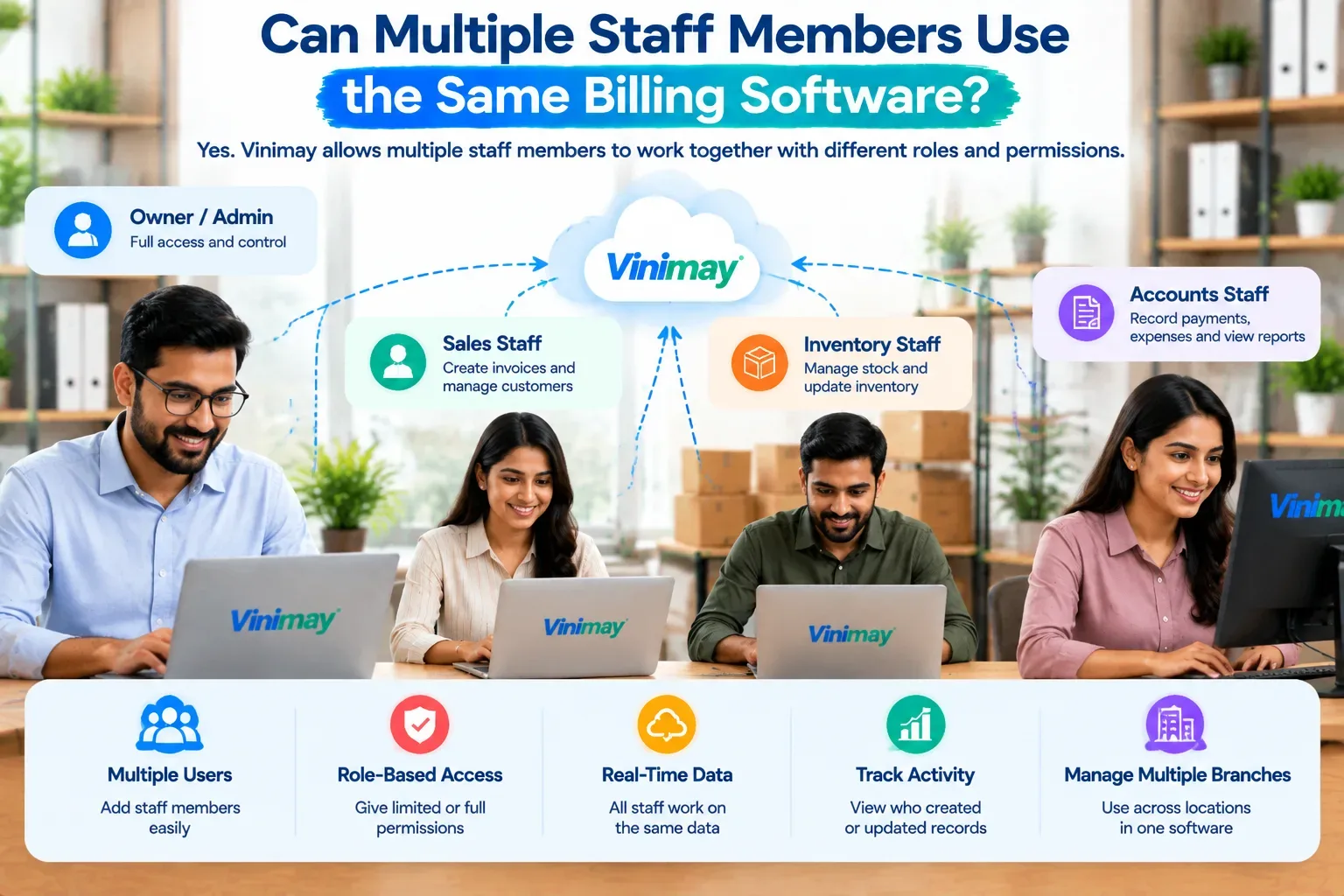
Vinimay covers each of the record types above as one connected system rather than as separate modules bolted together. GST invoicing feeds directly into sales records, purchases update vendor history, payments link to specific invoices so outstanding balances stay accurate, inventory adjusts automatically with each transaction, and customer and vendor details are saved once for reuse across billing.
This means the everyday friction described above—mismatched stock, manually calculated dues, repeated data entry—is addressed at the record level, not left for the business owner to reconcile separately each month.
To see this connection directly, Vinimay's free invoice tool lets you generate up to 5 GST invoices free, with customer details saved and tax fields applied automatically.
Conclusion
"Complete business
s records" isn't about a long feature list — it's about whether your sales, purchases, payments, inventory and customer details are connected to each other, so one entry updates everything it should. Before trusting any software with this claim, check the specific connections listed above rather than the word "complete" itself. Vinimay is built around exactly this connection, keeping GST invoicing, records, payments and inventory working together—while staying honest that formal financial statements and compliance filing typically still need separate, professional handling.
Frequently Asked Questions
1. What does "complete business records" mean in accounting software?
It means sales, purchases, payments, inventory, and customer/vendor details are connected in one system, rather than tracked separately.
2. Can one software really manage everything for a small business?
Most software manages the transaction and record side completely; financial statements, payroll and tax filing usually stay outside this scope.
3. Why do separate records cause problems even if each is accurate?
Because they don't update each other automatically, requiring manual reconciliation that introduces delays and errors over time.
4. What should I check first when evaluating "complete" record software?
Whether a sale automatically updates stock and whether payments link directly to specific invoices.
5. Does Vinimay cover all of my business records?
Vinimay covers GST invoicing, sales and purchase records, payment tracking, inventory, and customer/vendor management as one connected system.
6. Do I still need a CA if my records are complete in software?
Often yes, particularly for financial statement preparation, tax filing, and formal compliance review.
7. How many free invoices can I try on Vinimay to test this?
Vinimay's free invoice tool allows up to 5 GST invoices to be free and downloadable as PDF.
8. Is inventory management necessary for a service business?
Not usually — inventory matters most for businesses selling physical products; service businesses may prioritise billing and payment tracking instead.
9. What's the risk of using separate tools for billing, stock and payments?
Data drifts apart over time, requiring manual cross-checking that increases the chance of mistakes.
10. Can historical records be brought into a new "complete" system?
Usually yes, by entering opening balances, current stock and pending invoices as a starting point
Published by Team Vinimay
Our editorial and compliance specialists create practical guides, tax calculation rules, and operational strategies to empower Indian small business owners and accountants.