A spreadsheets feels familiar and controllable—it's right there on your computer; you can see it, touch it, and back it up manually. This familiarity is exactly why comparing it fairly against online accounting software requires looking past the comfort factor to actual risk exposure.
Online accounting software is generally safer than spreadsheets for financial record-keeping, specifically because spreadsheets carry risks that dedicated accounting software is built to address directly—accidental formula errors, no built-in access control, single-point-of-failure storage, and no automatic backup—while online accounting software typically includes protections against each of these by design.
The Specific Risks Spreadsheets Carry
Formula errors—a single broken or miscopied formula can silently corrupt calculations across an entire sheet without any warning
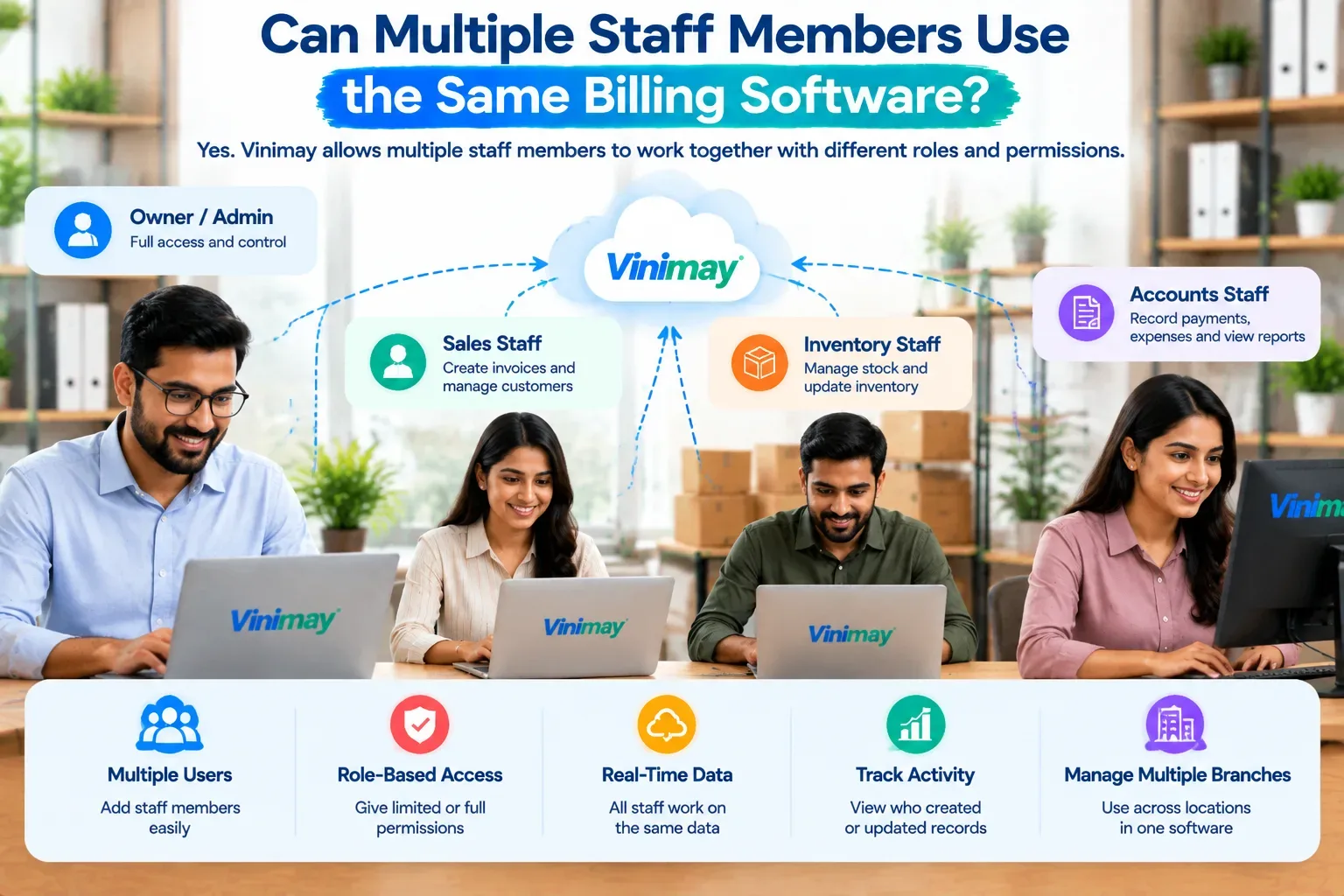
No built-in access control—anyone with the file can see and edit everything, with no way to limit visibility
Single point of failure—a spreadsheet living on one computer is vulnerable to that one device failing entirely
No automatic backup—unless manually saved elsewhere, a spreadsheet's only copy is wherever it currently sits
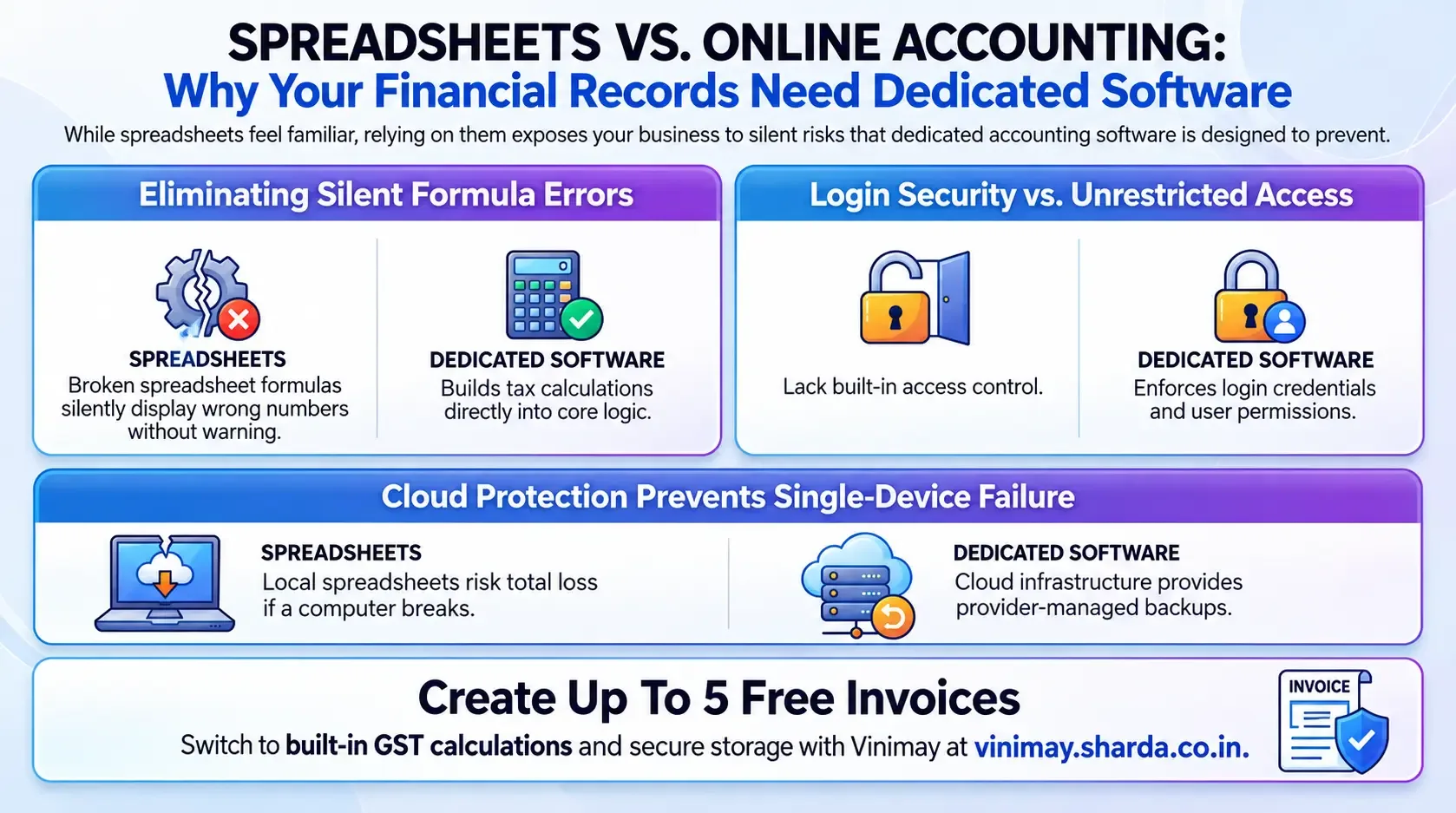
How Dedicated Software Addresses Each Risk
Where Spreadsheets Still Have a Place
This isn't an argument that spreadsheets are useless—for quick, one-off calculations or personal budgeting outside formal business records, they remain genuinely useful. The risk specifically applies to relying on a spreadsheet as your primary system of record for ongoing business transactions and tax-relevant data.
What Makes Online Accounting Software Secure?
Online accounting software typically uses multiple security layers rather than relying on a single protection method. Key mechanisms include:
Encryption: Protects financial data while it is transmitted and stored.
User authentication: Login credentials and additional verification can help prevent unauthorized access.
User permissions: Businesses can restrict what individual employees can view, create, edit, or delete.
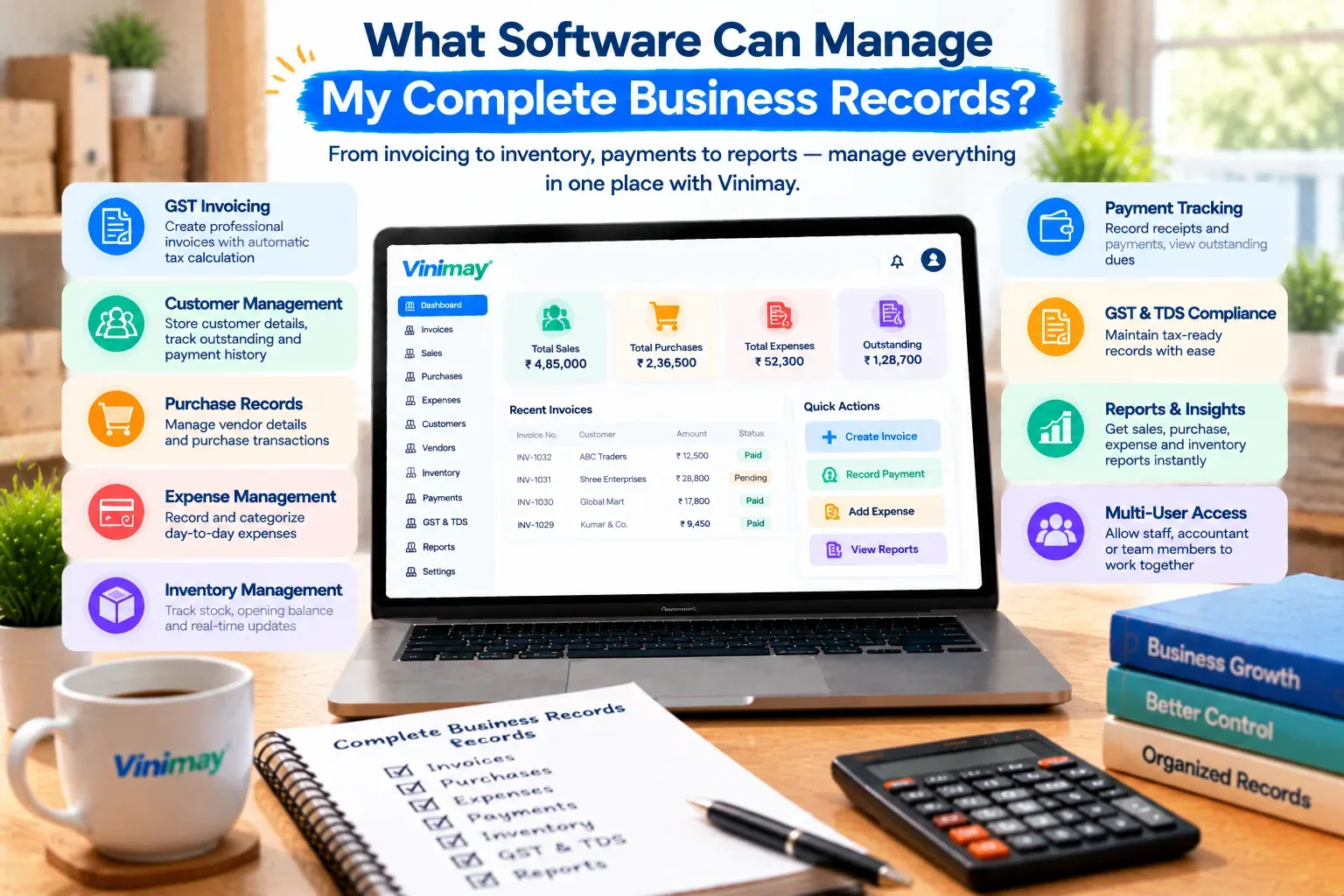
Secure cloud infrastructure: Data is stored on managed servers rather than depending entirely on one local computer.
Regular backups: Backups can help recover information if data is accidentally deleted or affected by a technical problem.
Software updates: Regular security updates can address vulnerabilities and improve protection over time.
Activity monitoring: Some platforms maintain records of user activity, making it easier to identify changes to financial records.
However, security also depends on how the business uses the software. Strong unique passwords, individual employee accounts, limited permissions, and avoiding shared login credentials can reduce risks alongside the provider's technical safeguards.
The Formula Error Risk Specifically Worth Highlighting
Formula errors deserve particular attention because they're silent—a spreadsheet with a broken calculation still displays a number, and that number looks just as legitimate as a correct one, meaning the error can persist undetected for months unless someone happens to manually verify it.
Where Vinimay Fits This
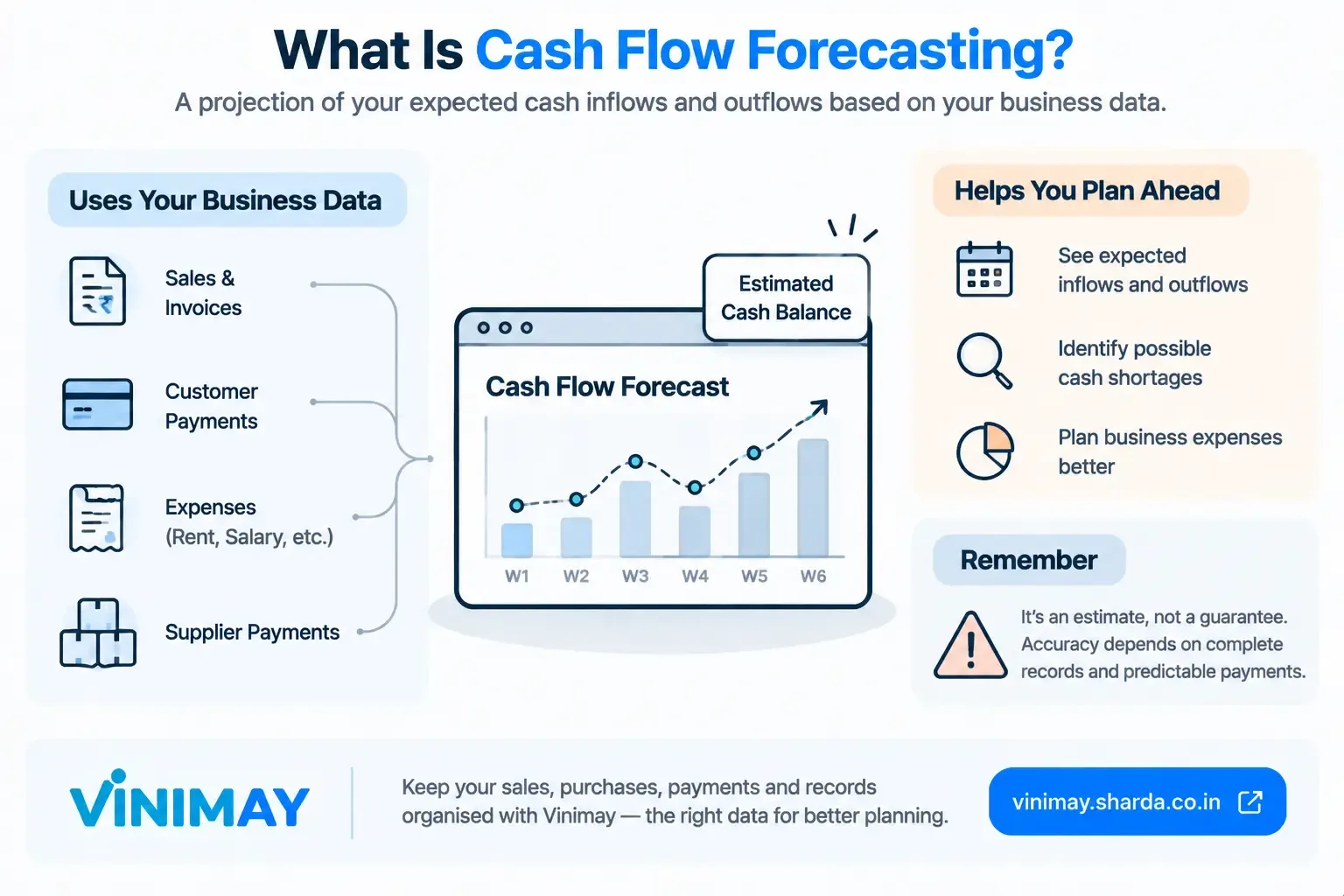
Vinimay's calculations—GST tax application, totals, outstanding balances—are built into the system rather than manually constructed formulas prone to breaking, and records are stored independently of any single device, addressing the core risks spreadsheets carry for ongoing business record-keeping.
Frequently Asked Questions
1. Are spreadsheets inherently unsafe for business records?
They carry specific risks—formula errors, lack of access control, single-device dependency—that make them less suited to ongoing financial record-keeping than dedicated software.
2. What's the most dangerous spreadsheet risk?
Silent formula errors, since a broken calculation still shows a plausible-looking number without any obvious warning.
3. Can spreadsheets still be useful for a business?
Yes, for quick calculations or personal budgeting, though relying on them as the primary system of record carries more risk.
4. How does accounting software avoid formula errors?
Calculations are built into the system's core logic rather than manually constructed and prone to accidental breakage.
5. Does a spreadsheet on one computer put data at risk?
Yes, it becomes a single point of failure if that device is lost or damaged or the file becomes corrupted.
6. Is manual spreadsheet backup a reasonable substitute for built-in protection?
It can help, but it depends entirely on consistent manual discipline, unlike automatic protections in dedicated software.
7. Can multiple people safely use the same spreadsheet?
This is difficult to manage safely, since spreadsheets typically lack proper access control between different users.
8. Does Vinimay eliminate the formula error risk entirely?
Yes, tax calculations and totals are built into the system's logic rather than relying on manually created formulas.
9. Should a growing business move away from spreadsheets specifically?
Yes, as transaction volume and complexity grow, the risks the spreadsheets carry become more consequential.
10. How many free invoices can I create with Vinimay instead of a spreadsheet?
Up to 5 GST invoices are free, with built-in calculations rather than manual formulas.
Related Topics
Published by Team Vinimay
Our editorial and compliance specialists create practical guides, tax calculation rules, and operational strategies to empower Indian small business owners and accountants.