What Is the Best Software for Managing Business Finances?
"Managing business finances" is one of those phrases that sounds specific but actually covers a wide range of activities depending on what stage your business is at. For a business just starting out, it usually means knowing what's coming in and going out, and making sure GST is handled correctly. For a more established business, it might mean tracking multiple revenue streams, managing supplier credit terms, and preparing regular reports for stakeholders. The "best" software for managing finances depends heavily on which of these you're actually doing.
Rather than searching for one tool that manages finances in the abstract, it helps to identify which specific financial activities are currently unmanaged or messy in your business — that's usually a more direct path to the right software than a general comparison.
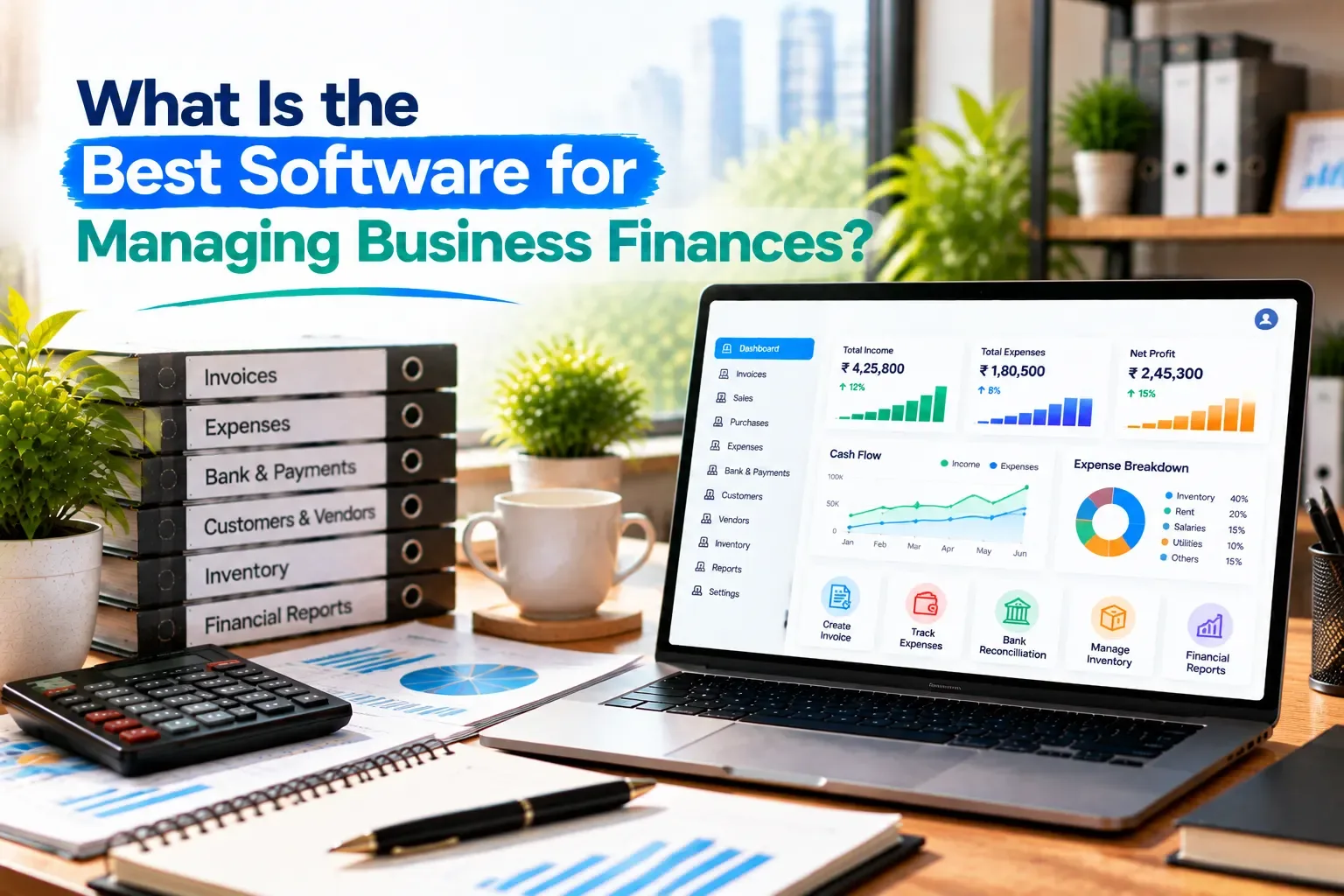
The Core Activities Behind "Managing Finances"
Most small businesses find that the first four activities cover the bulk of what "managing finances" means day to day — inventory matters specifically for businesses carrying physical stock.
Why This Gets Overwhelming Without Structure
Financial management feels chaotic mostly when these activities are scattered—invoices in one place, expenses noted informally, and customer payments tracked by memory. None of these individually is complicated; the difficulty comes from trying to hold all of them in your head simultaneously without a connected system pulling them together.
Where Vinimay Fits
Vinimay handles the invoicing, transaction recording, and outstanding-tracking layer of financial management directly. GST-compliant invoices apply the correct tax split automatically, sales and purchases are recorded against customer and vendor accounts, and outstanding balances stay accurate through the payment ledger without needing manual reconciliation. Inventory value tracking is included as stock adjusts with billing.
Broader financial management activities—like multi-currency handling, detailed budget planning, or investment tracking—aren't part of what's currently confirmed for Vinimay. For most small businesses, though, the core activities listed above are exactly where financial management feels the messiest, and that's the layer Vinimay is built around.
[Create Your First Invoice Free with Vinimay]
Conclusion
There’s no universal “best” software for managing business finances, because every business has different needs, transaction volumes, and workflows. For most small businesses, the biggest improvement comes from keeping invoicing, transaction recording, customer balances, and outstanding payments connected and accurate. When these activities are managed separately, businesses can face payment delays, record mismatches, and unexpected cash-flow gaps. Vinimay helps small businesses bring these essential financial tasks together in one easy-to-use platform. You can create invoices, track sales and purchases, manage customer and vendor records, monitor outstanding payments, and maintain organized financial records. Try Vinimay for free and simplify your everyday business finance management.
FAQs
What does "managing business finances" actually involve for a small business?
Primarily invoicing, tracking payments, recording expenses, and monitoring customer/vendor outstanding — the daily activities most directly tied to cash flow.
Why does financial management feel overwhelming even for a small business?
Usually because these activities are scattered across different places rather than connected in one system, making it hard to see the full picture at once.
Do I need inventory management as part of financial management software?
Only if your business carries physical stock—service businesses can generally skip this requirement.
Does financial management software need to include budgeting?
Not necessarily for daily operations—budgeting becomes more relevant as a business grows or plans for future investment.
Does Vinimay cover all aspects of business financial management?
It covers invoicing, transaction recording, outstanding tracking, and inventory value—the core daily activit
Related Topics
Published by admin
Our editorial and compliance specialists create practical guides, tax calculation rules, and operational strategies to empower Indian small business owners and accountants.