Free Purchase Entry and Vendor Management Software
Your supplier calls on the 5th: "Payment kab aayega?" You open a diary, then a bundle of bills, then WhatsApp. Somewhere in there is the answer, but it takes twenty minutes to find.
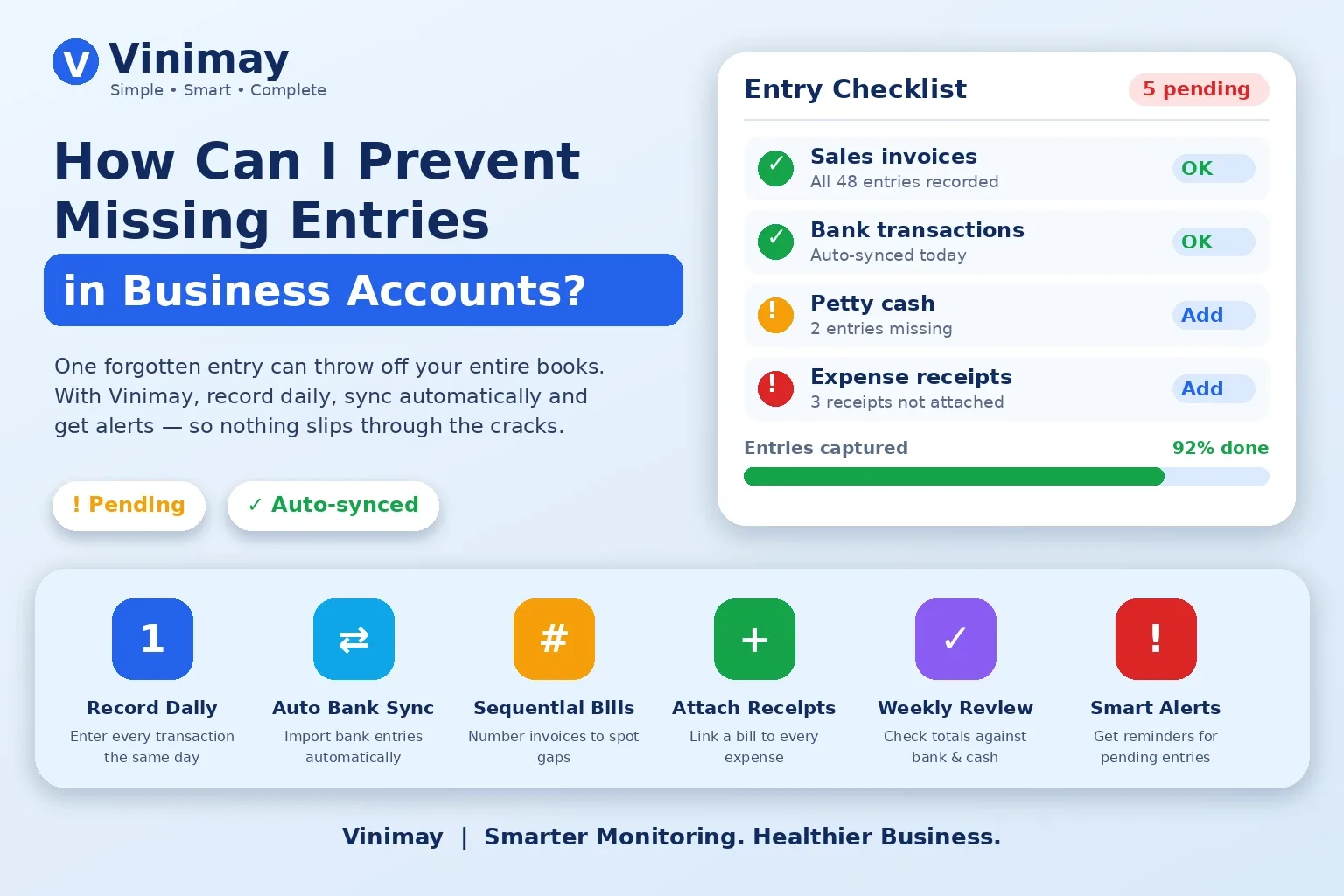
Most small businesses record sales carefully and purchases casually. Bills pile up in a drawer, and nobody is sure how much is owed to whom. Stock goes up when goods arrive, but the register is updated days later, if at all.
This guide explains what purchase entry software should do, where free tools stop, and how Vinimay handles purchases and vendors.
What Is Purchase Entry Software?
It is the part of billing software that records what you buy. Each purchase bill is saved against a vendor, stock increases, and the amount you owe is tracked until you pay. Without it, you know what you earned but not what you owe.
Why Do Vendor Payments Get Missed?
Purchases arrive through different routes: a delivery boy, a courier, a phone order. The bill reaches you later, or not at all. If entry waits for "free time", the due date passes first. The fix is simple: one place where every purchase bill goes in the day it arrives, linked to the vendor.
What Should Free Purchase Software Include?
Where Do Free Tools Usually Stop?
Many free tools handle only sales invoices. Purchases sit in a separate paid module, or vendor balances are missing. Others allow only one user, so your accountant cannot enter bills for you. Check the live pricing page for caps before you rely on any tool. It also helps to know how reliable free GST software really is.
How to Enter a Purchase Bill Correctly
Take a real bill and check these, in order:
Vendor name and GSTIN match the bill.
Bill number and date are copied exactly.
Item quantity and rate match, with the right GST rate.
The total matches the bill, including rounding off.
Stock for those items has increased.
If your business makes goods, also learn how to record wastage or production loss, or stock will drift from purchases.
How Does Vinimay Handle Purchases and Vendors?
Going by Vinimay's official pages, the plan lists:
Customer and vendor records with balances
Real-time stock tracking with low-stock alerts
Payments recorded against each bill
Reports for sales, purchase and business
GST invoicing with automatic CGST, SGST and IGST
Multi-staff accounts with role-based permissions
Web, mobile and desktop access with cloud backup
Vinimay does not list e-invoicing, e-way bills or payroll today. Not sure what else to compare? Here's how MSMEs choose the right GST software.
FAQs: Free Purchase Entry and Vendor Software
1. Is there free purchase entry software in India?
Yes. Many billing tools include purchase entry in the free plan. Check whether vendor balances are included.
2. Does Vinimay support purchase records?
Yes. Its pages list purchase reports and customer and vendor records with balances.
3. Does stock increase when I enter a purchase?
In a billing system with built-in inventory, yes. Test it with one real bill.
4. Can I see how much I owe each vendor?
Vinimay lists vendor records with balances.
5. Can my accountant enter purchase bills?
Vinimay lists multi-staff accounts with role-based permissions.
6. What is the difference between a purchase bill and a purchase order?
A purchase bill records goods already received. A purchase order is a request sent before the supply.
7. Do I need the vendor's GSTIN for every purchase?
For GST-registered vendors, record it. Ask your CA how it affects your tax credit.
8. Does Vinimay support e-way bills?
Not listed today. Confirm directly if you need it.
Related Topics
Published by Team Vinimay
Our editorial and compliance specialists create practical guides, tax calculation rules, and operational strategies to empower Indian small business owners and accountants.